John Hill <
[email protected]> wrote:
On 18 Sep 2024 at 07:09:50 BST, "Jörg Lorenz" <[email protected]> wrote:
On 17.09.24 15:09, Ant wrote:
In comp.sys.mac.systems Alan Browne <[email protected]> wrote:
On 2024-09-17 00:55, Jörg Lorenz wrote:
On 17.09.24 02:14, Ant wrote:
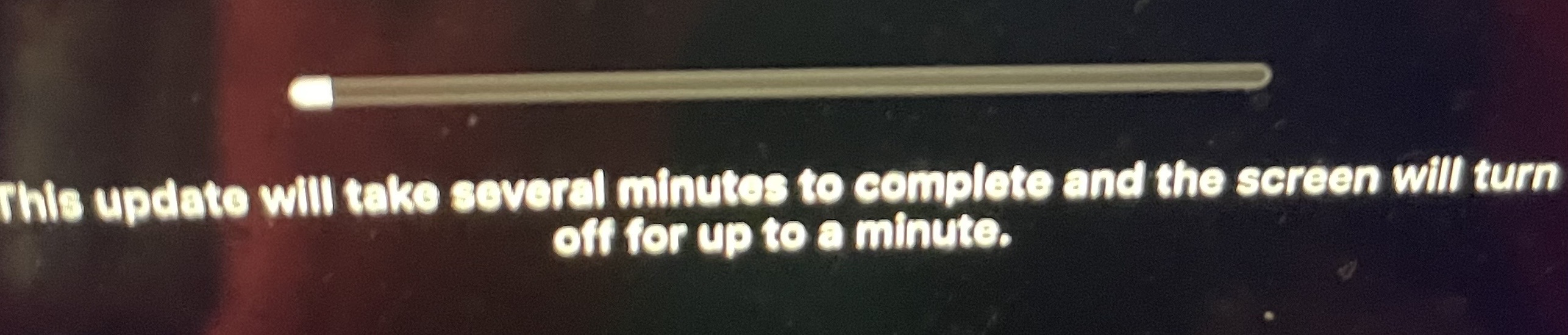
Updating macOS Ventura v13.6.9 to v13.7 got stuck when I was out. :/ >>>>>> Basically, I told 13" Intel 2020 MBP's macOS to update its Safari and >>>>>> macOS Ventura to v13.7 while I was out since it takes a while to
download, prepare, upgrade, and finish. I came home and MBP was
asleep. I thought it was done so I woke it up and the screen blinked >>>>>> and showed me
https://matrix.zimage.com/_matrix/media/v3/download/ross154.net/rJetbpwFfEkNGXPcPaJwxlmU/FullSizeRender.jpg
(photo). I waited for 15 minutes, and it was still there at the same >>>>>> status. MBP wasn't even warm so it's not doing anything I think.
Usually, upgrades makes MBP warm/hot. :(
So, I held the power button to force a shut off, booted back up, but >>>>>> nothing. I tried again without power AC, monitor, and 3.5mm speaker >>>>>> cable. Now, it worked. That scared me. I was able to boot up and log >>>>>> into macOS Ventura v13.6.9.
So, should I try again since I never had this issue before? :/ Thank you >>>>>> for reading and hopefully answering soon. :)
Upgrade to 15.0 "Sequoia".
What you are doing is utter nonsense to upgrade to a system out of support.
macOS Sequoia (15.0) was released to the public on 2024-09-16.
Your nuts are numb. Again.
Ventura is still supported. I will update to newer major version later on. >>
You understand not much:
https://arstechnica.com/gadgets/2022/10/apple-clarifies-security-update-policy-only-the-latest-oses-are-fully-patched/
And you are fiddling around with an OS which is 2 generations behind.
Have pity on those of us who have no option. My iMac is the 2017 model and is stuck at Ventura. I have no particular need to get a newer model even if I could afford it.
There's always OCLP which may eventually allow macOS 15 to run on your
iMac. I had Sonoma running on my 2017 MBA but after problems with WiFi I
went back to Monterey, its last officially supported macOS.
--
Cheers, Alan
--- SoupGate-Win32 v1.05
* Origin: fsxNet Usenet Gateway (21:1/5)