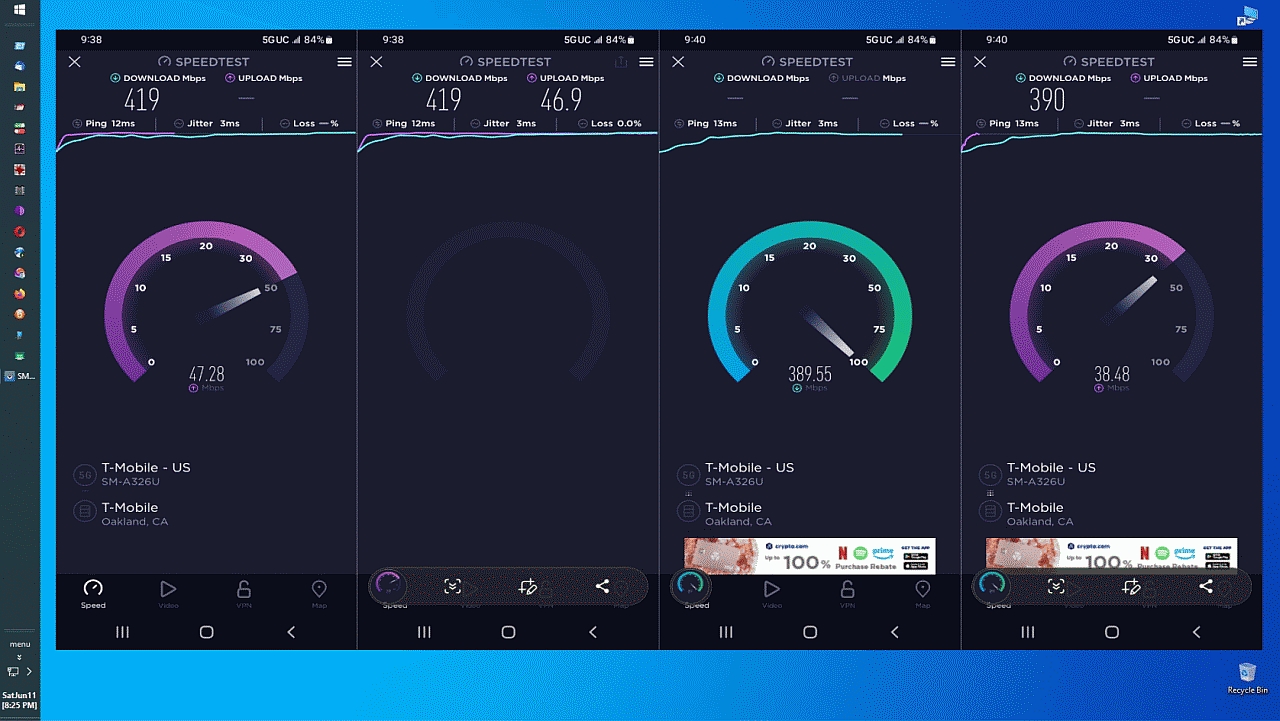
I've just spent the best part of a day transferring my data from a 4G
phone to what I bought as a 5G model.
I thought I'd better check it out, and I think I have accidentally or deliberately been sent a 4 model.
Just so I don't feel a fool in getting in touch with the seller -
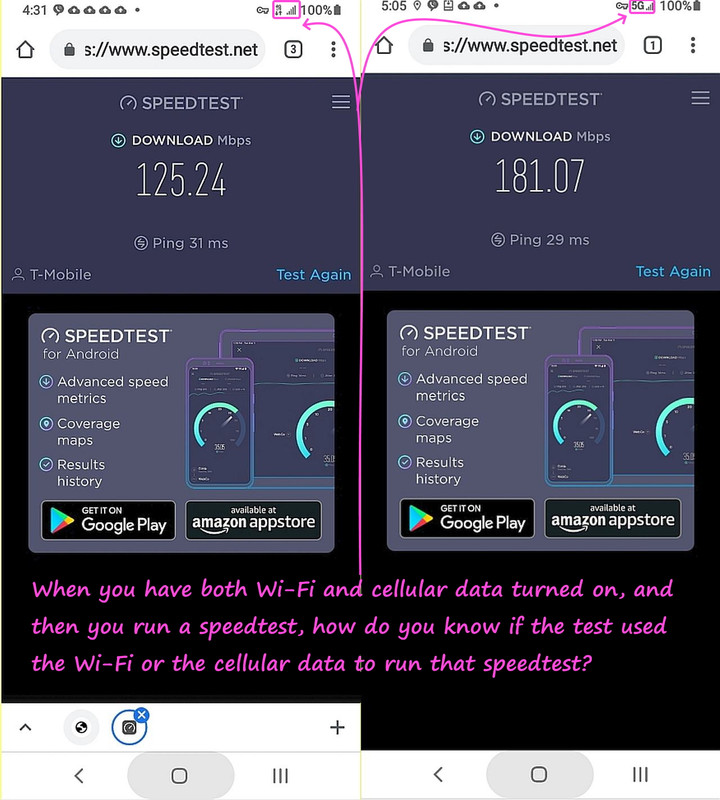
When I disconnect from Wi-Fi a little 4G appears with two arrows and
Network mode also only shows LTE/3G/2G
Am I correct?
When I disconnect from Wi-Fi a little 4G appears with two arrows andYou could be in a location without 5G coverage.
Network mode also only shows LTE/3G/2G
You could be in a location without 5G coverage.
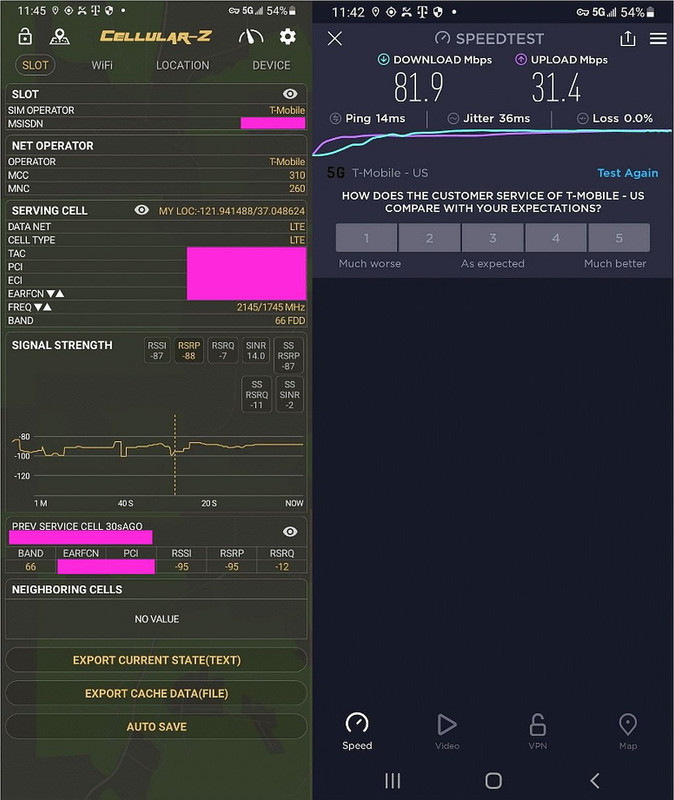
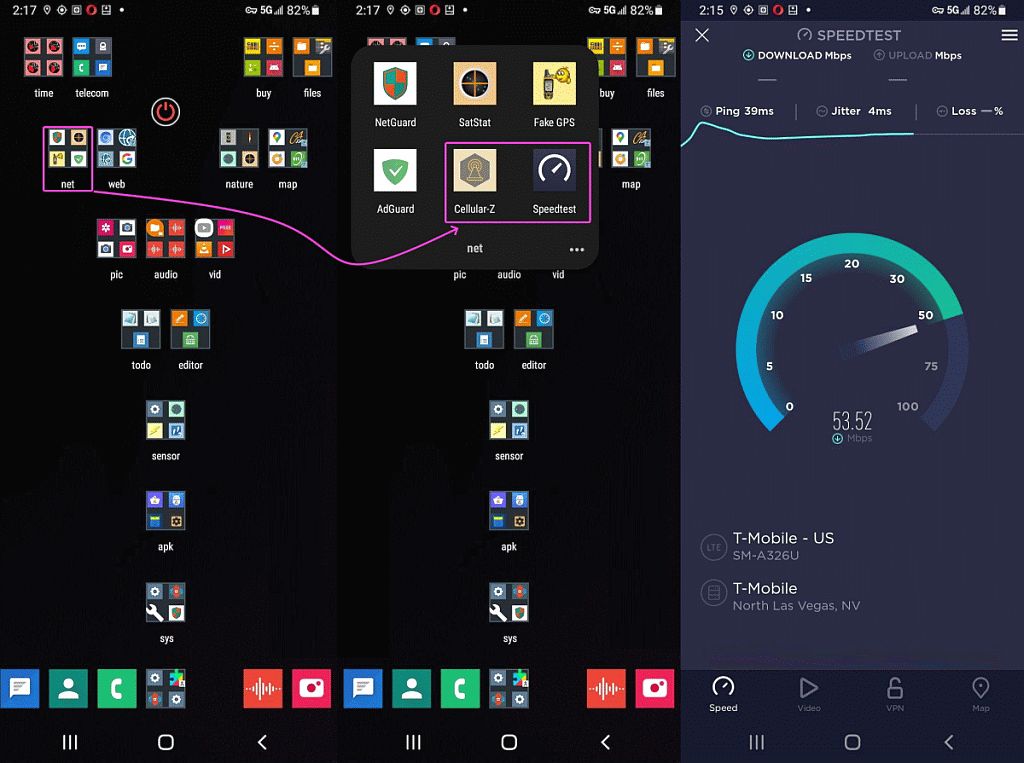
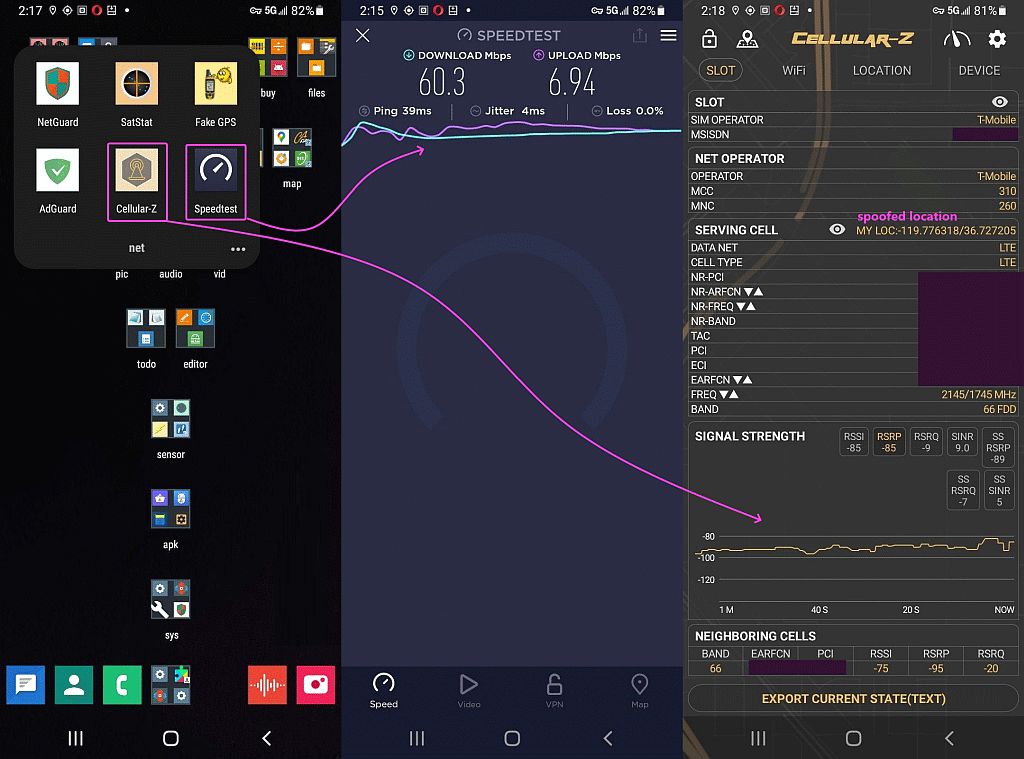
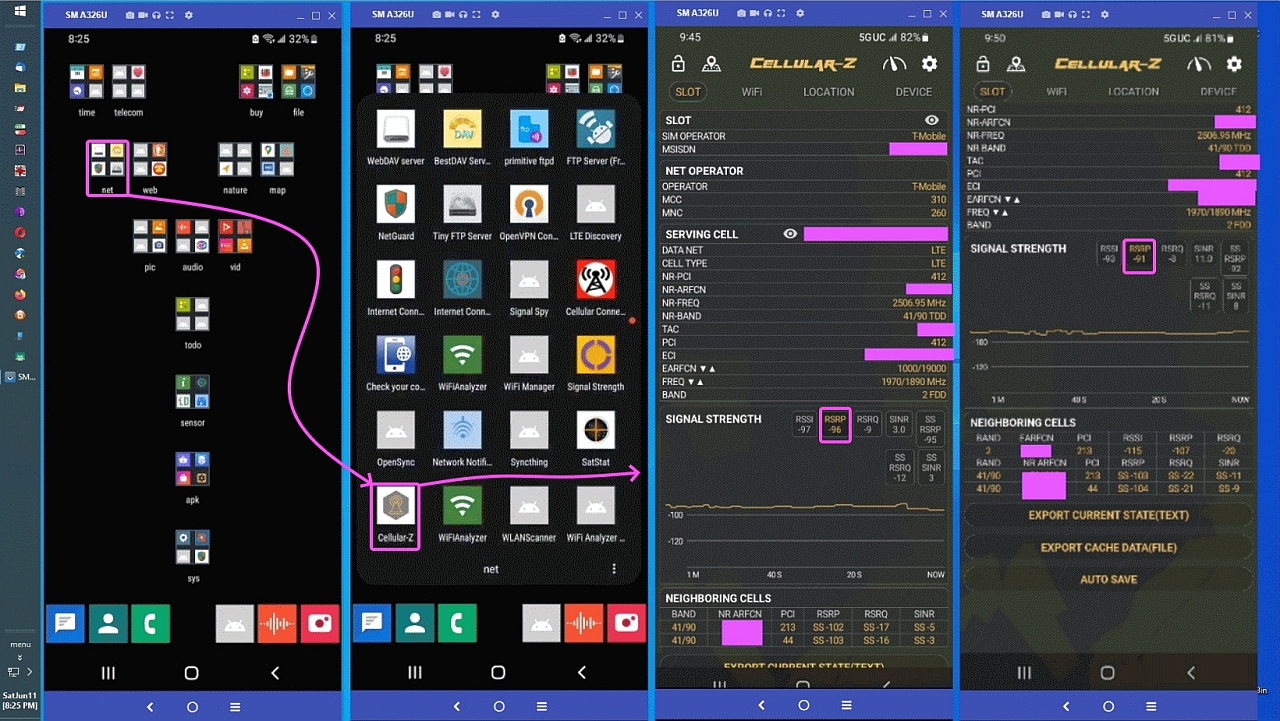
then any cellular debugger will tell
you the signal strength of the 5G frequencies in any given area.
Jim the Geordie <[email protected]> Wrote in message:
I've just spent the best part of a day transferring my data from a 4G
phone to what I bought as a 5G model.
I thought I'd better check it out, and I think I have accidentally or deliberately been sent a 4 model.
Just so I don't feel a fool in getting in touch with the seller -
When I disconnect from Wi-Fi a little 4G appears with two arrows and Network mode also only shows LTE/3G/2G
Am I correct?
Perhaps your mobile operator doesn't support 5g onthe contract you
have with them. Maybe there's no 5g service in your current
location.
What's the phone make and model?
What operator and contract (or payg) service (name)?
Dave Royal <[email protected]> wrote:
Jim the Geordie <[email protected]> Wrote in message:
<snip>
Perhaps your mobile operator doesn't support 5g onthe contract you
have with them. Maybe there's no 5g service in your current
location.
What's the phone make and model?
What operator and contract (or payg) service (name)?
It would help to know the exact part number of the phone. eg for iPhones it's written on the back as A1234,
... for Samsungs it's often something like
SM-A123BC. Usually engraved or on a label somewhere - on phones with removable backs/batteries it can be under the battery.
Many phones come in different versions and the version for, say, China may support different bands from the one for Europe or the US.
Theo
Jim the Geordie wrote:
When I disconnect from Wi-Fi a little 4G appears with two arrows and Network mode also only shows LTE/3G/2G
You could be in a location without 5G coverage.
then any cellular debugger will tell
you the signal strength of the 5G frequencies in any given area.
You need a pinch of salt for those.
My network at my house claims it
has outdoor 5G coverage, but no indoor coverage.
I've never seen a 5G connection here while outdoors, and I've literally
only once seen a 5G connection while indoors on the first floor.
It's
not a issue for me since it gets a good 4G signal, plus while at home it
uses my wifi for data and voice.
It would help to know the exact part number of the phone. eg for iPhones
it's written on the back as A1234,
It used to be. It can be tricky to workout the model number of an
iPhone if you can't open it and look in 'About phone'. I've had
to compare the pictures on wikipedia.
When I disconnect from Wi-Fi a little 4G appears with two arrows and
Network mode also only shows LTE/3G/2G
You could be in a location without 5G coverage.
If it's a drop-down 'Network mode' menu in Settings, then one of the choices should say '5G/...' or something. I.e. the choice does not
specify what is actually available coverage-wise, but what you want.
Many phones come in different versions and the version for, say, China may support different bands from the one for Europe or the US.
On 06 Mar 2025 10:32:41 +0000 (GMT), Theo wrote :
Many phones come in different versions and the version for, say, China
may
support different bands from the one for Europe or the US.
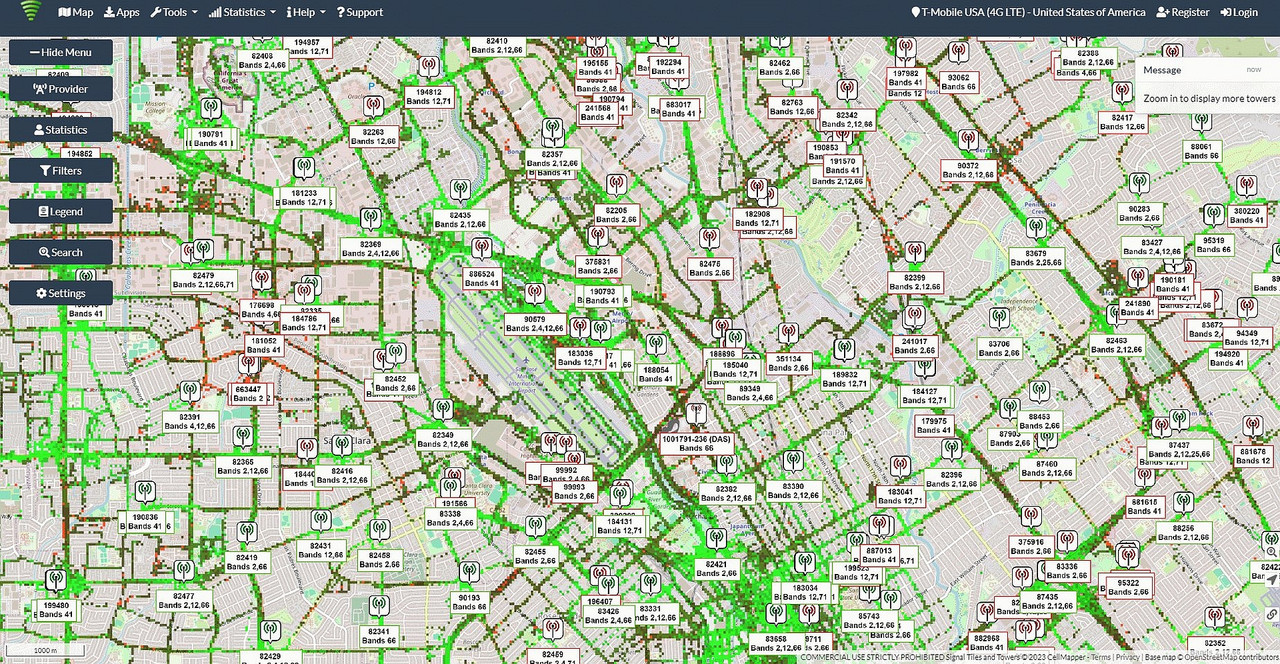
Even if a phone doesn't support any particular band, there are public databases that tell you what towers are in any given area. <https://www.cellmapper.net/>
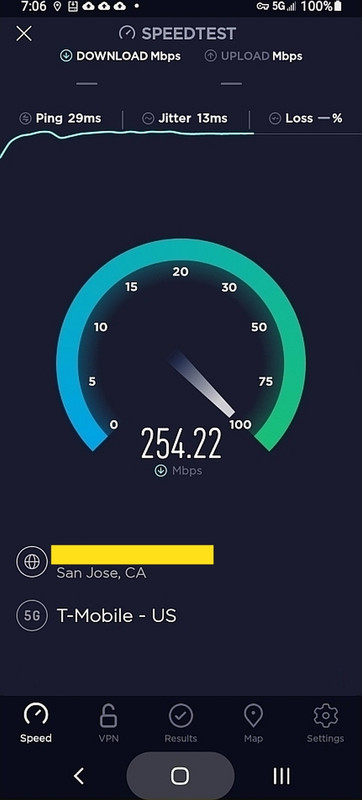
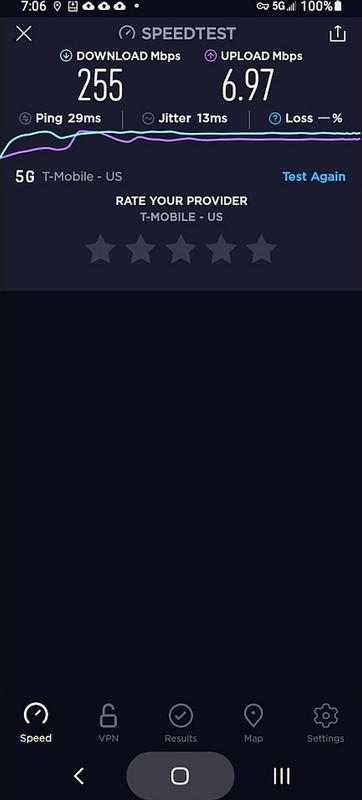
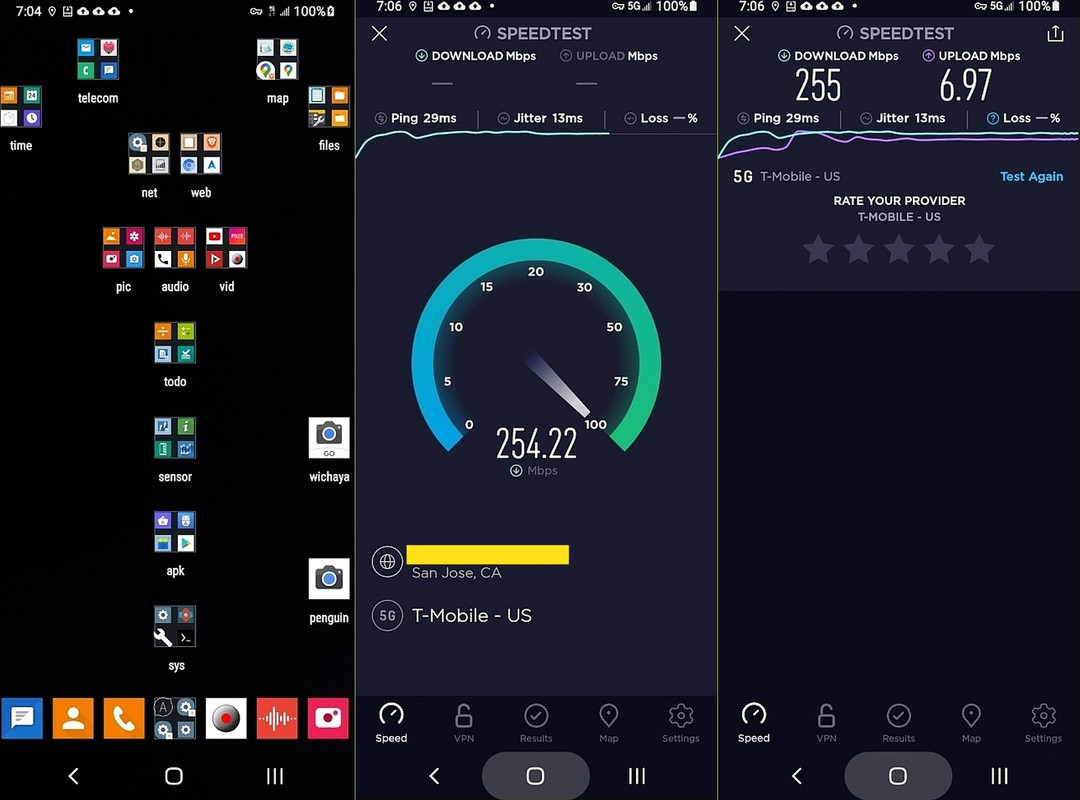
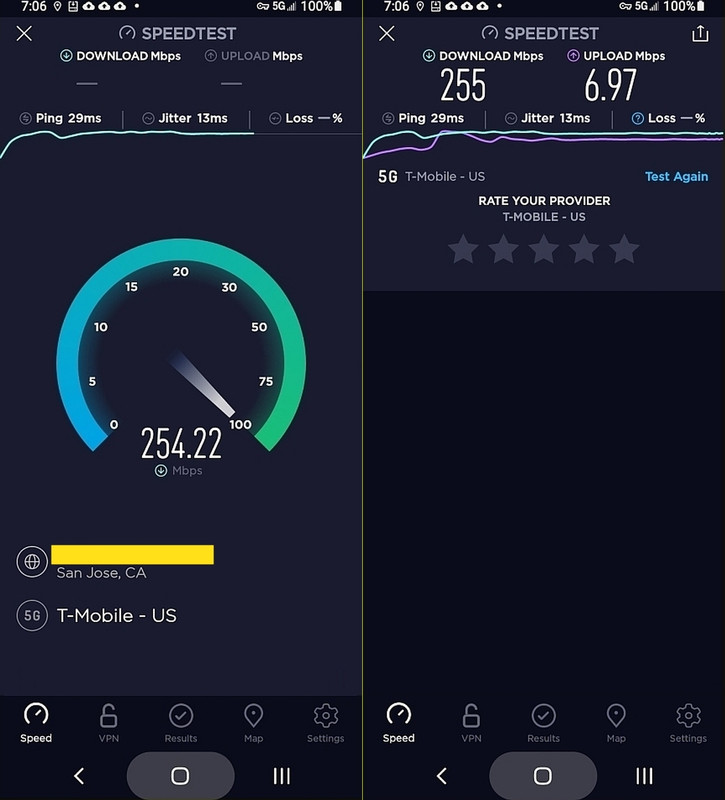
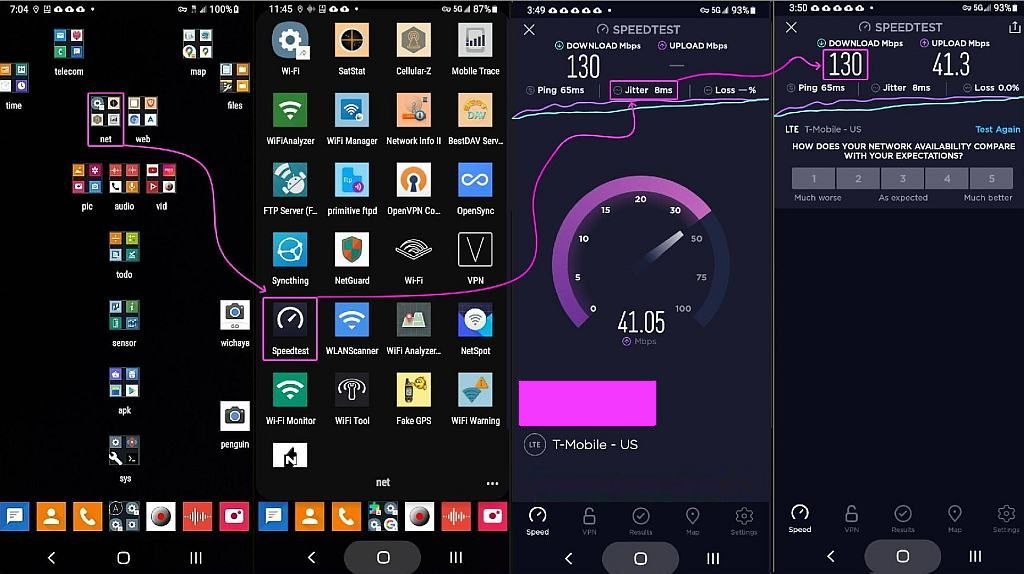
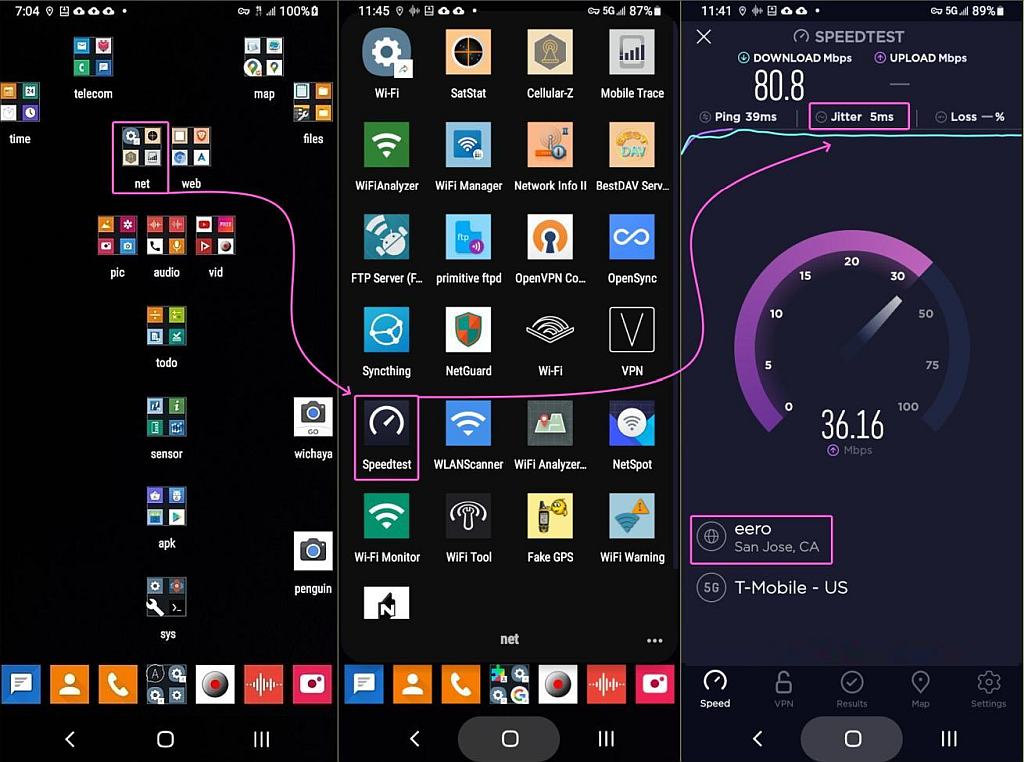
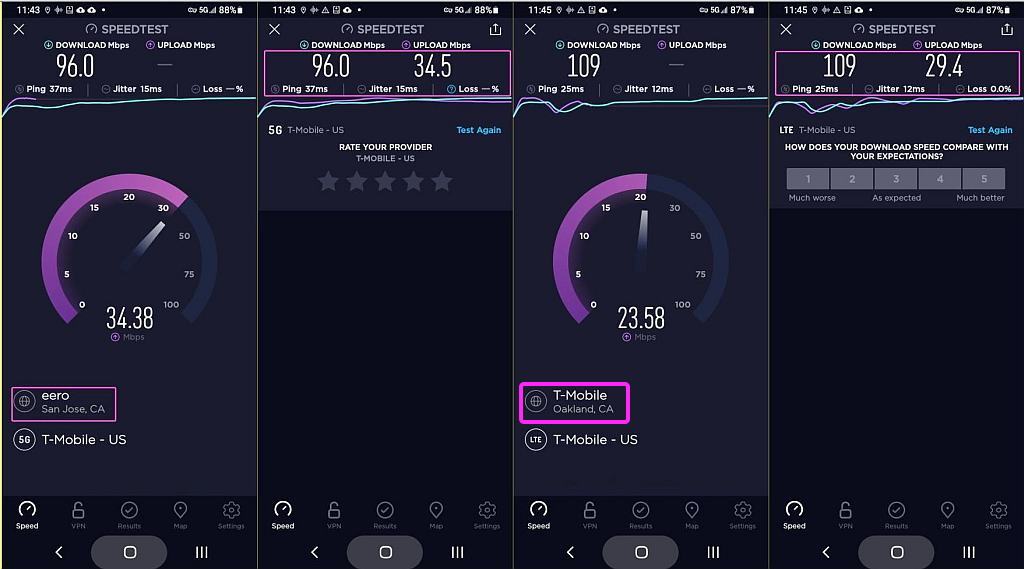
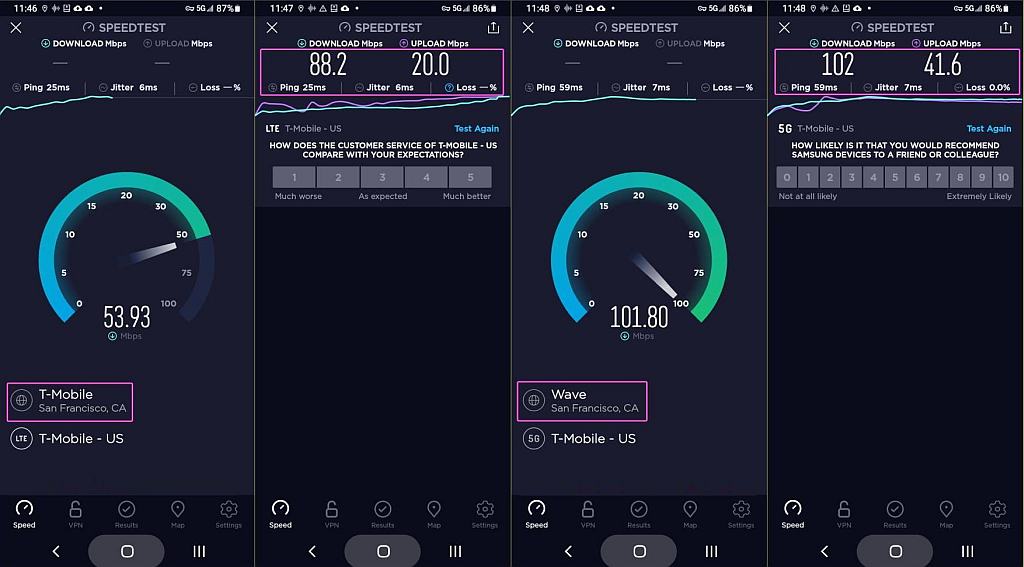
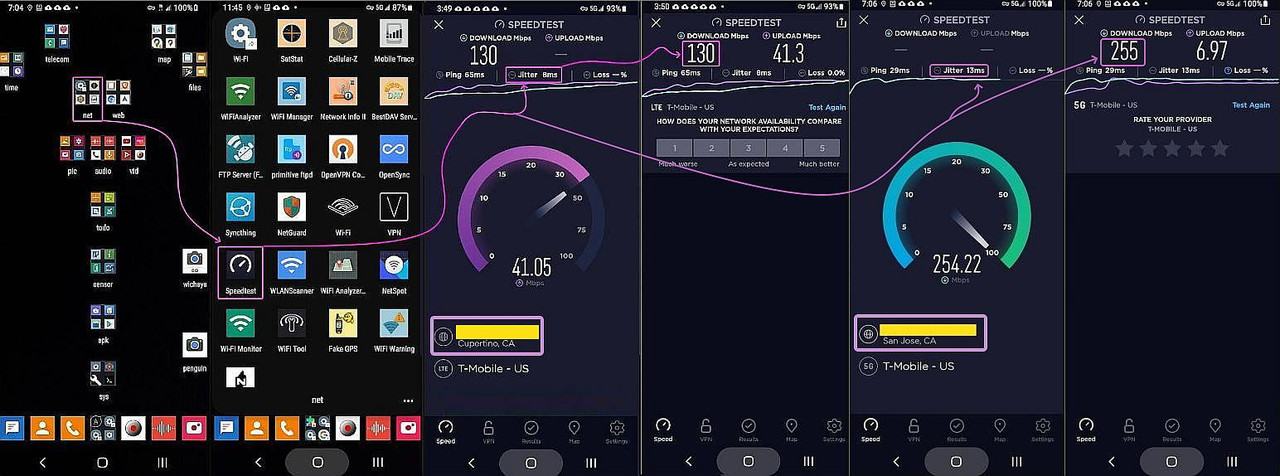
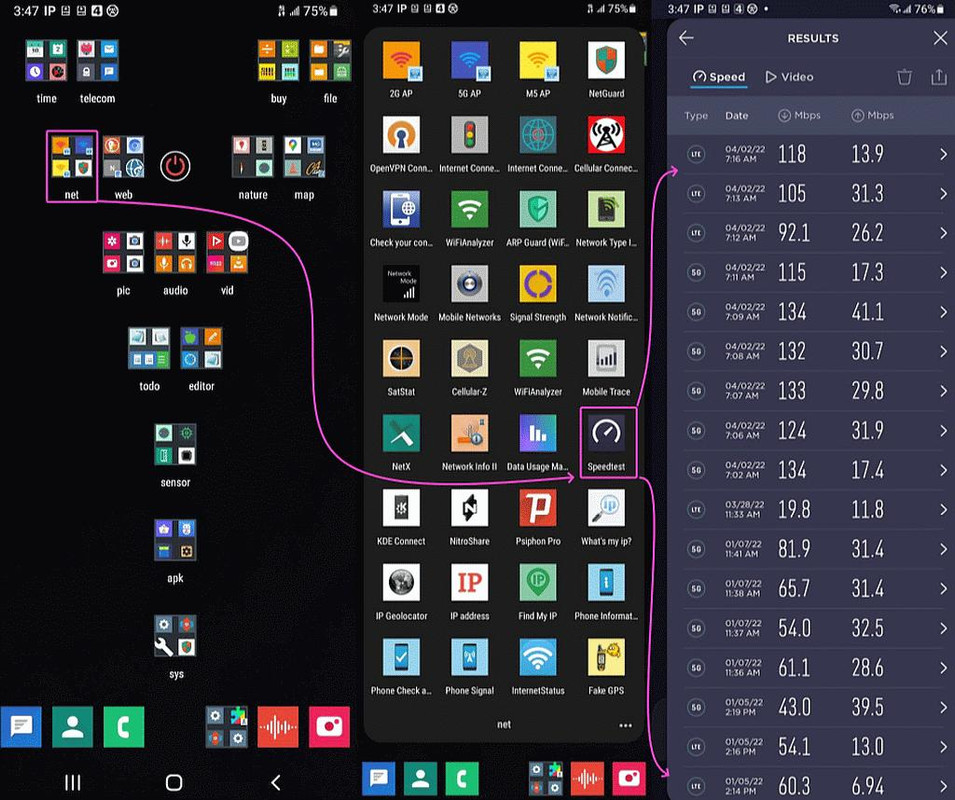
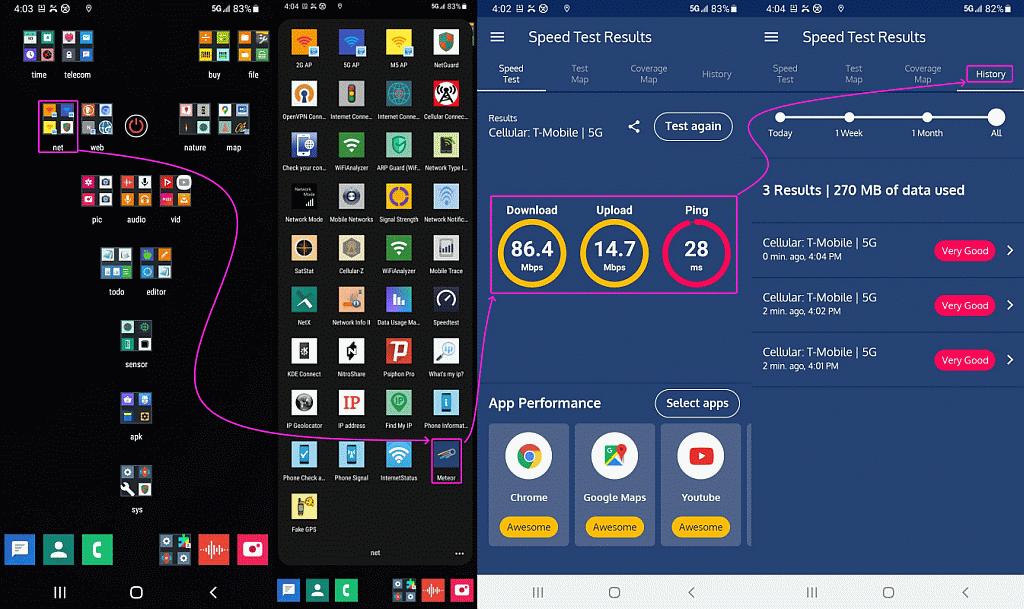
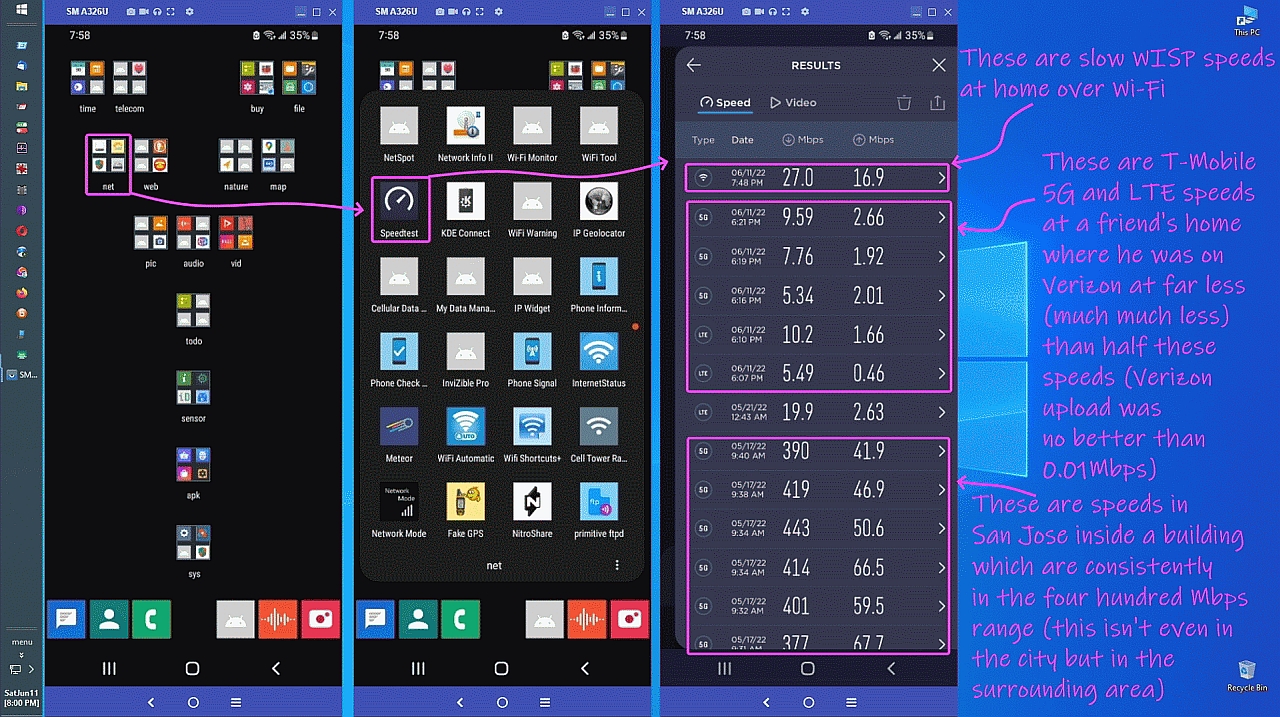
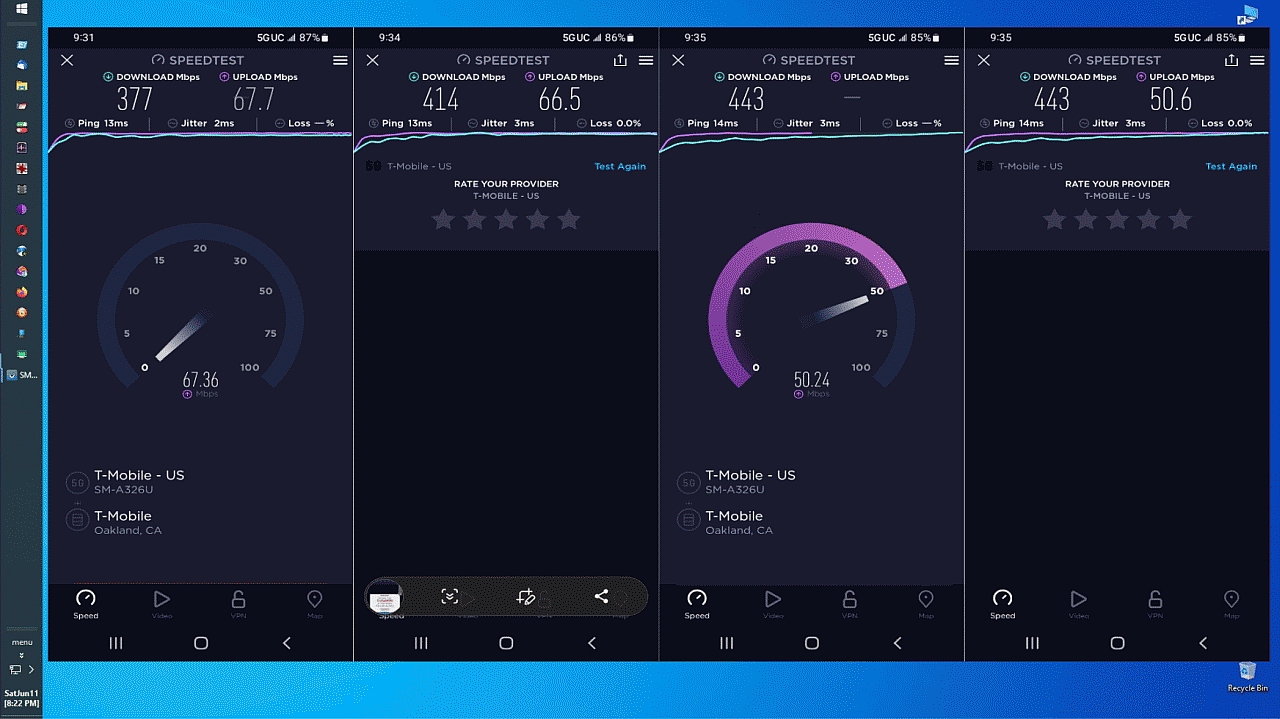
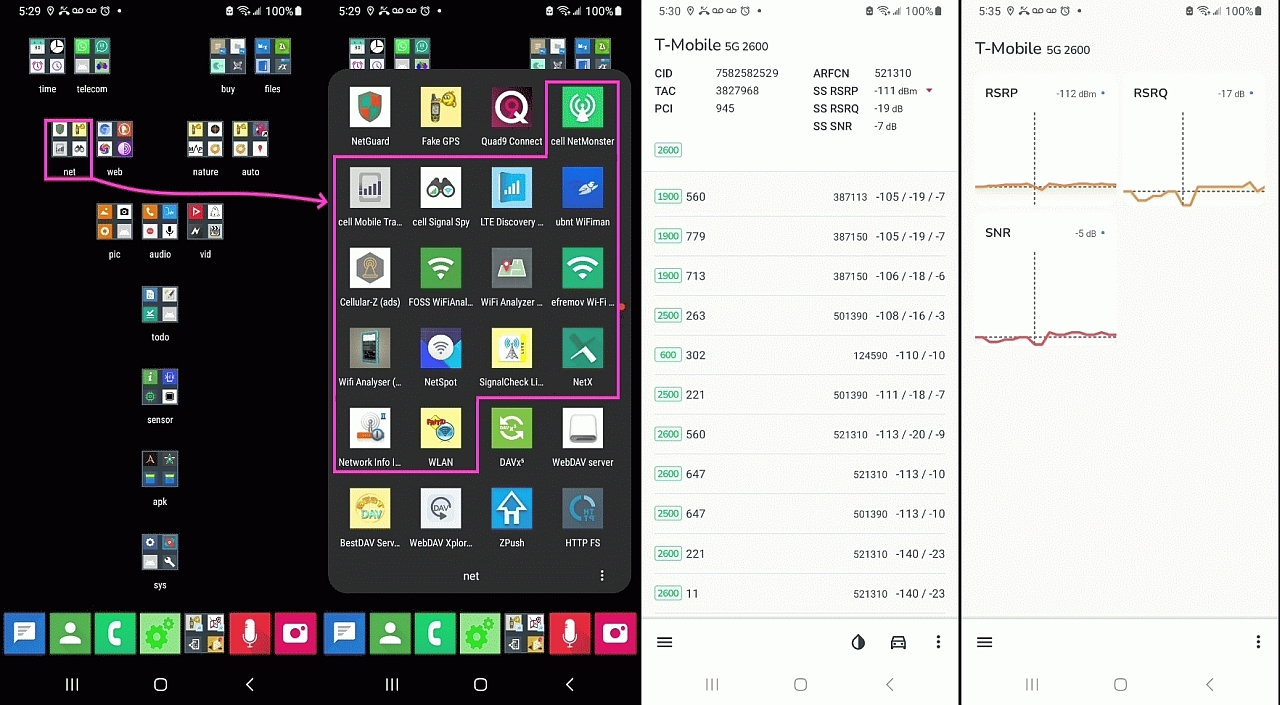
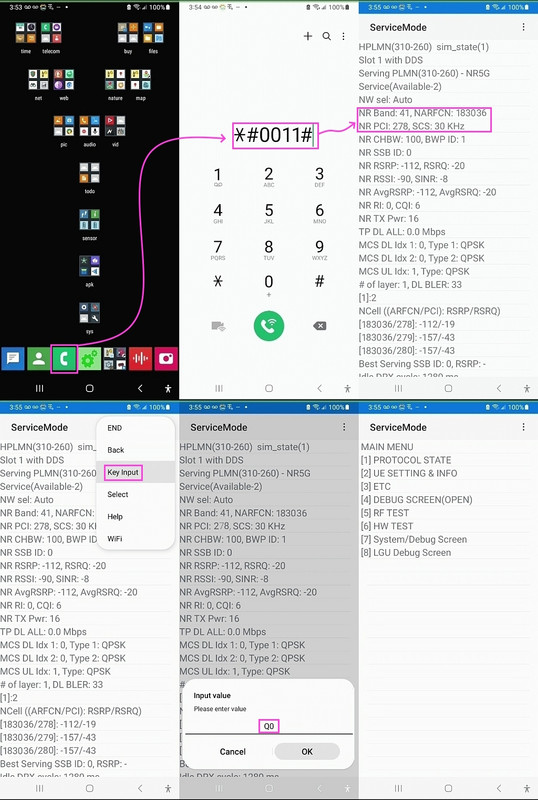
Also, there's roaming, which enables data on multiple carriers I think: <https://i.postimg.cc/7hFSk55g/roaming01.jpg> Turn on data roaming <https://i.postimg.cc/YCG9NHzT/roaming02.jpg> Check tower frequencies
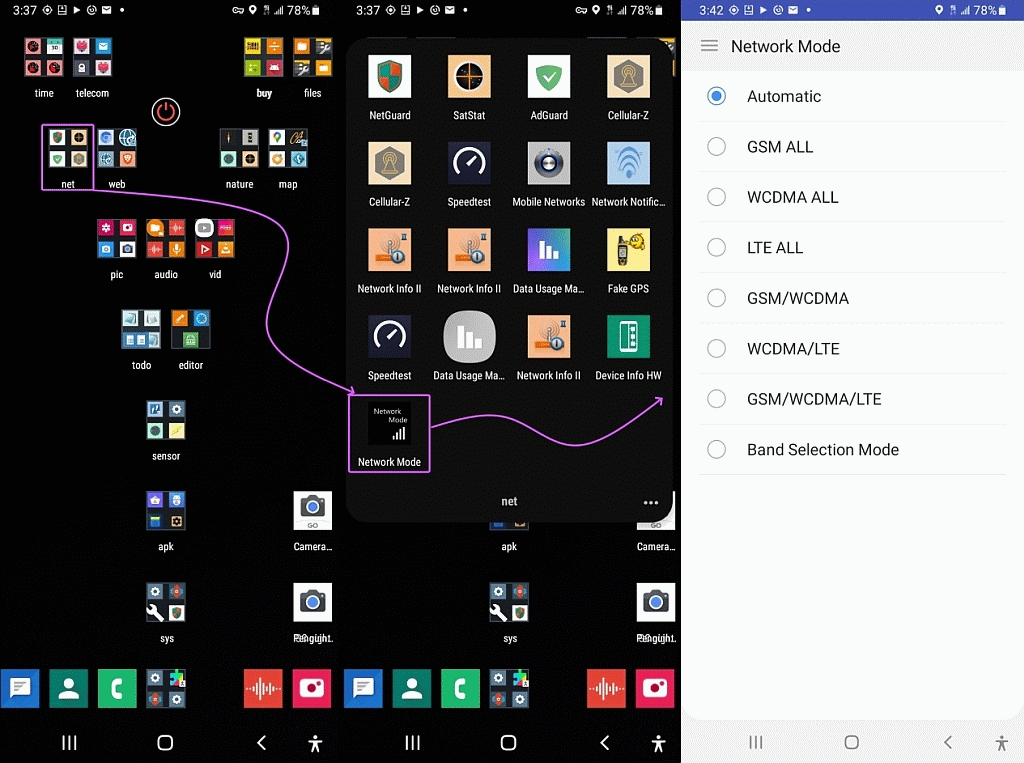
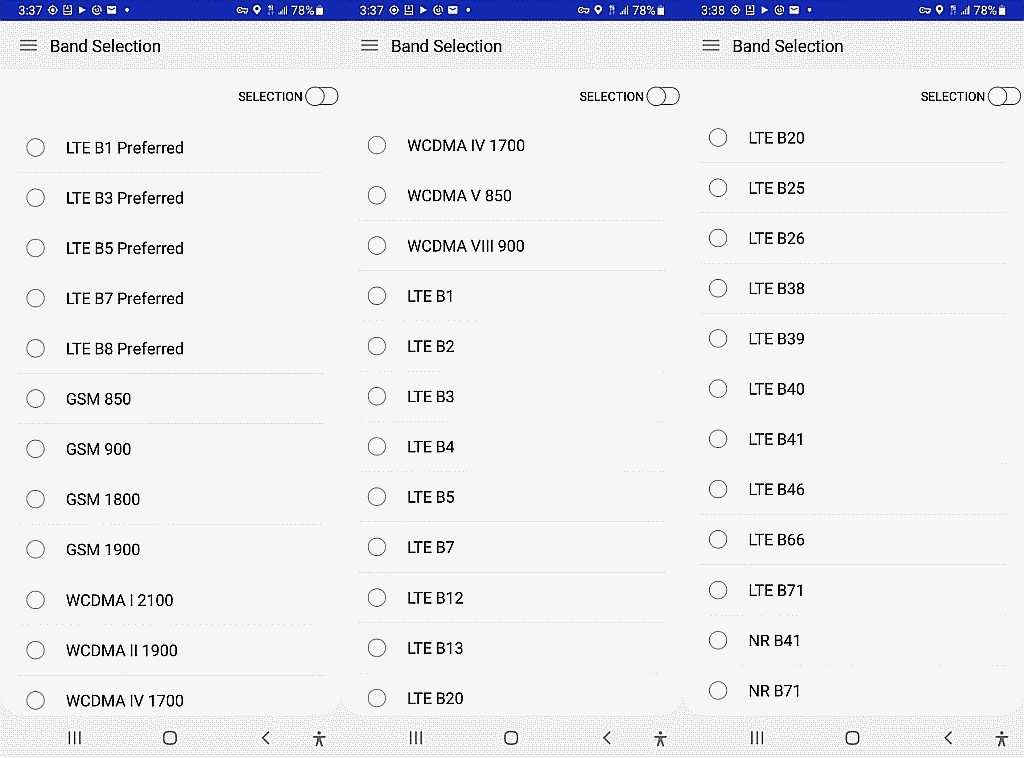
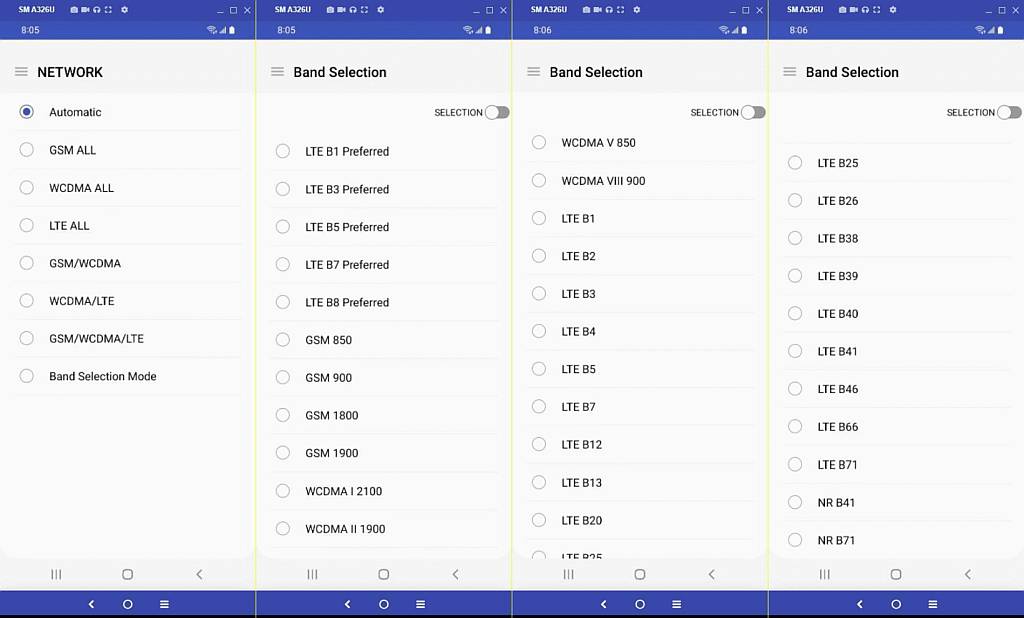
Anyone can also ask their phone what bands it supports like I did here: <https://i.postimg.cc/FFByv7Ps/bands01.jpg> Hidden Network-Mode Activity <https://i.postimg.cc/ZKnwPGQ0/bands02.jpg> Hidden Band-Selection Activity <https://i.postimg.cc/L5CZHt2k/bands03.jpg> Band selection options <https://i.postimg.cc/dVQJkL02/bands05.jpg> T-Mo LTE bands San Jose
for Wi-Fi, you can check the signal strength of any
signal you can pick up with your antenna - but not for cellular debuggers.
Any idea why?
I've never seen a phone which can't get into that screen by dialling *#*#4636#*#*
Andy Burns writes:
I've never seen a phone which can't get into that screen by dialling
*#*#4636#*#*
How many phones have you seen?
On 06 Mar 2025 10:32:41 +0000 (GMT), Theo wrote :
Many phones come in different versions and the version for, say, China may >> support different bands from the one for Europe or the US.
Even if a phone doesn't support any particular band, there are public databases that tell you what towers are in any given area.
<https://www.cellmapper.net/>
| Sysop: | Keyop |
|---|---|
| Location: | Huddersfield, West Yorkshire, UK |
| Users: | 764 |
| Nodes: | 16 (2 / 14) |
| Uptime: | 20:06:54 |
| Calls: | 12,755 |
| Calls today: | 3 |
| Files: | 15,357 |
| Messages: | 6,556,702 |