Pop-Up Thingie

>>> Magnum BBS <<<
  • Home
  • Forum
  • Files
  • Log in

  1. Forum
  2. Usenet
  3. COMP.MOBILE.IPAD
  • 1st test of Jolly Roger's claim that Apple mobile devices are NOT desig

    From Andrew@21:1/5 to All on Sat Aug 3 23:37:38 2024
    XPost: misc.phone.mobile.iphone, comp.sys.mac.advocacy

    While I'm pretty sure it's impossible to set up an Apple device for
    privacy, I will try to set up my new 10th generation iPad w/o Internet.

    *I just bought two 10th generation inexpensive iPads for $300 each*
    <https://www.novabbs.com/computers/article-flat.php?id=16562&group=misc.phone.mobile.iphone#16562>

    The first step is to use the iPad as a smart device, which I suspect is impossible but Jolly Roger insists that iOS isn't designed as a dumb
    terminal (devoid of any functionality without the Apple mainframe matrix).

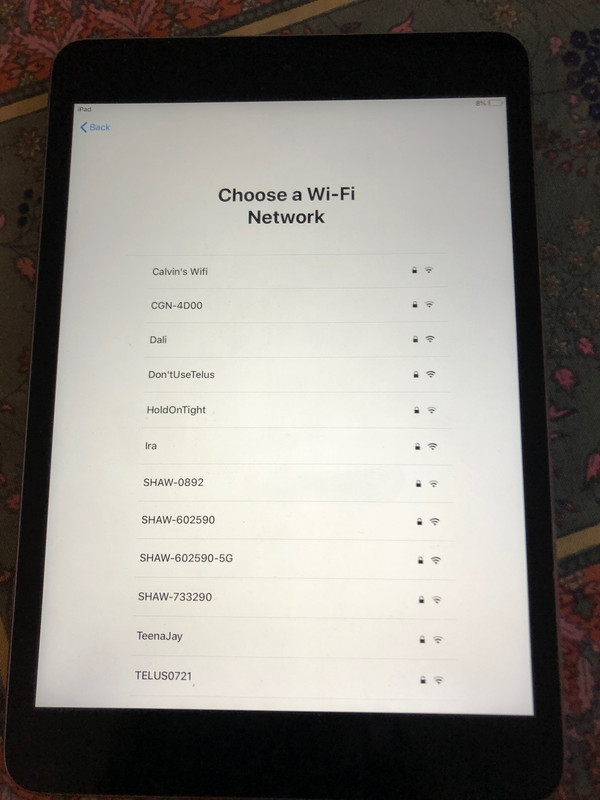
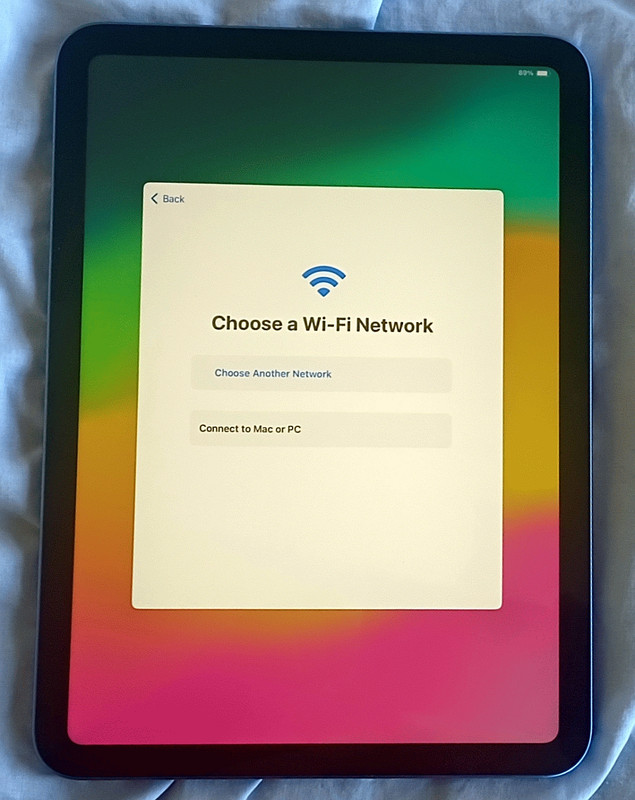
    So here's the very first test of Jolly Roger's claim:
    <https://i.postimg.cc/m2cRzXkp/10genipad03.jpg>

    Q: How do I set it up WITHOUT logging into Apple's mainframe servers?
    A: ?

    Where's the skip button when it asks:
    "Choose a Wi-Fi network"

    Note: Every "smart" common consumer operating system asks teh same question
    at first, but "smart" devices provide a skip button to omit this step.

    --- SoupGate-Win32 v1.05
    * Origin: fsxNet Usenet Gateway (21:1/5)
  • From Andrew@21:1/5 to Andrew on Sun Aug 4 01:57:10 2024
    XPost: misc.phone.mobile.iphone, comp.sys.mac.advocacy

    Andrew wrote on Sat, 3 Aug 2024 23:37:38 -0000 (UTC) :

    So here's the very first test of Jolly Roger's claim:
    <https://i.postimg.cc/m2cRzXkp/10genipad03.jpg>

    Q: How do I set it up WITHOUT logging into Apple's mainframe servers?
    A: ?

    The fact is only Apple's mobile devices are designed as dumb terminals
    since no other common consumer operating system requires the net for setup.

    Here's a further test of Jolly Roger's claim that the iOS devices aren't designed as dumb terminals where they have no functionality without logging into Cupertino's mainframe servers (just to get basic iOS functionality).

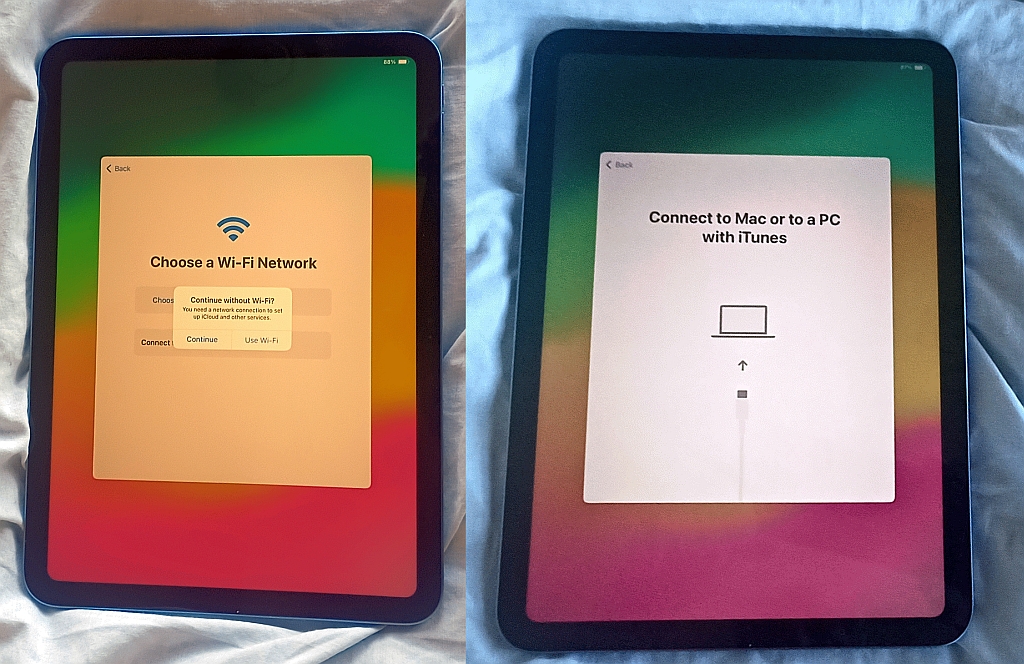
    I am able to skip the connect-to-Wi-Fi step, but now it's asking me to
    connect to iTunes on a mac or PC which is also a ridiculous requirement.
    <https://i.postimg.cc/Njqc38Vj/10genipad04.jpg>

    Since I'm faithfully trying to test Jolly Roger's claim that an iOS device
    is NOT a dumb terminal that must connect to Cupertino's mainframes, I will
    set up the iTunes abomination on my Windows PC to see if that will work.

    Note the fact that iOS devices are designed as dumb terminals devoid of
    even the most basic functionality without the net is why the whole world is
    on Android - where only the super rich countries can afford Apple's model.

    --- SoupGate-Win32 v1.05
    * Origin: fsxNet Usenet Gateway (21:1/5)
  • From Alan@21:1/5 to Andrew on Sat Aug 3 18:19:03 2024
    XPost: misc.phone.mobile.iphone, comp.sys.mac.advocacy

    On 2024-08-03 16:37, Andrew wrote:
    While I'm pretty sure it's impossible to set up an Apple device for
    privacy, I will try to set up my new 10th generation iPad w/o Internet.

    *I just bought two 10th generation inexpensive iPads for $300 each*
    <https://www.novabbs.com/computers/article-flat.php?id=16562&group=misc.phone.mobile.iphone#16562>

    The first step is to use the iPad as a smart device, which I suspect is impossible but Jolly Roger insists that iOS isn't designed as a dumb
    terminal (devoid of any functionality without the Apple mainframe matrix).

    So here's the very first test of Jolly Roger's claim:
    <https://i.postimg.cc/m2cRzXkp/10genipad03.jpg>

    Q: How do I set it up WITHOUT logging into Apple's mainframe servers?
    A: ?

    Where's the skip button when it asks:
    "Choose a Wi-Fi network"

    Note: Every "smart" common consumer operating system asks teh same question at first, but "smart" devices provide a skip button to omit this step.

    Windows 11 doesn't allow you to skip this step; or at least not in any
    manner that leaves you able to call it a '"smart" device":

    'Bypass Out-of-the-Box-Experience (OOBE) Internet Requirement

    In the "Let's connect you to a network" screen, press Shift+F10 to
    launch cmd;

    Type the following command: OOBE\BYPASSNRO

    After successful execution, the system will restart and restart the OOBE session box, when you reach the "Let's connect you to a network" screen,
    click "I don't have Internet", continue to click "limited setup", accept
    the license agreement and continue to create a local user account.
    Hope the information is helpful.'

    <https://learn.microsoft.com/en-us/answers/questions/1179311/windows-11-setup-without-internet>

    Also, asking for you to select a WiFi has nothing to do with whether you
    can skip using Apple's services.

    Happy to help.

    --- SoupGate-Win32 v1.05
    * Origin: fsxNet Usenet Gateway (21:1/5)
  • From Andrew@21:1/5 to Andrew on Sun Aug 4 16:18:09 2024
    XPost: misc.phone.mobile.iphone, comp.sys.mac.advocacy

    Andrew wrote on Sun, 4 Aug 2024 01:57:10 -0000 (UTC) :

    Since I'm faithfully trying to test Jolly Roger's claim that an iOS device
    is NOT a dumb terminal that must connect to Cupertino's mainframes, I will set up the iTunes abomination on my Windows PC to see if that will work.

    Jolly Roger brazenly lied.
    The only other option is Jolly Roger is incredibly ignorant about how iOS works.

    No other common consumer operating system is a dumb terminal which requires connecting to Cupertino's mainframe servers just to set the thing up.

    Only Apple operating systems just don't work without the Internet.

    This proves beyond a shadow of a doubt...
    a. The Apple zealots don't have a clue how iOS works.
    b. Without the Internet, the iPad simply does not work.
    c. The iOS device is designed as a dumb terminal.

    *can i set up ipad without internet?*
    <https://discussions.apple.com/thread/3147319?answerId=15511594022#15511594022>
    "Sorry, you need iTunes with an internet connection to activate the iPad."

    *Is it possible to set up an iPad without an internet (WiFi) connection?*
    <https://discussions.apple.com/thread/253426715?answerId=256411659022&sortBy=rank#256411659022>
    "No, because the activation lock check cannot be completed and that
    is the third step in manually setting up a device. You need WiFi and an
    internet connection to complete activation of any new or erased device."

    *How can i skip choosing wi-fi network when setting up ipad?*
    <https://discussions.apple.com/thread/8444887?answerId=33576555022&sortBy=rank#33576555022>
    "You cannot. Every iOS device needs to be activated with Apple to use.
    That requires an internet connection to check for activation lock.
    You can use iTunes, WiFi or a cellular connection, but you cannot
    activate any iOS device without an internet connection"

    *Set up your iPhone or iPad*
    <https://support.apple.com/en-us/105132>
    [Because all iOS devices are designed as dumb terminals]...
    "You need to connect to a Wi-Fi network or a cellular network to
    activate and continue setting up your device."

    Fancy that.
    a. Jolly Roger brazenly lied. Again. (When does Jolly Roger NOT lie?)
    b. Or, best case, Jolly Roger absolutely has no idea how iOS works.

    Pick one, or both.

    --- SoupGate-Win32 v1.05
    * Origin: fsxNet Usenet Gateway (21:1/5)
  • From Andrew@21:1/5 to Andrew on Mon Aug 5 03:54:18 2024
    XPost: misc.phone.mobile.iphone, comp.sys.mac.advocacy

    Andrew wrote on Sun, 4 Aug 2024 16:18:09 -0000 (UTC) :

    a. Jolly Roger brazenly lied. Again. (When does Jolly Roger NOT lie?)
    b. Or, best case, Jolly Roger absolutely has no idea how iOS works.

    Apparently Alan Baker made the claim that iOS is NOT a dumb terminal, but
    even a quick inspection of his claim proves iOS to be a dumb terminal.
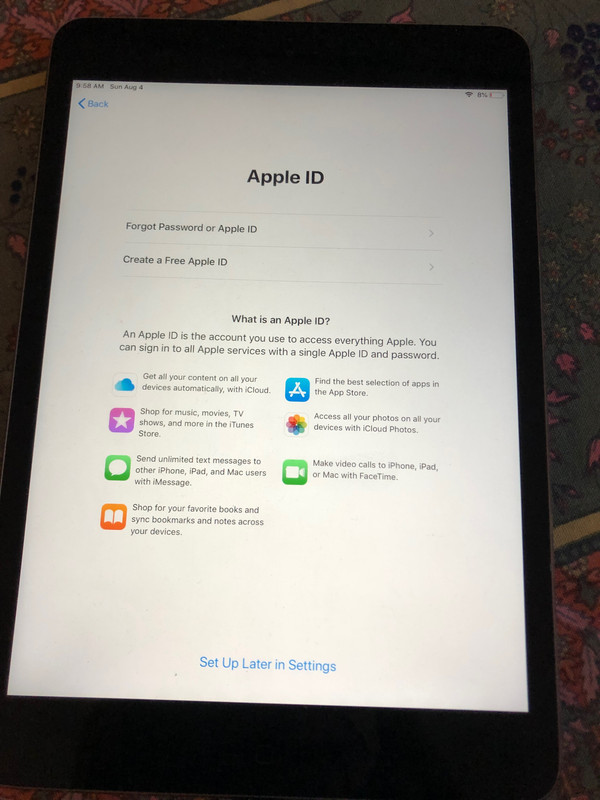
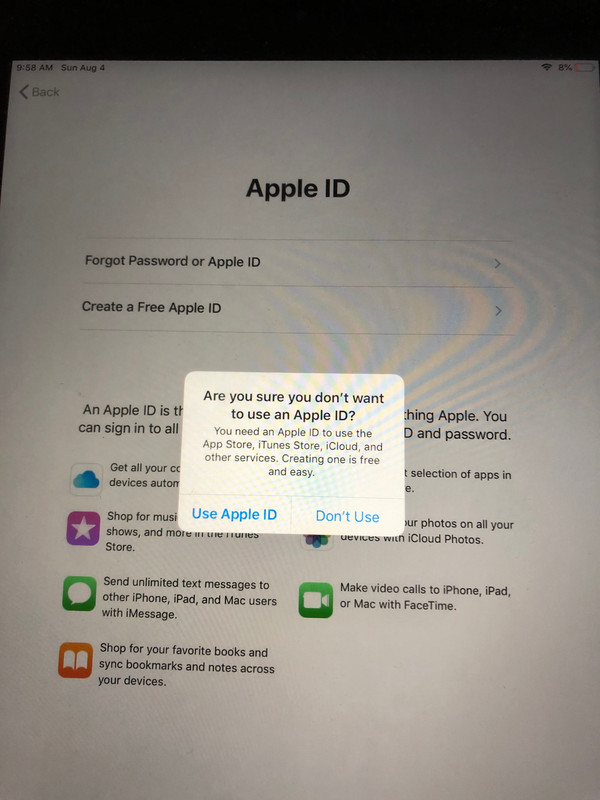
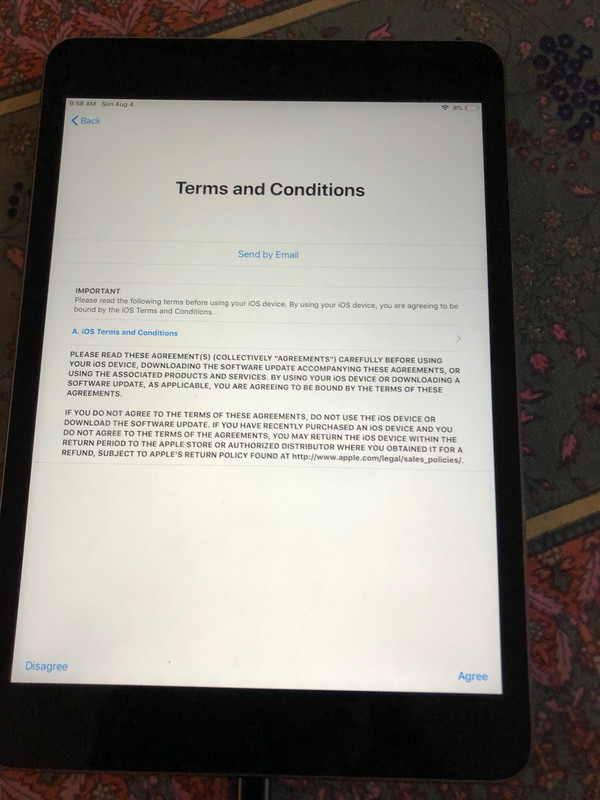
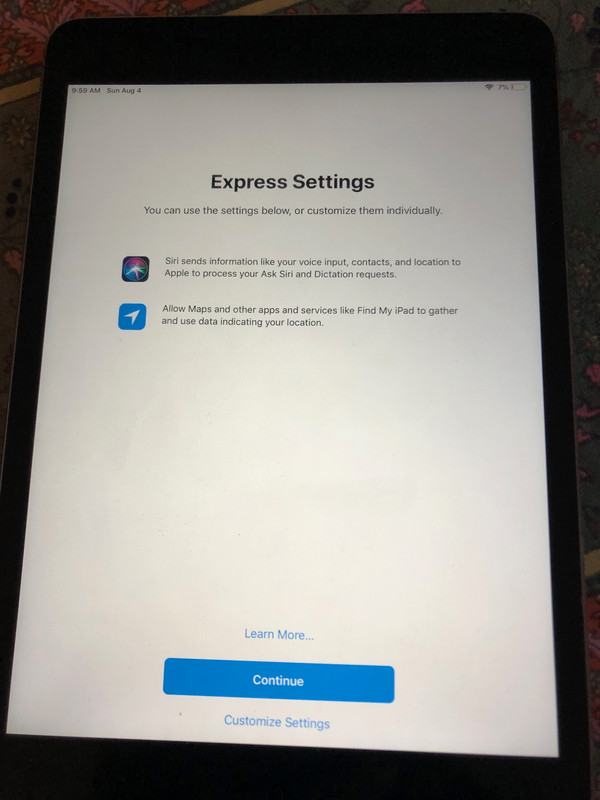
    *Setting up an iPad without an AppleID*
    <https://www.novabbs.com/computers/article-flat.php?id=16576&group=misc.phone.mobile.iphone#16576>

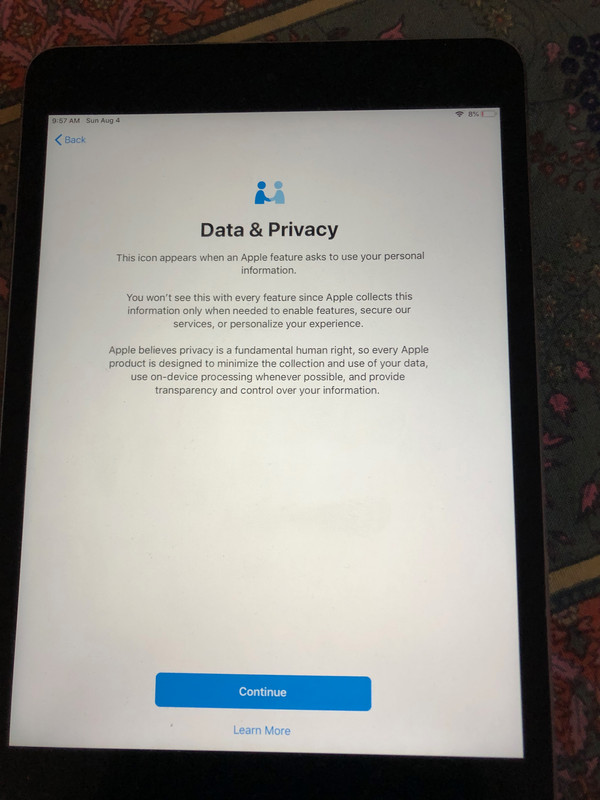
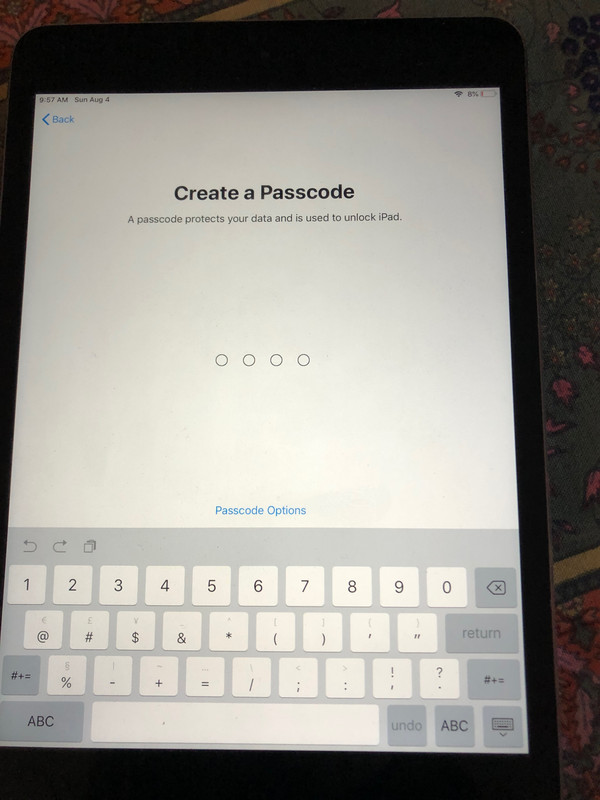
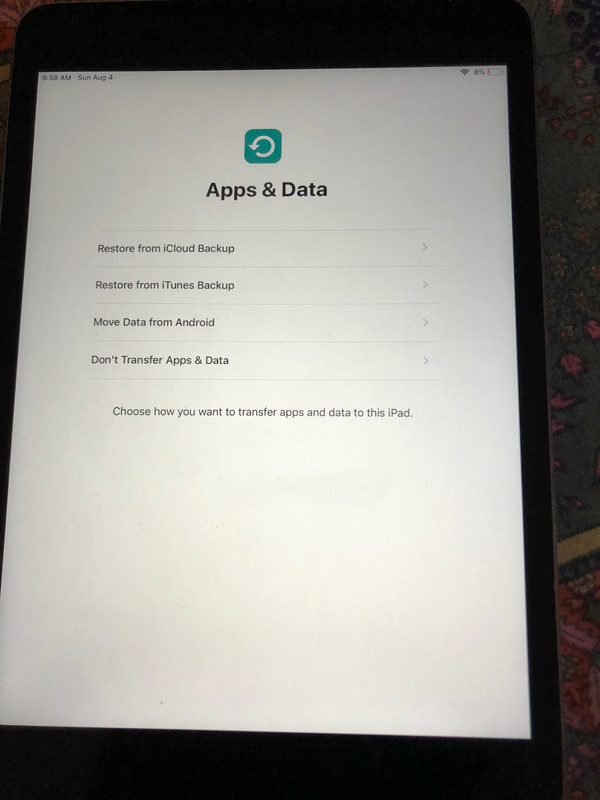
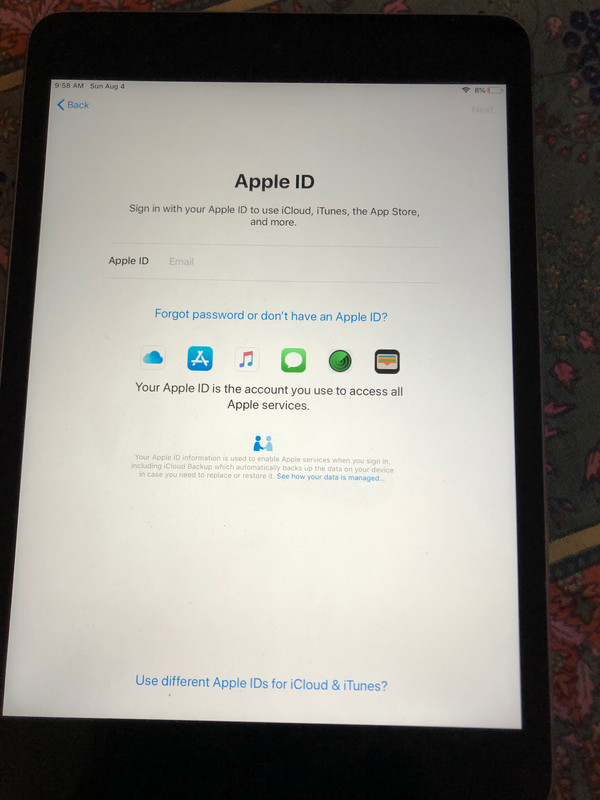
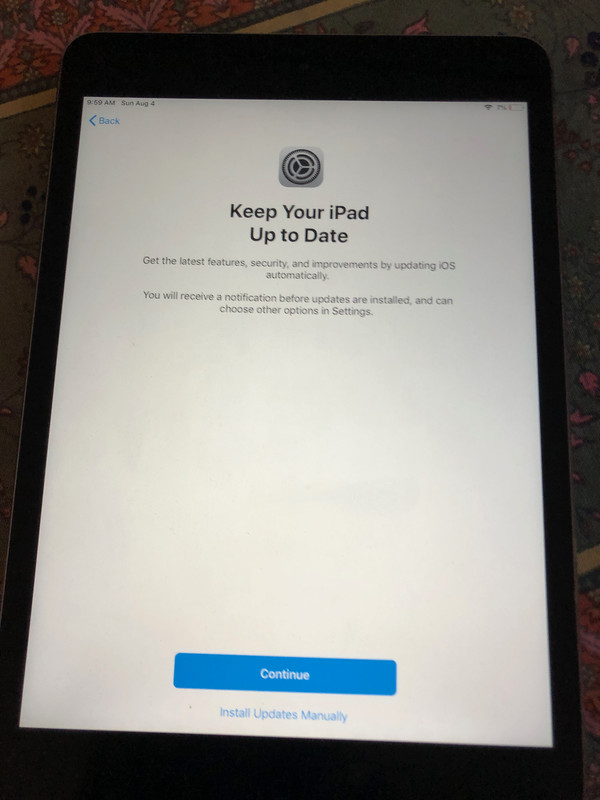
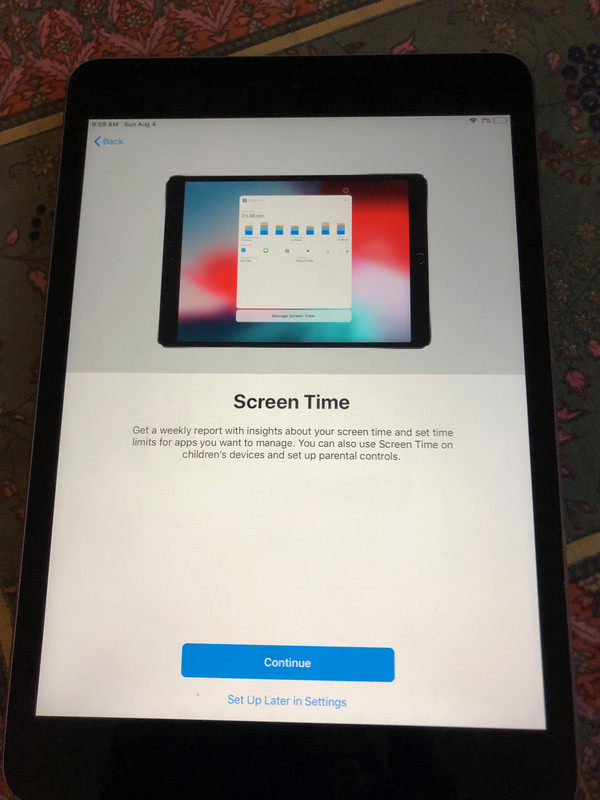
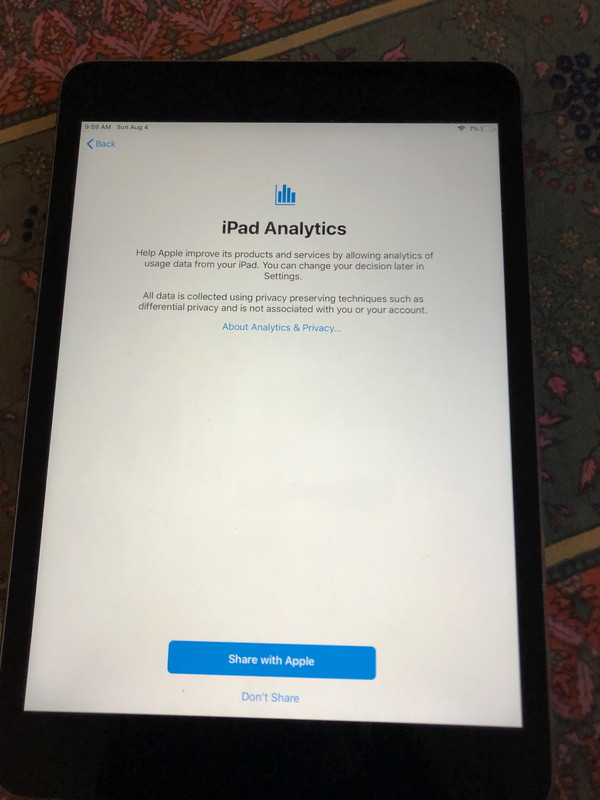
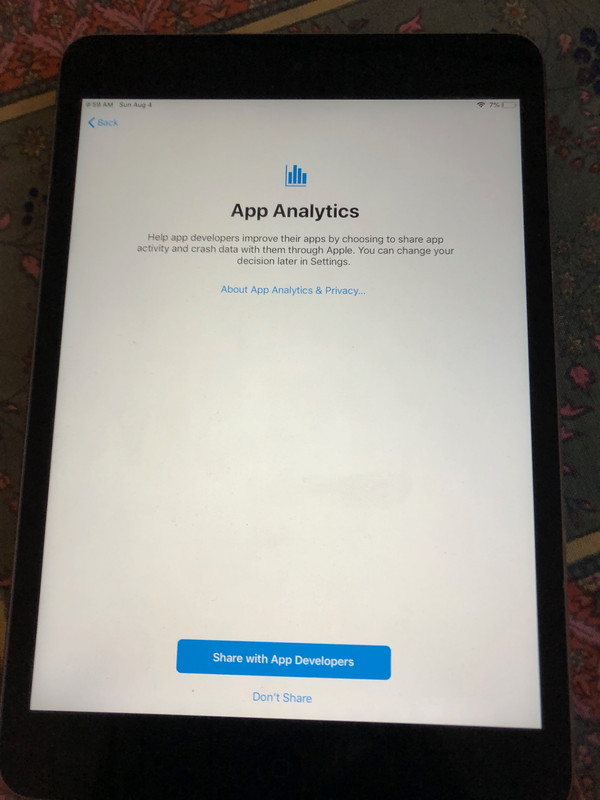
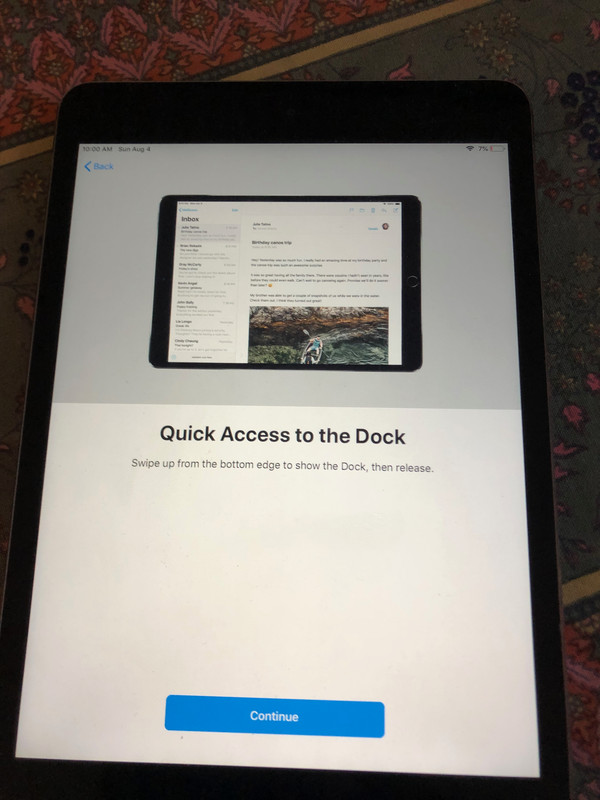
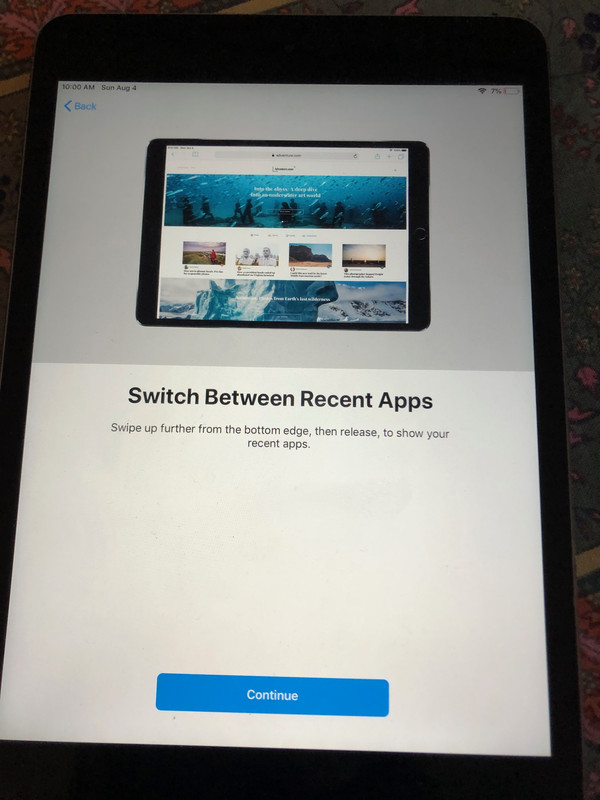
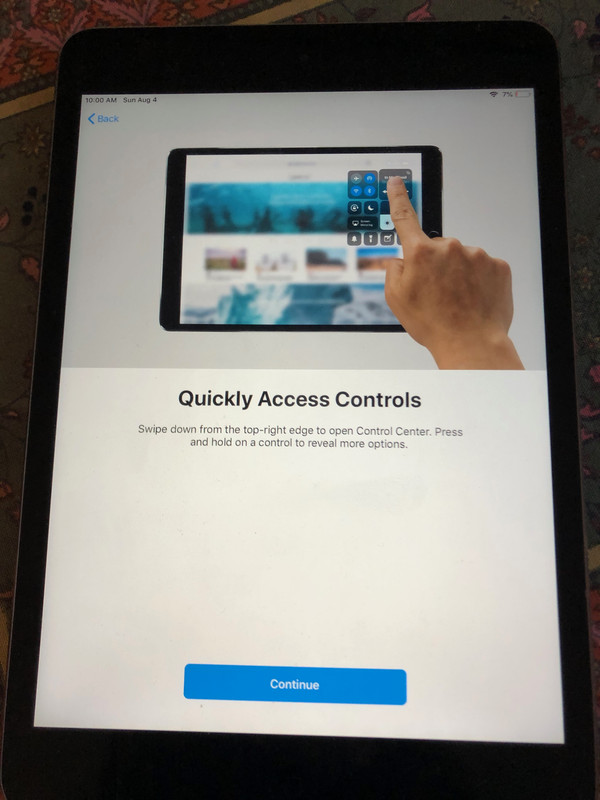
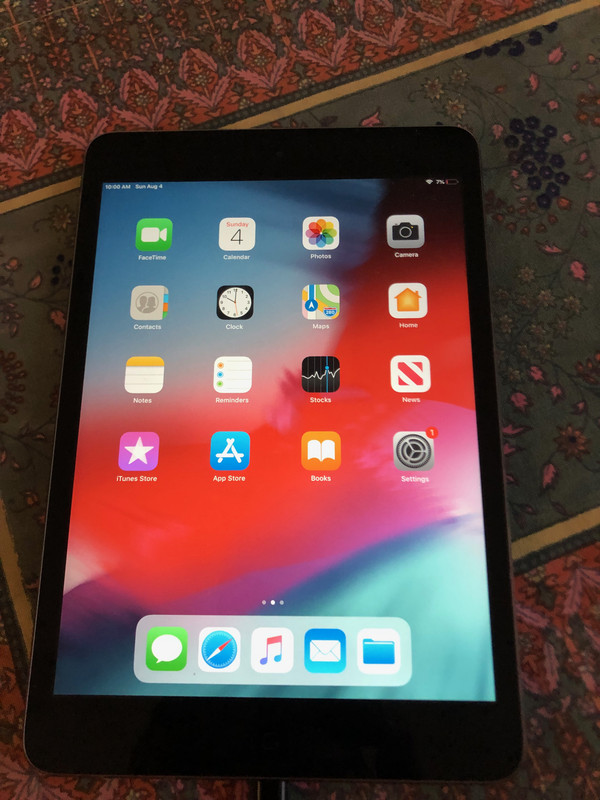
    Notice that of all common consumer operating systems, only the Apple
    operating systems are so poorly designed they can't even be set up without
    a connection to Apple's Cupertino mothership tracking servers on the net.

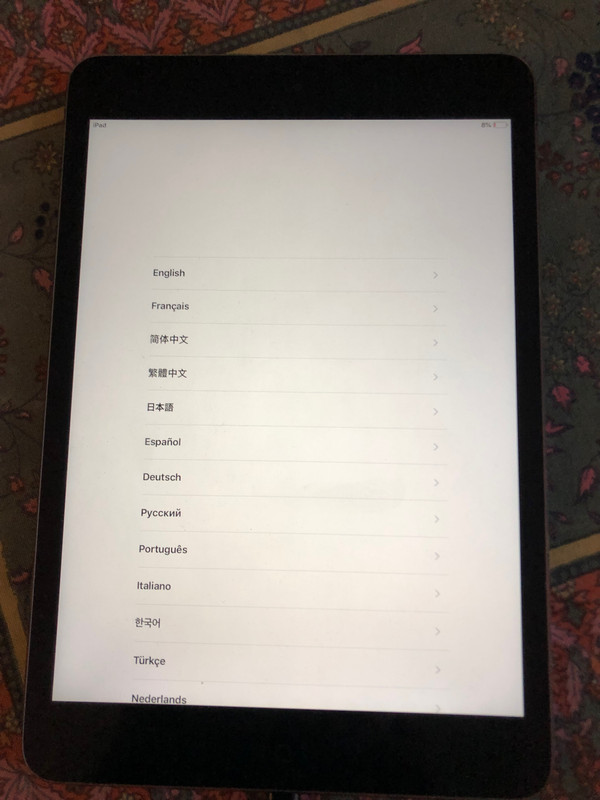
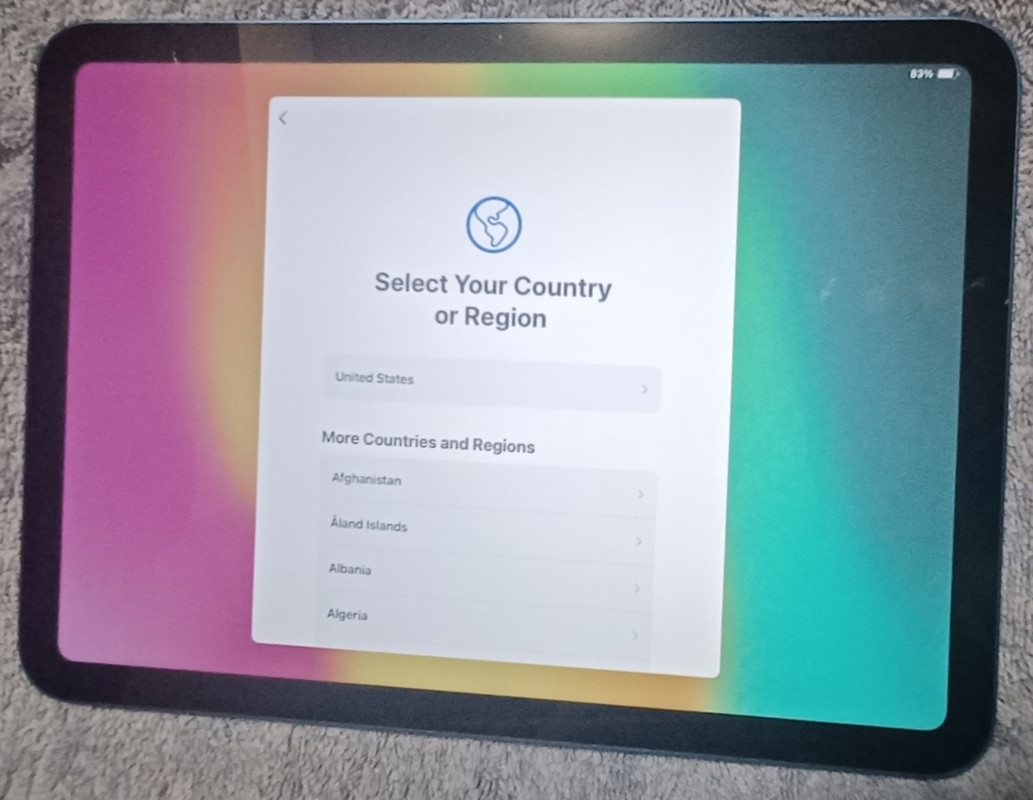
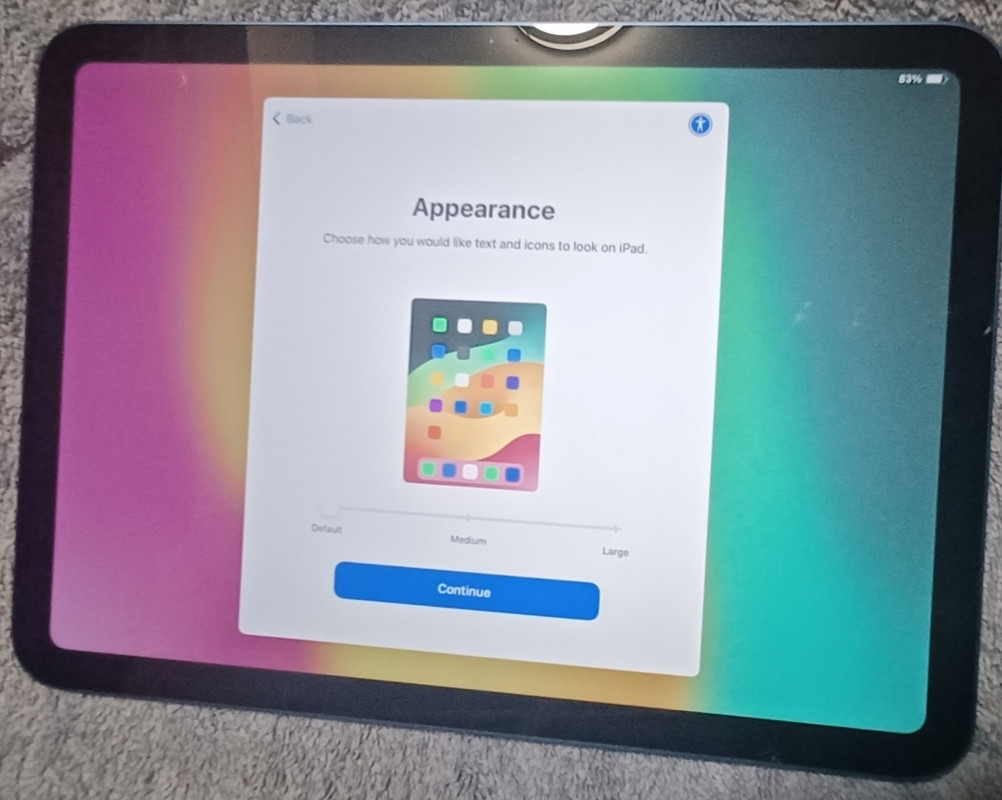
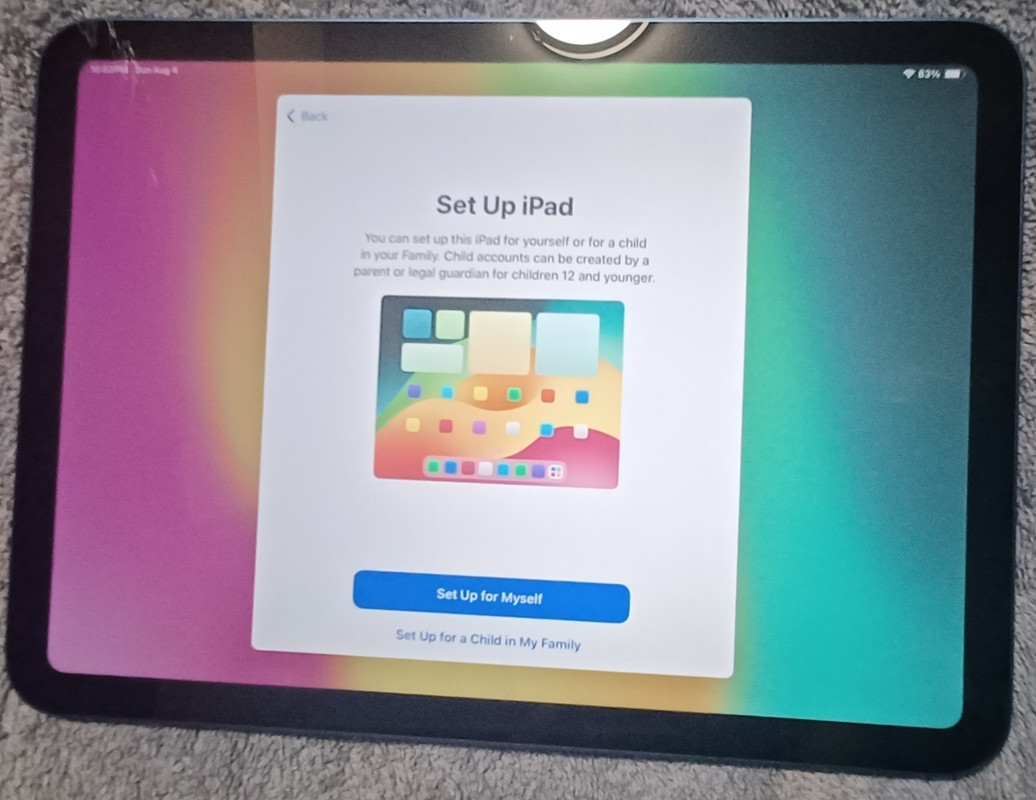
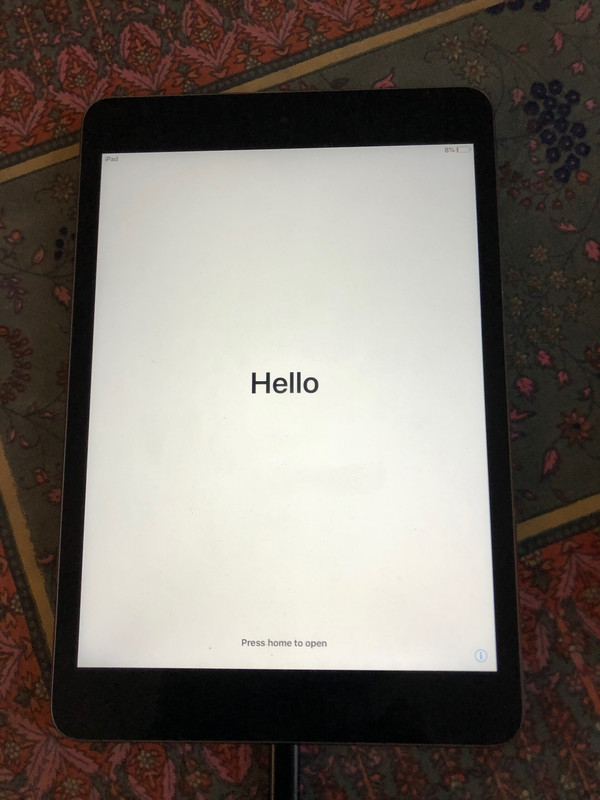
    <https://i.postimg.cc/c4zg0gLF/01-Hello.jpg>
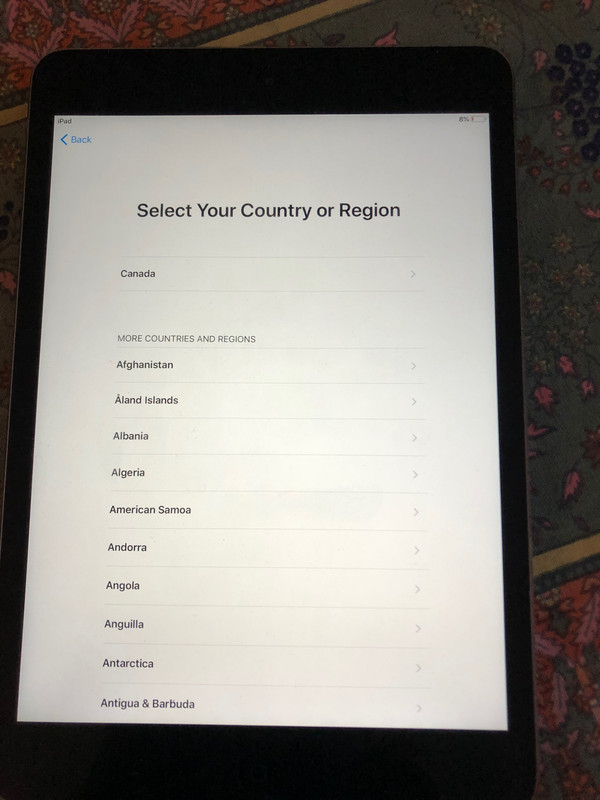
    <https://i.postimg.cc/L6j5KyG8/02-Language.jpg>
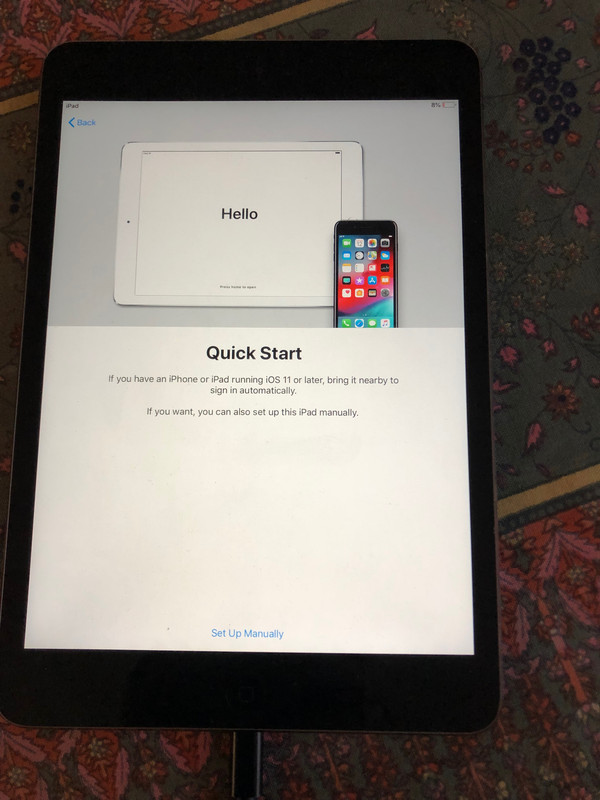
    <https://i.postimg.cc/TwZdBm9b/03-Region.jpg>
    <https://i.postimg.cc/TYjdHKWy/4-Quick-Start.jpg>
    <https://i.postimg.cc/65x60rTJ/05-Wi-Fi.jpg>
    <https://i.postimg.cc/fbyML5qX/6-Data-and-Privacy.jpg>
    <https://i.postimg.cc/vTLJX6Sb/07-Passcode.jpg>
    <https://i.postimg.cc/xCHDJZvk/8-Apps-and-Data.jpg>
    <https://i.postimg.cc/MT1NKQwV/9-Apple-ID.jpg>
    <https://i.postimg.cc/4452LZxf/10-Forgot-Apple-ID.jpg>
    <https://i.postimg.cc/vHZqCj4W/11-Confirm-no-Apple-ID.jpg>
    <https://i.postimg.cc/DwbgTKnb/12-Terms-Conditions.jpg>
    <https://i.postimg.cc/cC4hygLs/13-Express-Setttings.jpg>
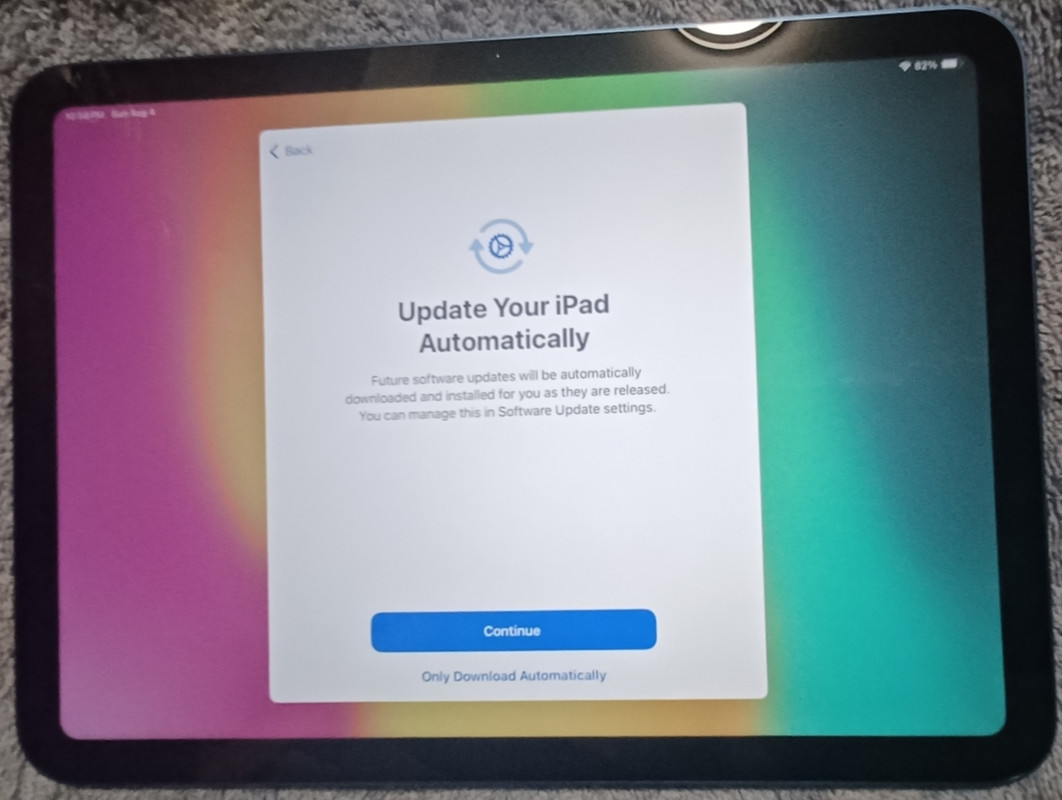
    <https://i.postimg.cc/Gpwj3Smg/14-Software-updates.jpg>
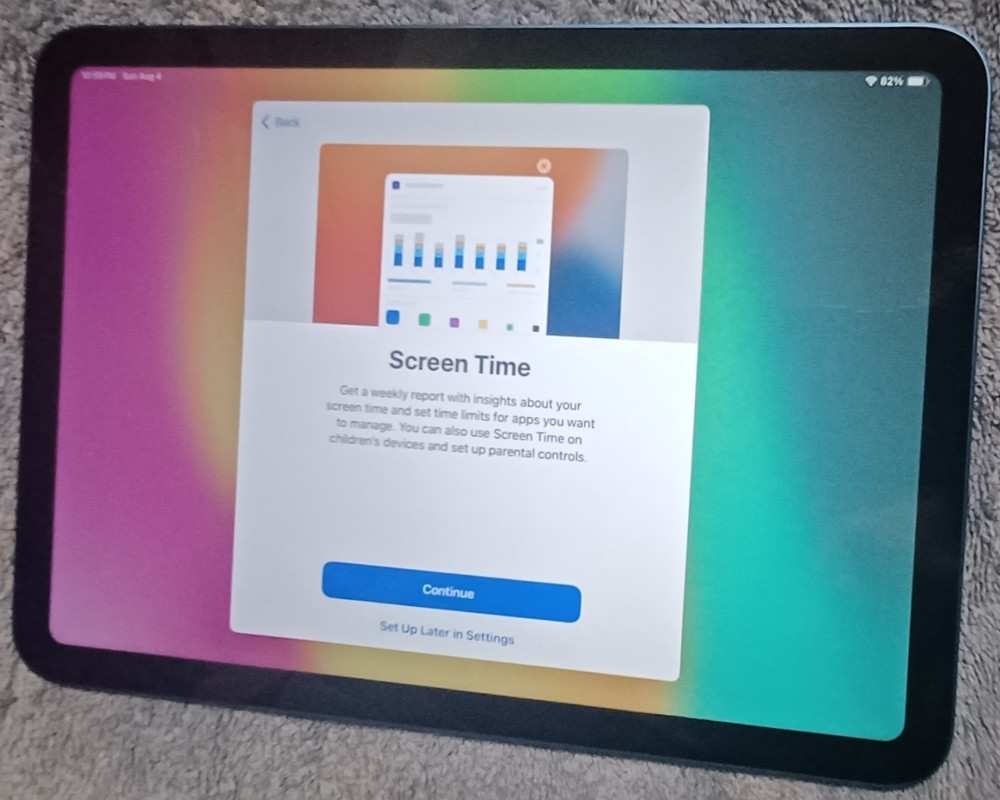
    <https://i.postimg.cc/qvn8FXxs/15-Screen-Time.jpg>
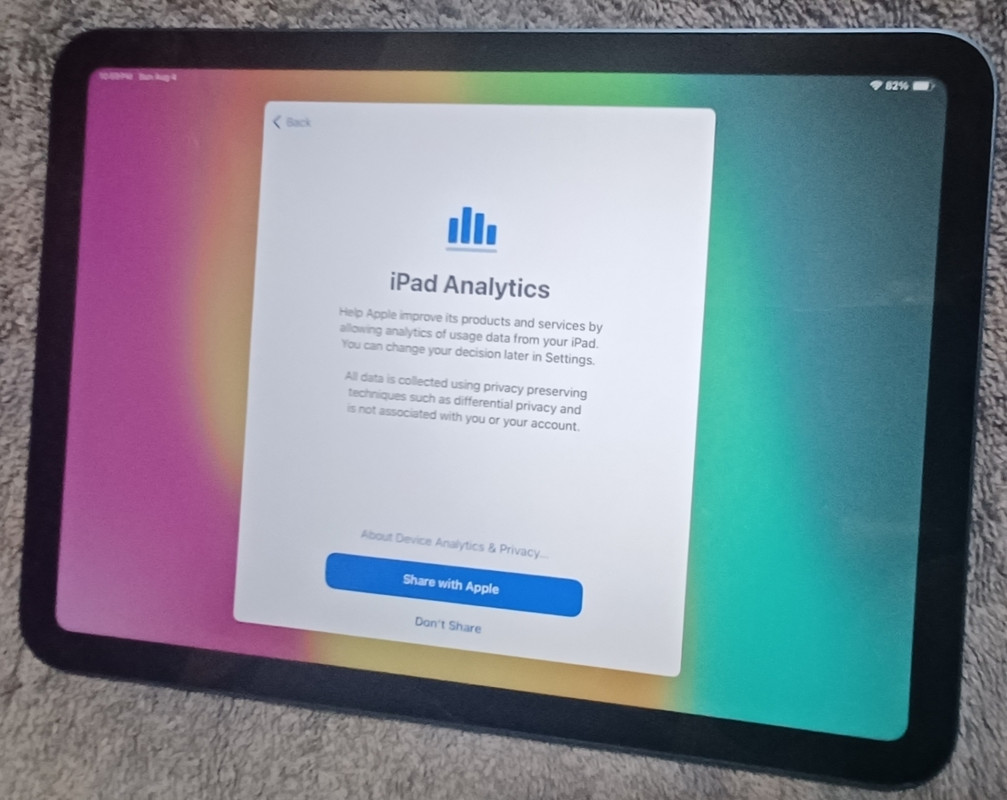
    <https://i.postimg.cc/HkGMb81V/16-i-Pad-Analytics.jpg>
    <https://i.postimg.cc/0jFwWb6X/17-App-Analytics.jpg>
    <https://i.postimg.cc/TPfW48wx/18-Dock-quick-access.jpg>
    <https://i.postimg.cc/mgNPMdS5/19-Recent-app-switch.jpg>
    <https://i.postimg.cc/qvdtNf2K/20-Quickly-Access-Controls.jpg>
    <https://i.postimg.cc/W3K6D2mV/21-Home-screen.jpg>
    <https://i.postimg.cc/RFqhkvxk/22-Apple-ID-setup.jpg>

    No other common consumer operating system is designed as a dumb terminal.
    Just iOS.

    --- SoupGate-Win32 v1.05
    * Origin: fsxNet Usenet Gateway (21:1/5)
  • From Andrew@21:1/5 to Andrew on Mon Aug 5 07:30:49 2024
    XPost: misc.phone.mobile.iphone, comp.sys.mac.advocacy

    Andrew wrote on Mon, 5 Aug 2024 03:54:18 -0000 (UTC) :

    No other common consumer operating system is designed as a dumb terminal. Just iOS.

    Holy Jesus mother of God... I'm about to complement Alan Baker!

    While Alan Baker proved that iOS can't be activated without connecting to Apple's privacy-robbing Cupertino mothership tracking servers, Alan Baker
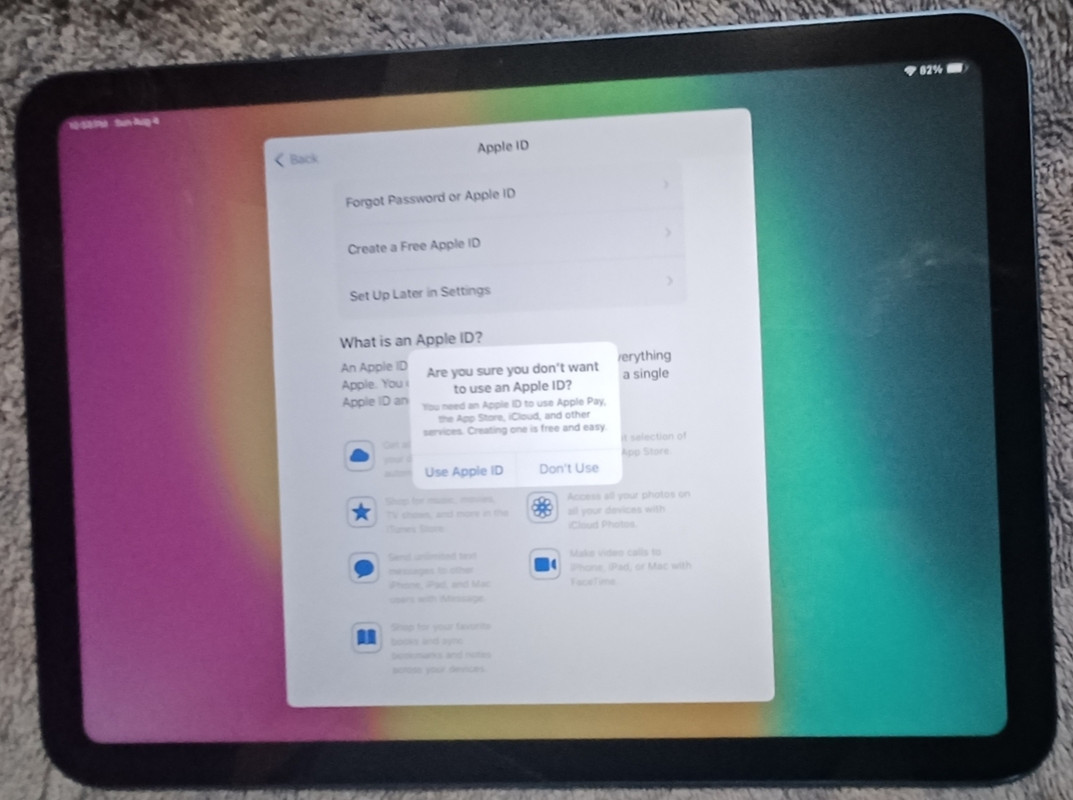
    also proved that iOS *can* be set up without creating an Apple ID!

    Kudos to Alan Baker. I'm impressed. What he claimed worked, worked!
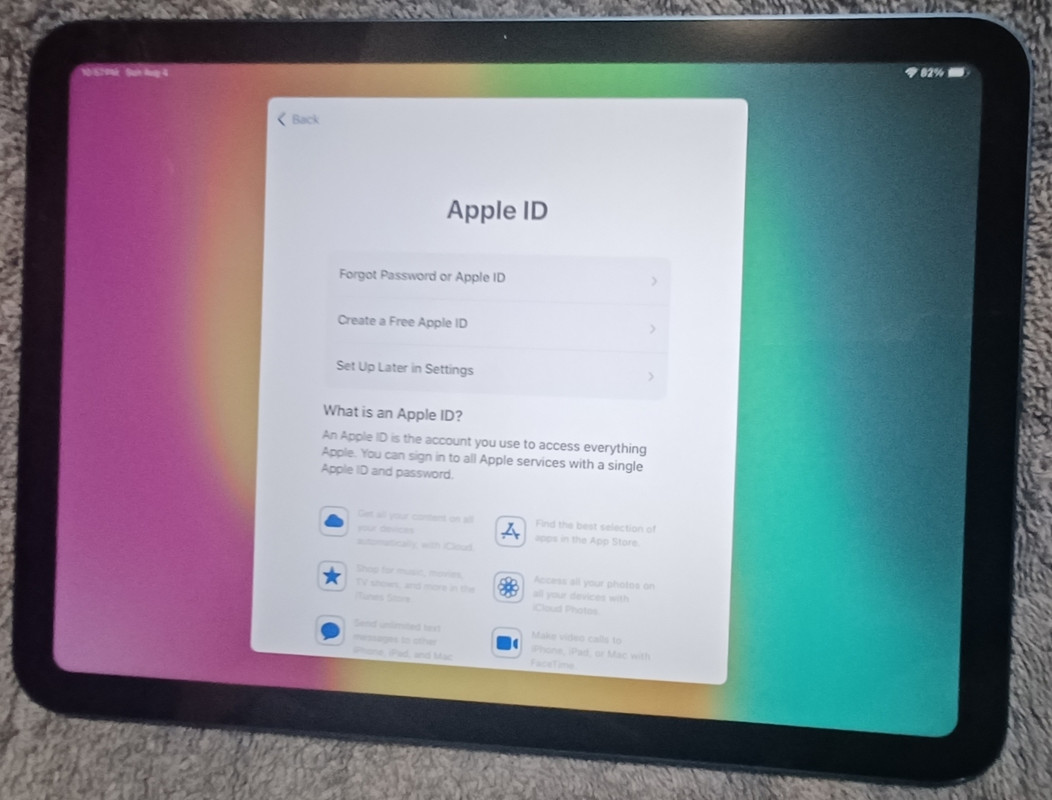
    a. You must connect to Apple's mainframes to activate the iPad, but,
    b. You do not have to create an Apple ID to use the iPad standalone.

    What's nice about NOT having an Apple ID is that I can more easily test the statement that nothing that you like about iOS works without the Internet.

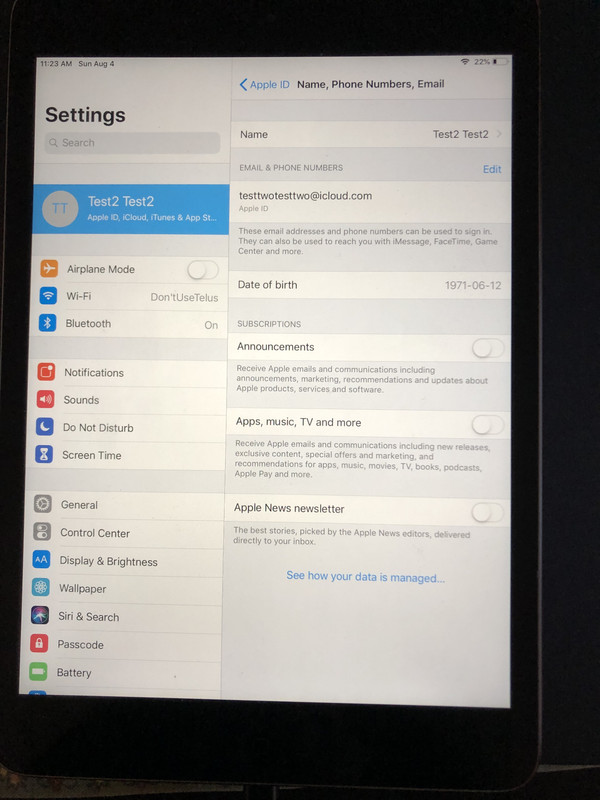
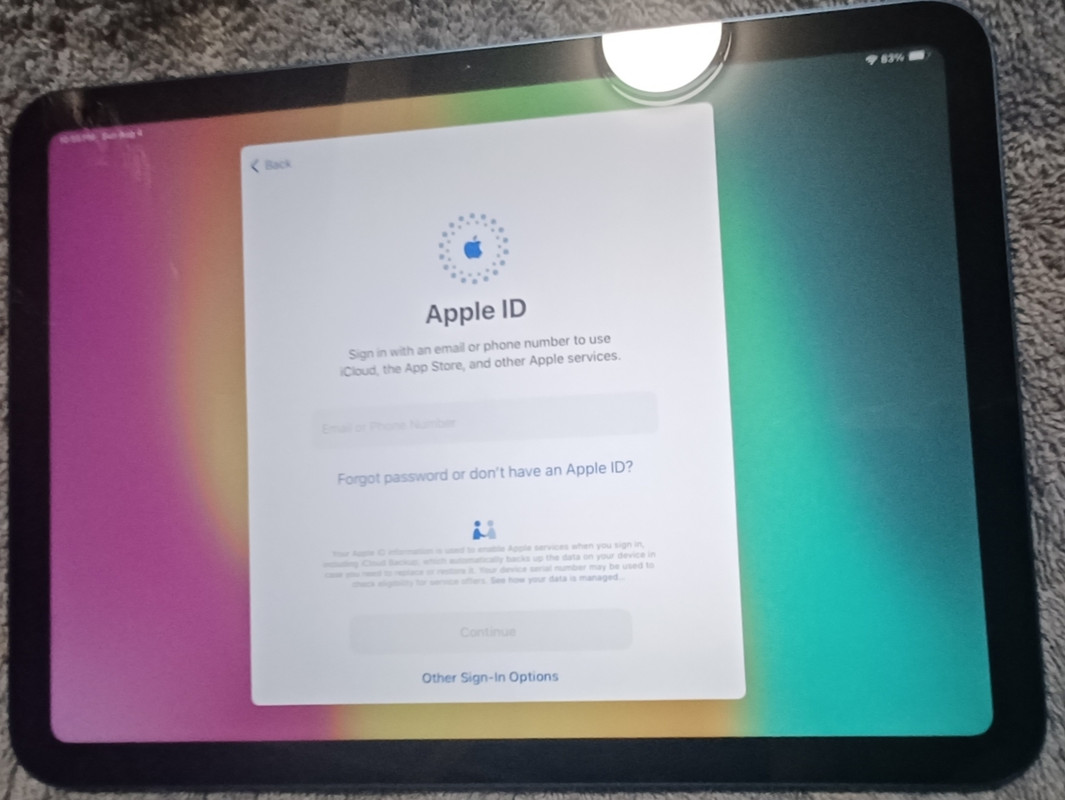
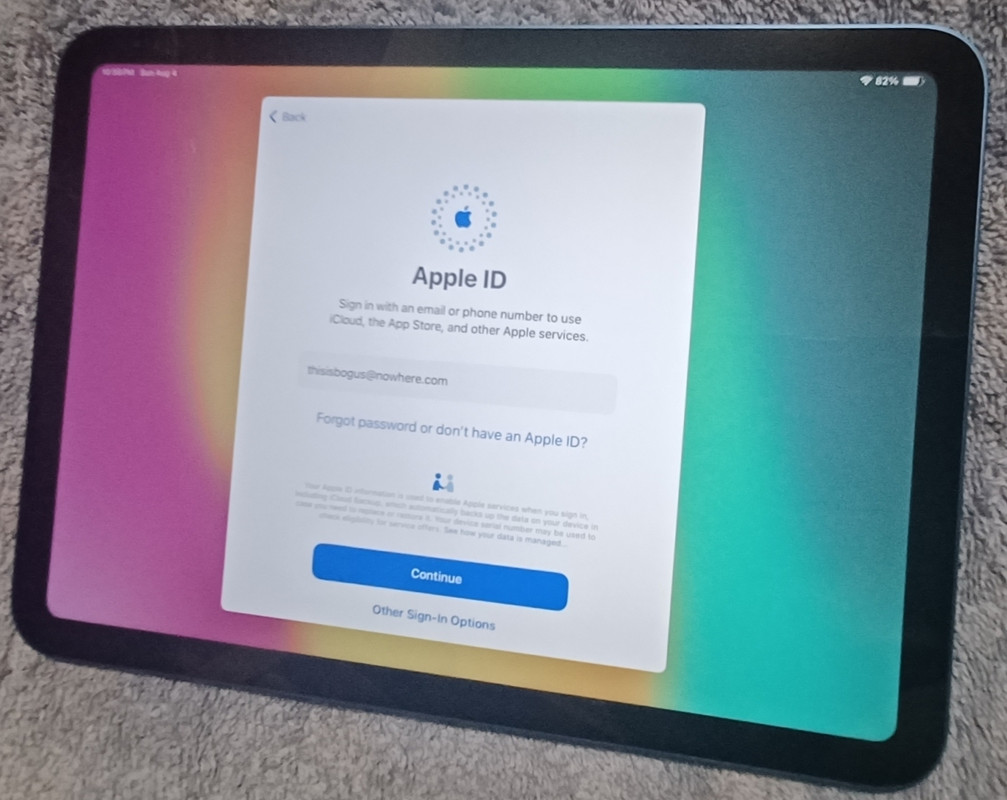
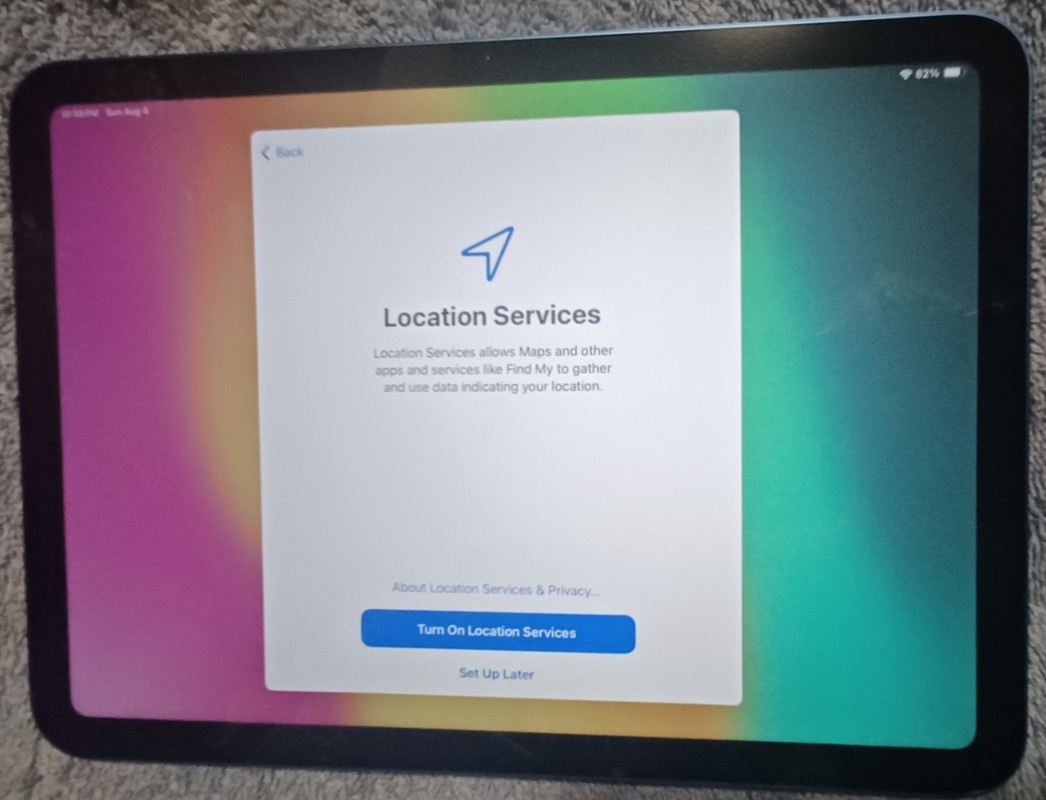
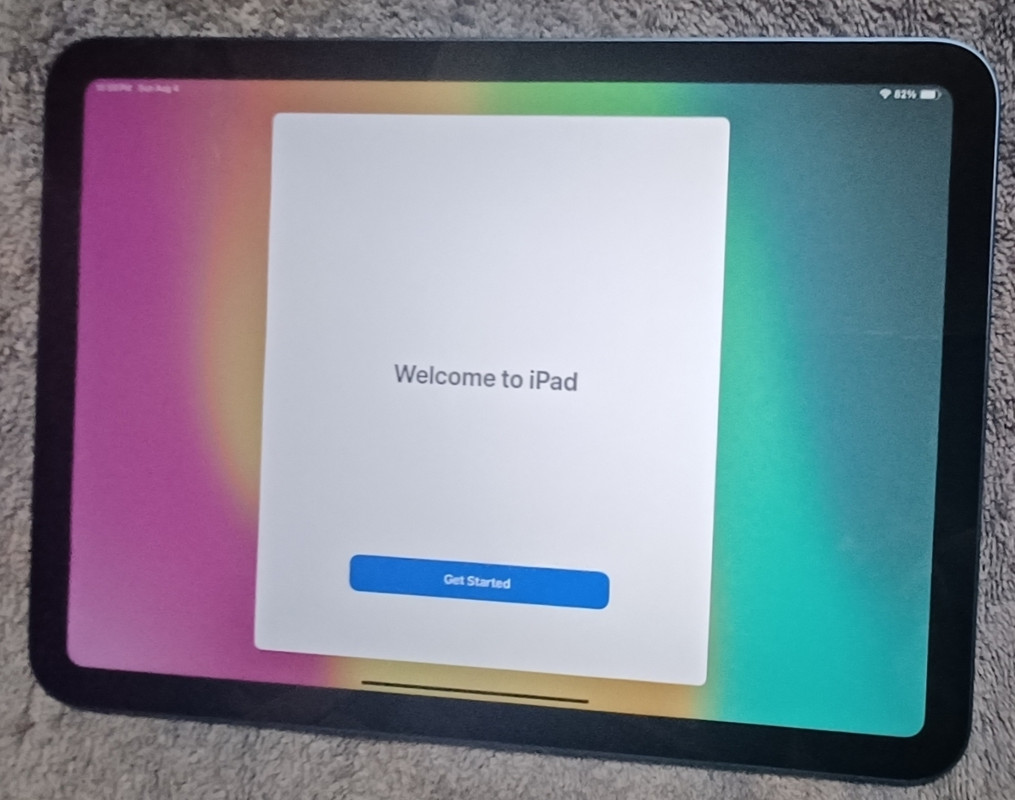
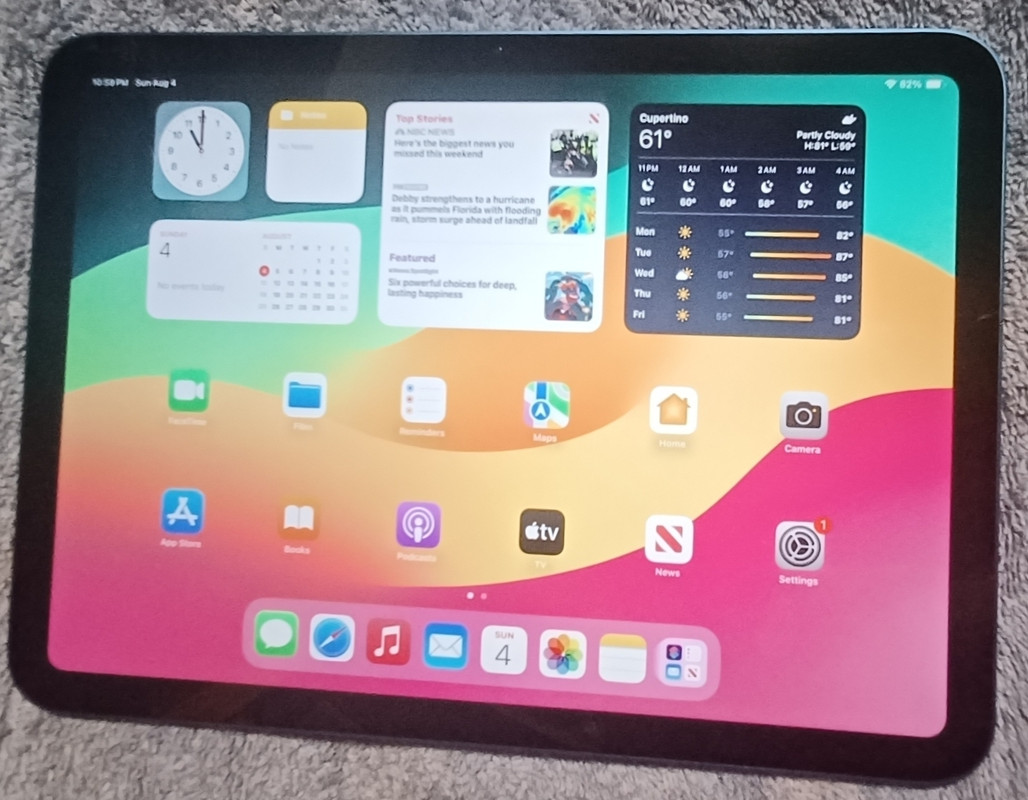
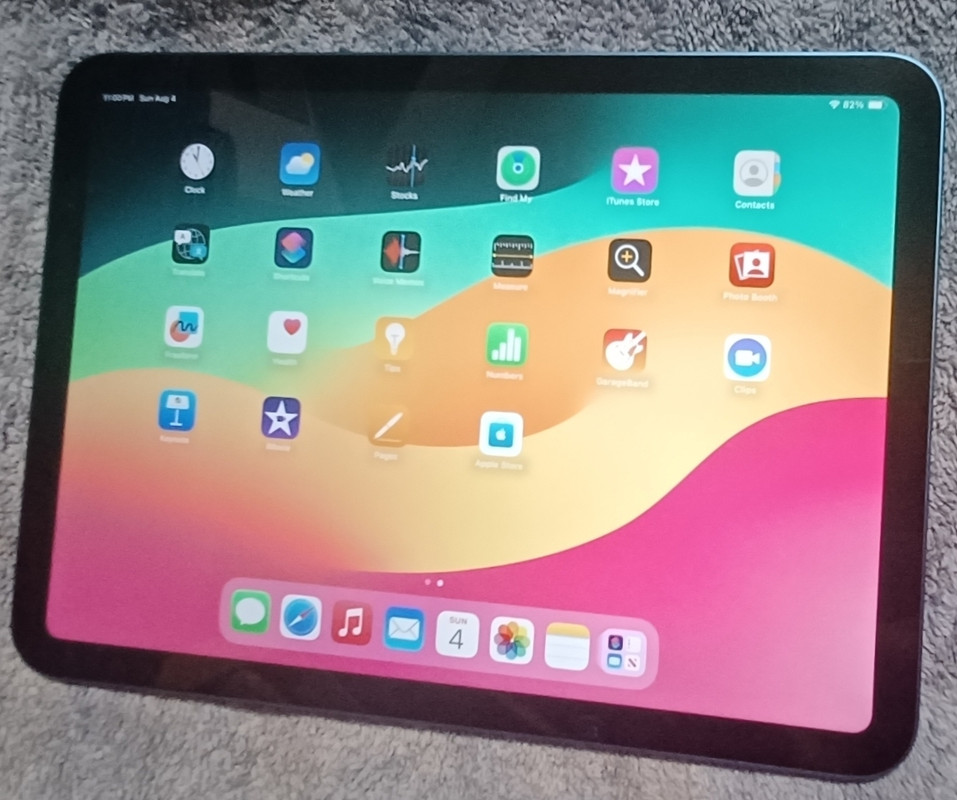
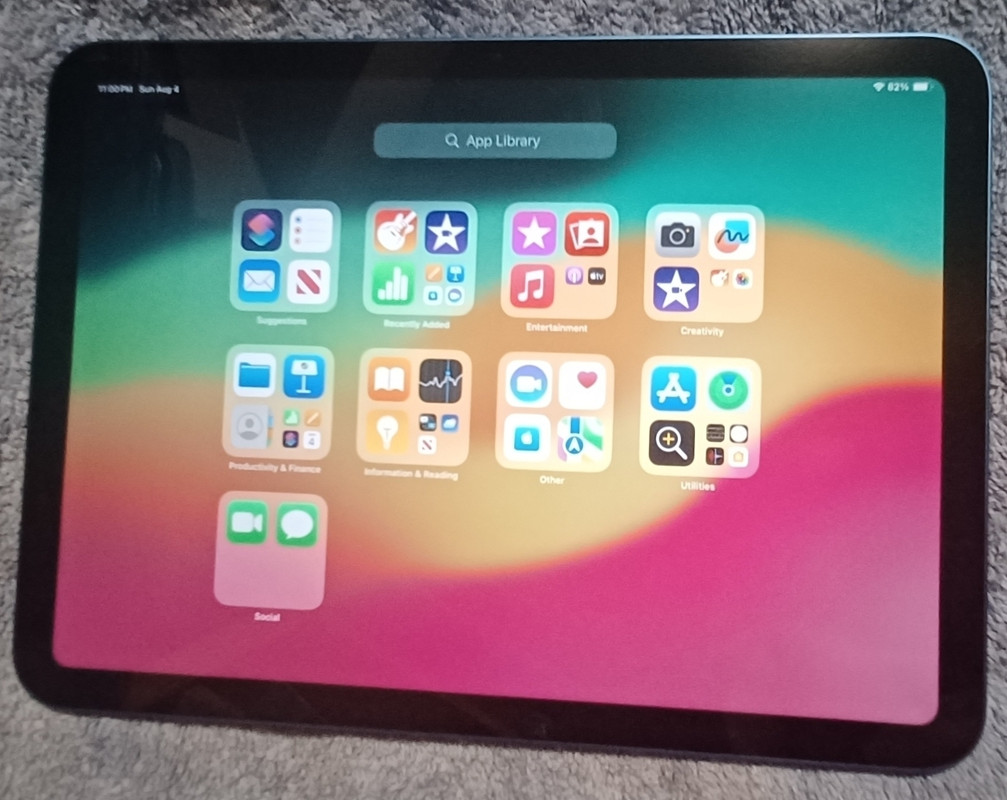
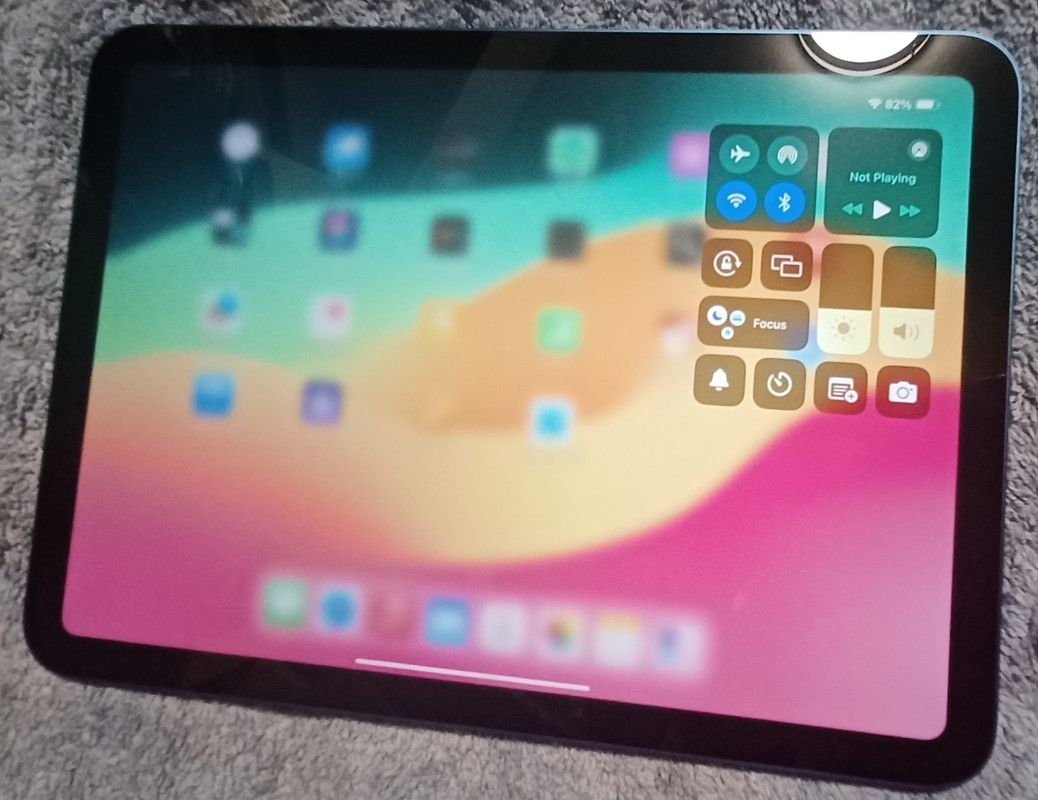
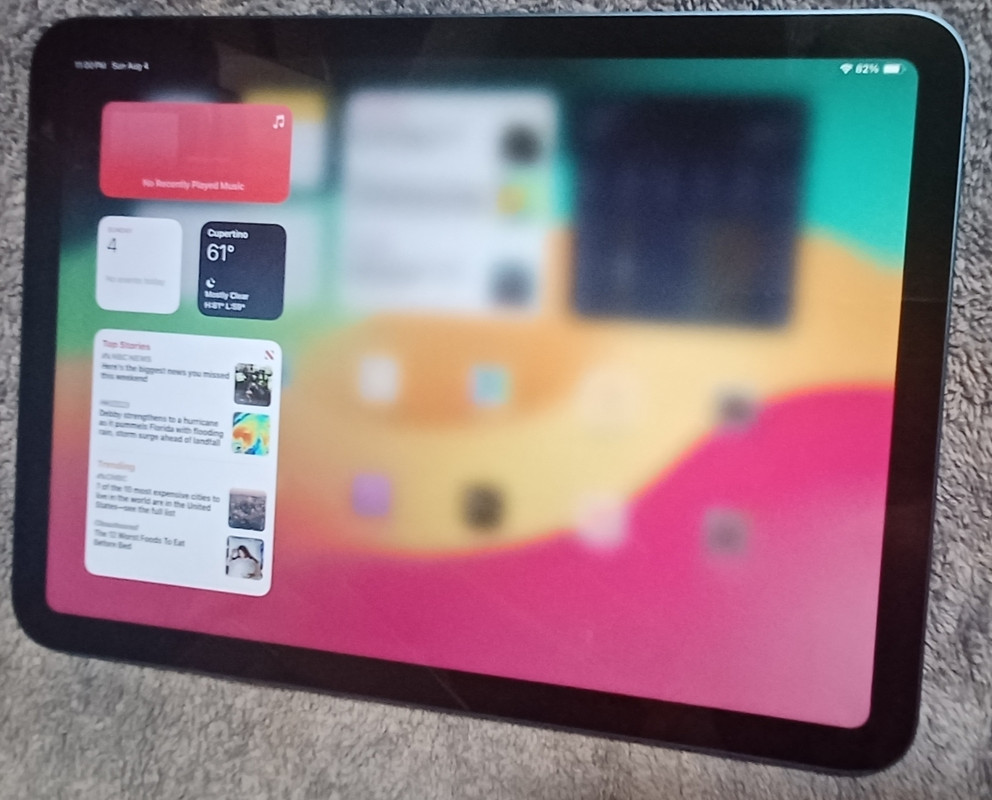
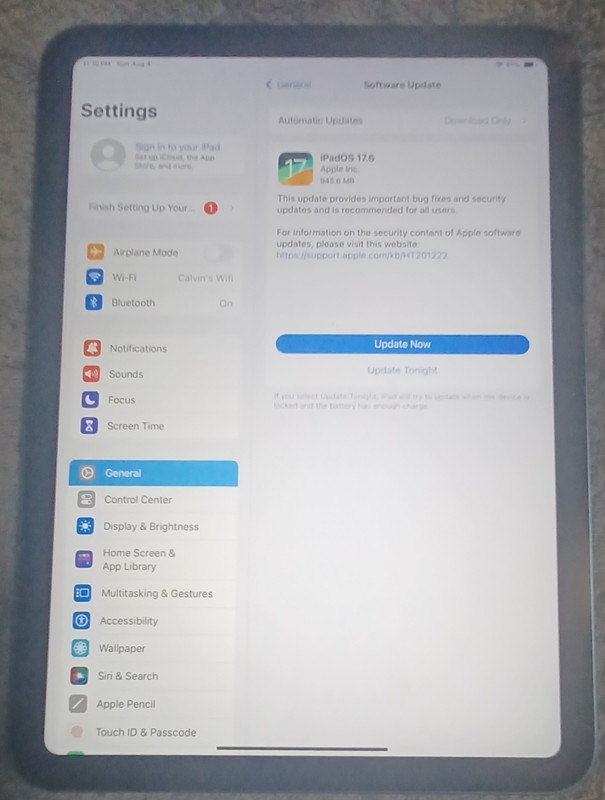
    Nonetheless, I did set up the iPad on the Internet but without an Apple ID.
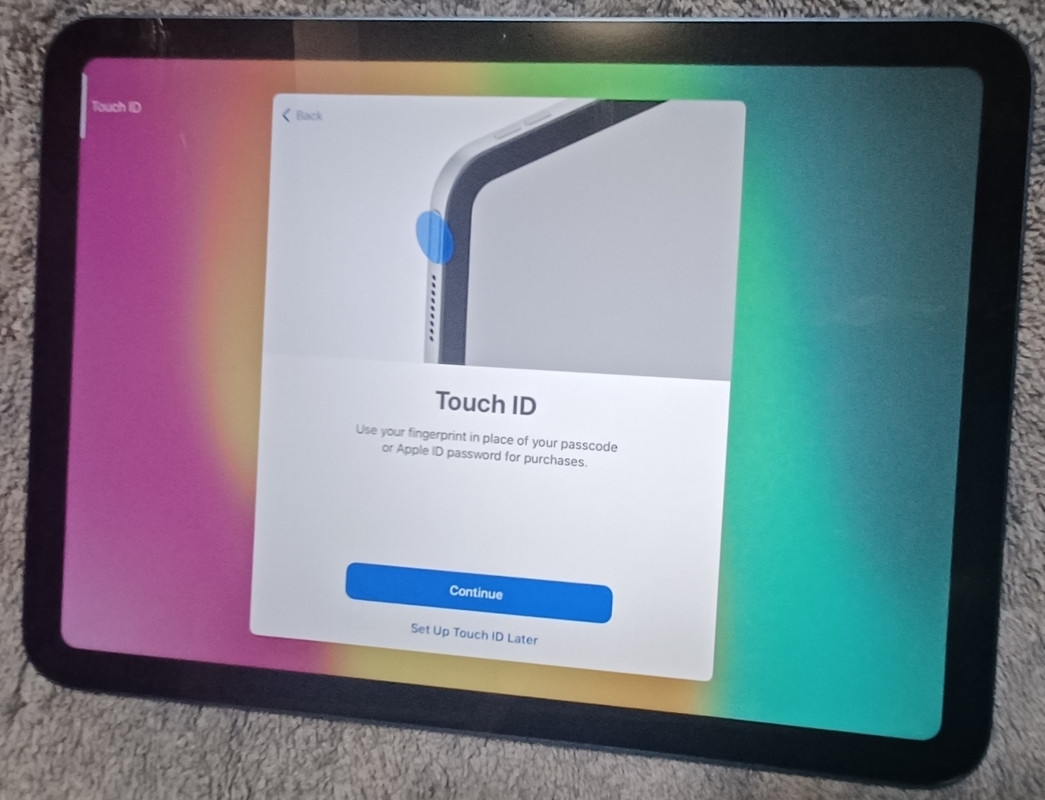
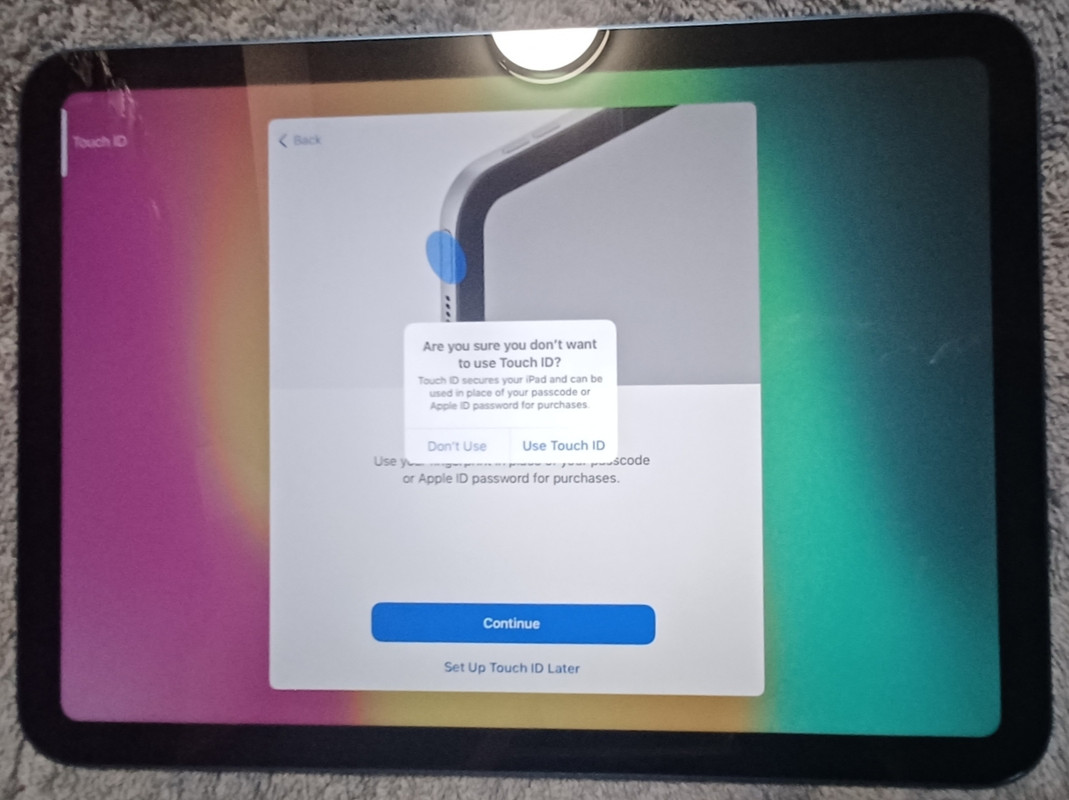
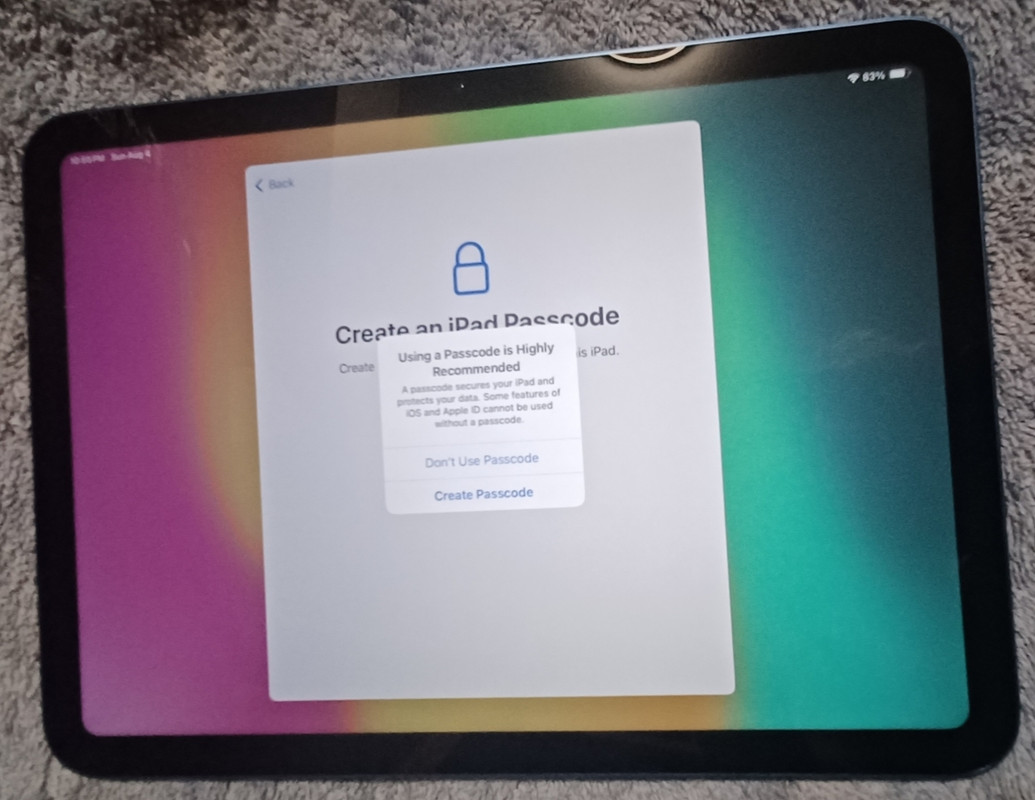
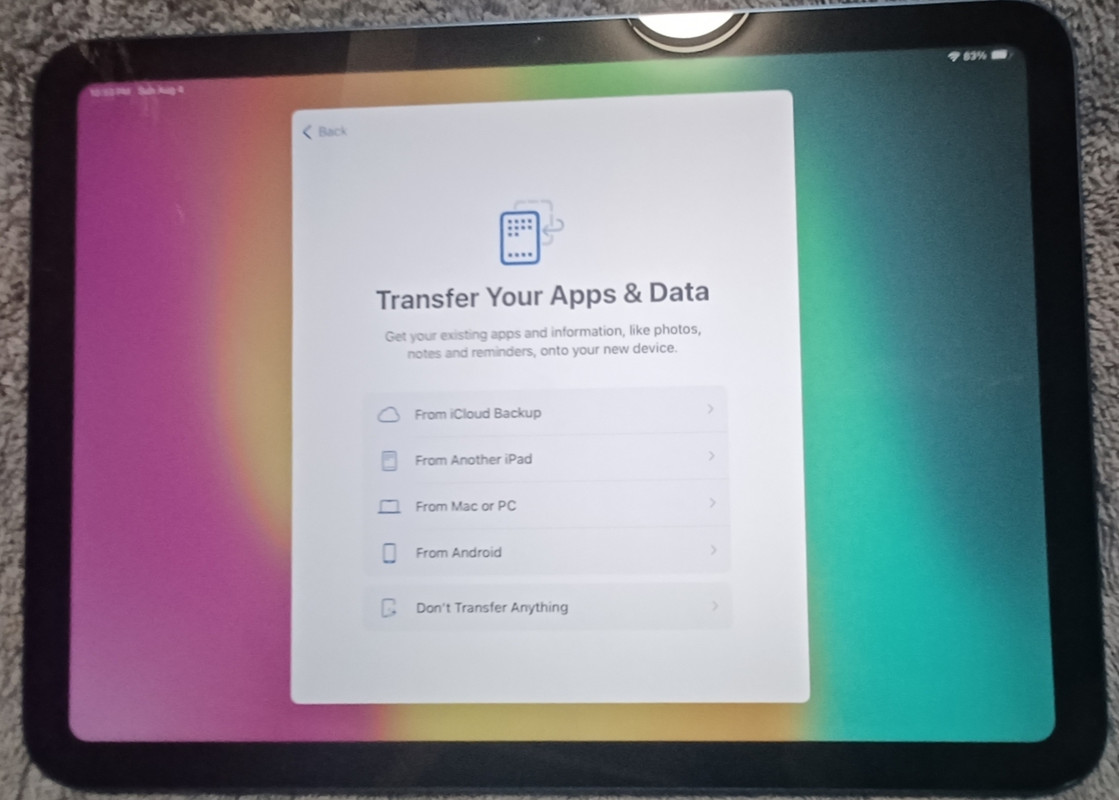
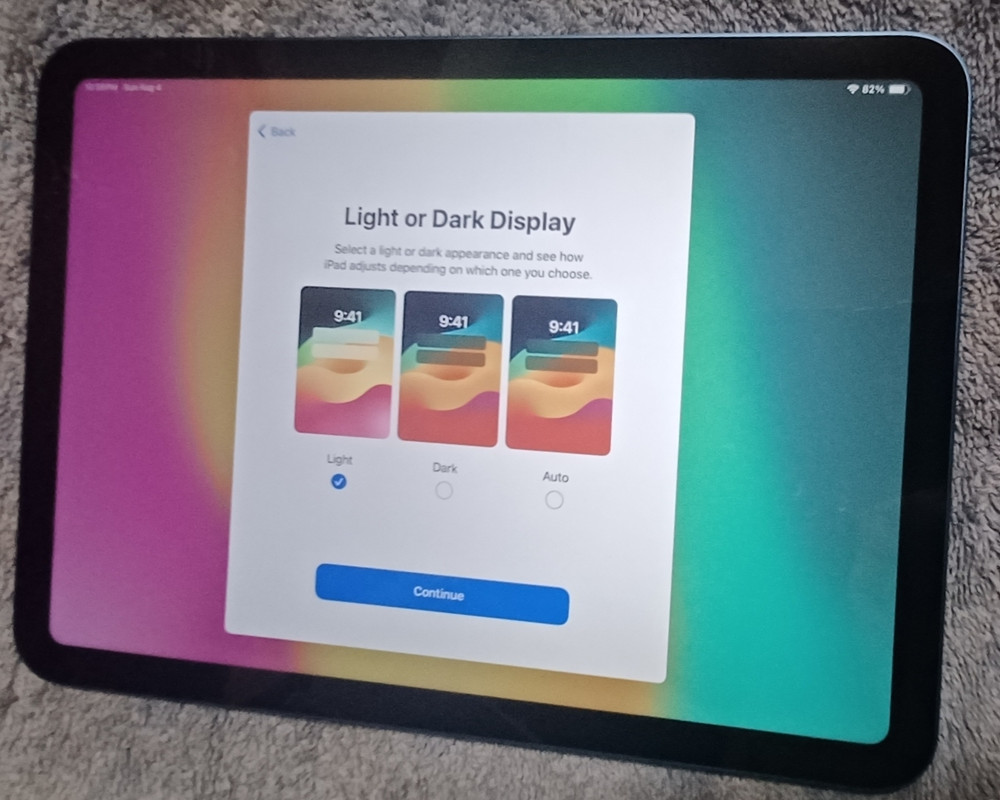
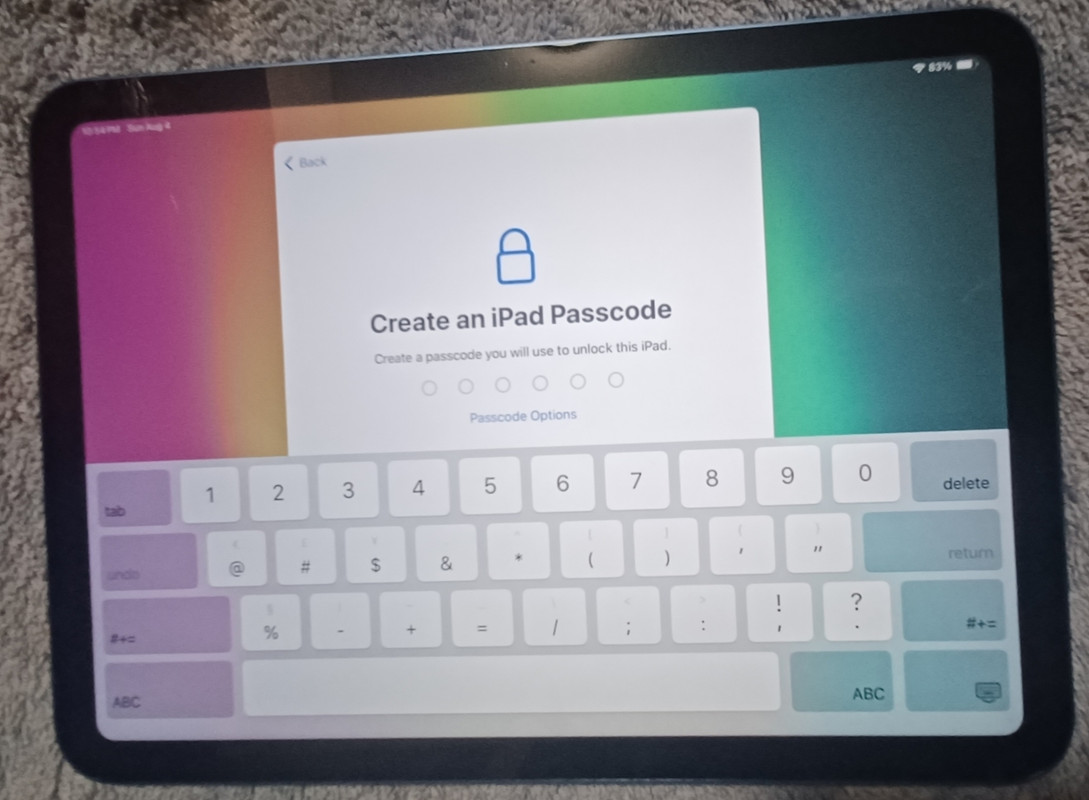
    <https://i.postimg.cc/nhhXpdTv/20240804-01.jpg>
    <https://i.postimg.cc/3JRhwP5J/20240804-02.jpg>
    <https://i.postimg.cc/GttfcnBW/20240804-03.jpg>
    <https://i.postimg.cc/tJ6M1t5k/20240804-04.jpg>
    <https://i.postimg.cc/tgfkhn7M/20240804-05.jpg>
    <https://i.postimg.cc/dtB95xLd/20240804-06.jpg>
    <https://i.postimg.cc/W3LrNGdT/20240804-07.jpg>
    <https://i.postimg.cc/T2QyFMJR/20240804-08.jpg>
    <https://i.postimg.cc/vHJGS3kY/20240804-09.jpg>
    <https://i.postimg.cc/gr914BJ1/20240804-10.jpg>
    <https://i.postimg.cc/x1gnTnqC/20240804-11.jpg>
    <https://i.postimg.cc/26ZsvDjn/20240804-12.jpg>
    <https://i.postimg.cc/85SHKQBR/20240804-13.jpg>
    <https://i.postimg.cc/VLpXZPzJ/20240804-14.jpg>
    <https://i.postimg.cc/Kzp1Ktz1/20240804-15.jpg>
    <https://i.postimg.cc/wjY7sq6Q/20240804-16.jpg>
    <https://i.postimg.cc/261Z70gQ/20240804-17.jpg>
    <https://i.postimg.cc/9FhDDXXt/20240804-18.jpg>
    <https://i.postimg.cc/0y5rCtwz/20240804-19.jpg>
    <https://i.postimg.cc/4NfJCYNM/20240804-20.jpg>
    <https://i.postimg.cc/bwdpJ4n9/20240804-21.jpg>
    <https://i.postimg.cc/MT08Nwkq/20240804-22.jpg>
    <https://i.postimg.cc/Dwtkz0n7/20240804-23.jpg>
    <https://i.postimg.cc/pr03MXsb/20240804-24.jpg>
    <https://i.postimg.cc/GmDgqQn1/20240804-25.jpg>
    <https://i.postimg.cc/85ZZjXML/20240804-26.jpg>
    <https://i.postimg.cc/NFVbxyNM/20240804-27.jpg>
    <https://i.postimg.cc/d0BBxNWg/20240804-28.jpg>
    <https://i.postimg.cc/fbw7mjwC/20240804-29.jpg>
    <https://i.postimg.cc/bJ51771V/20240804-30.jpg>
    <https://i.postimg.cc/bdckJ1CQ/20240804-31.jpg>
    <https://i.postimg.cc/B6RMTL7v/20240804-32.jpg>
    <https://i.postimg.cc/DwCQQ48K/20240804-33.jpg>
    <https://i.postimg.cc/prtKVD1K/20240804-34.jpg>
    <https://i.postimg.cc/65tCDfZX/20240804-35.jpg>
    <https://i.postimg.cc/FHqdsyY1/20240804-36.jpg>
    <https://i.postimg.cc/BQnXTYDX/20240804-37.jpg>
    <https://i.postimg.cc/YC40Vvd7/20240804-38.jpg>
    <https://i.postimg.cc/rsFF9sDv/20240804-39.jpg>
    <https://i.postimg.cc/g26csf0k/20240804-40.jpg>
    <https://i.postimg.cc/j5Rss24L/20240804-41.jpg>
    <https://i.postimg.cc/zDc1Q06L/20240804-42.jpg>
    <https://i.postimg.cc/hPQqRVR2/20240805-43.jpg>

    --- SoupGate-Win32 v1.05
    * Origin: fsxNet Usenet Gateway (21:1/5)
  • Who's Online

  • Recent Visitors

    • Krenn
      Mon Jun 8 11:22:02 2026
      from Sydney, Nsw via Telnet
    • Bob Worm
      Mon Jun 8 08:26:26 2026
      from Wales, Uk via Telnet
    • Spearb0y
      Mon Jun 8 06:51:02 2026
      from Massachusetts via SSH
    • Krenn
      Mon Jun 8 05:45:38 2026
      from Sydney, Nsw via Telnet
    • Bob Worm
      Sun Jun 7 20:58:28 2026
      from Wales, Uk via Telnet
    • Michal Wronka
      Sun Jun 7 19:26:28 2026
      from Wroclaw, Poland via SSH
    • Centurion
      Sun Jun 7 16:59:51 2026
      from Berea, Ohio via Telnet
    • Furryboy
      Sun Jun 7 13:40:29 2026
      from Romania, Galati via SSH
  • System Info

    Sysop: Keyop
    Location: Huddersfield, West Yorkshire, UK
    Users: 715
    Nodes: 16 (2 / 14)
    Uptime: 21:40:05
    Calls: 12,104
    Calls today: 4
    Files: 15,004
    Messages: 6,518,114

© >>> Magnum BBS <<<, 2026