XPost: misc.phone.mobile.iphone, comp.sys.mac.advocacy
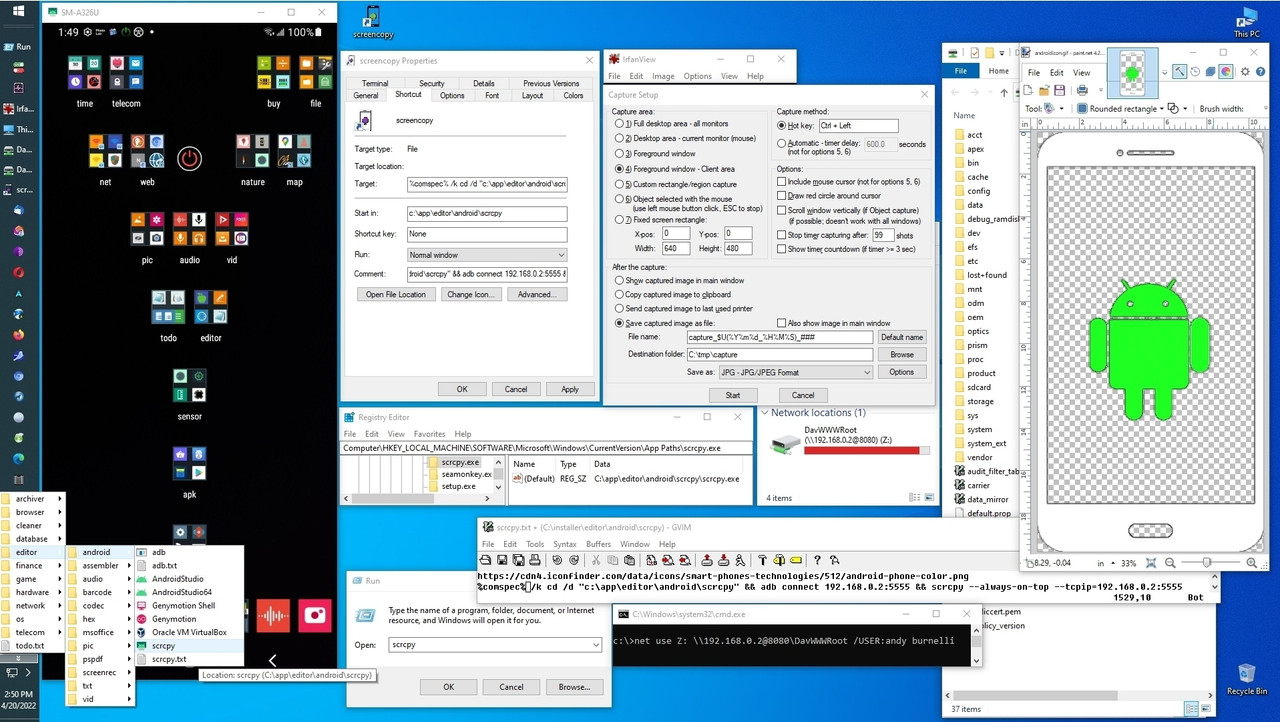
How to wirelessly mirror Android YouTube sans ads onto Windows/Linux/macOS with scrcpy/sndcpy/newpipe running on Android (tested on Android/Windows).
Since I'm all about free privacy aware fully functional cross platform solutions, if iOS users know of similar functionality, let me know and
I will test it out.
To be clear, I've _already_ tested iOS out but as usual, iOS is crippled
in terms of the availability of FOSS functionality on the App Store.
<
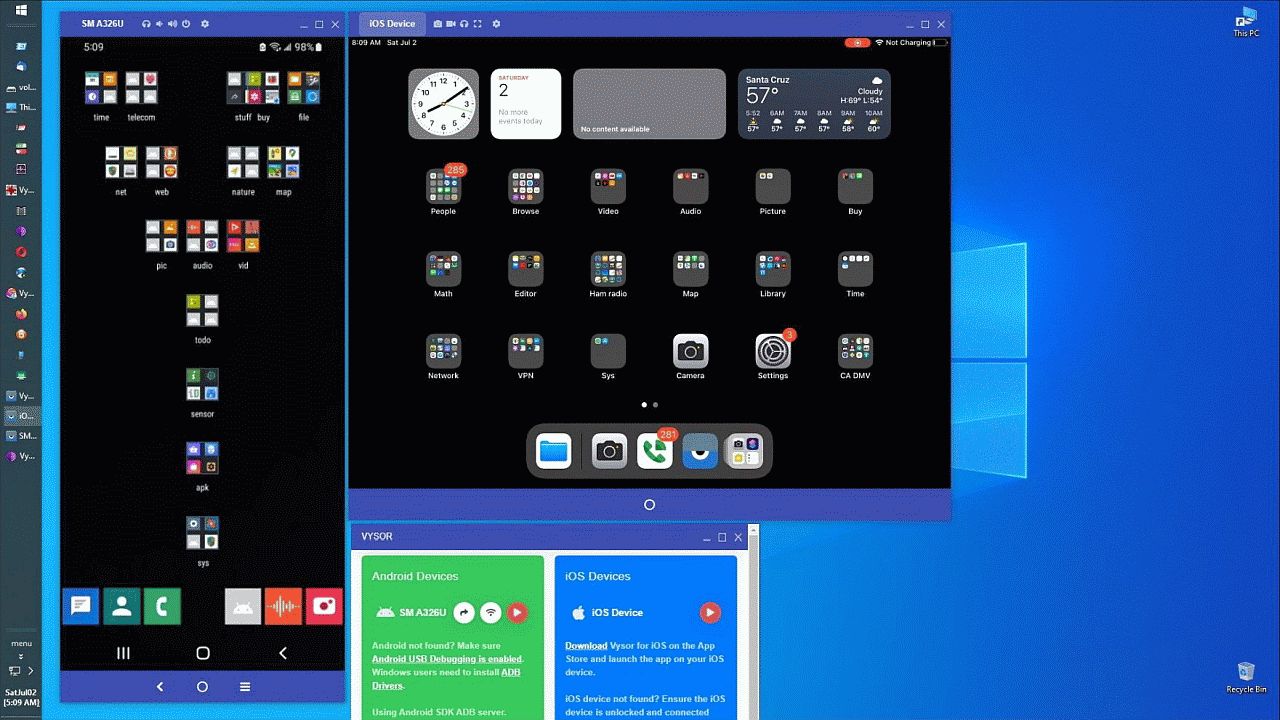
https://i.postimg.cc/TYvqdxCT/vysor35.jpg> iOS & Android PC mirroring
However, please note that I would _love_ if iOS could do what every other platform does, as I have plenty of iOS devices to test solutions on.
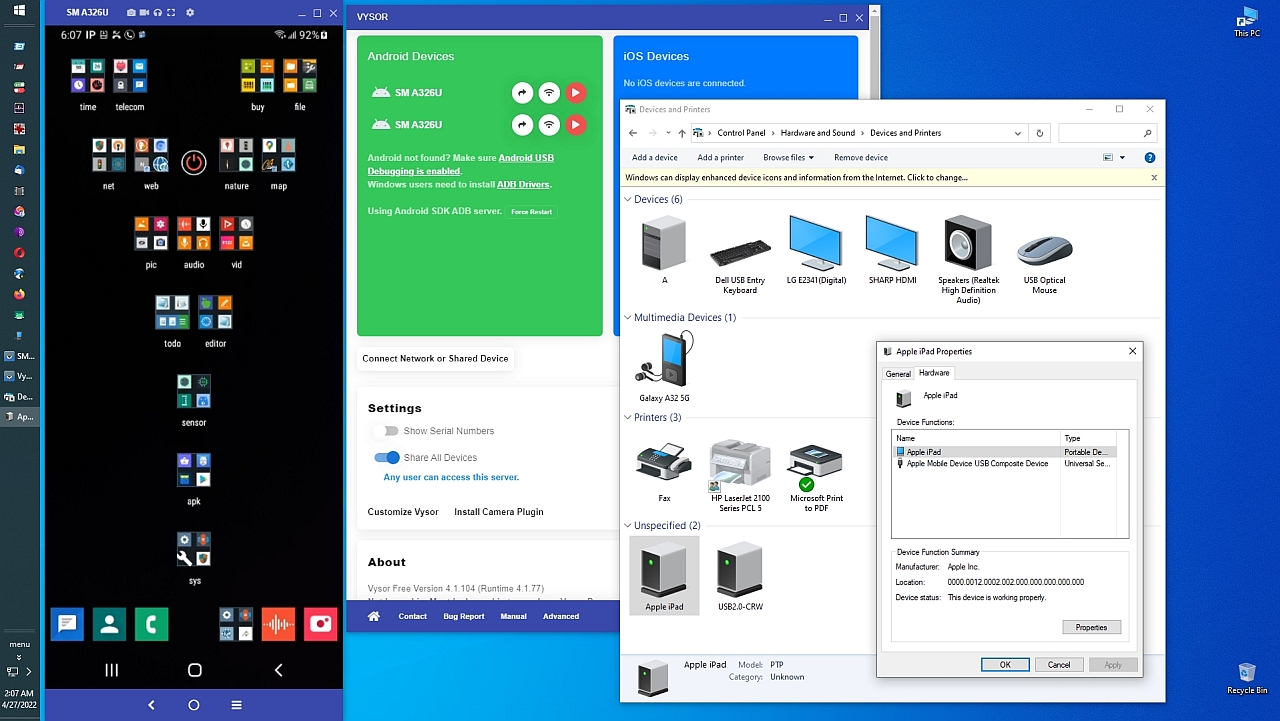
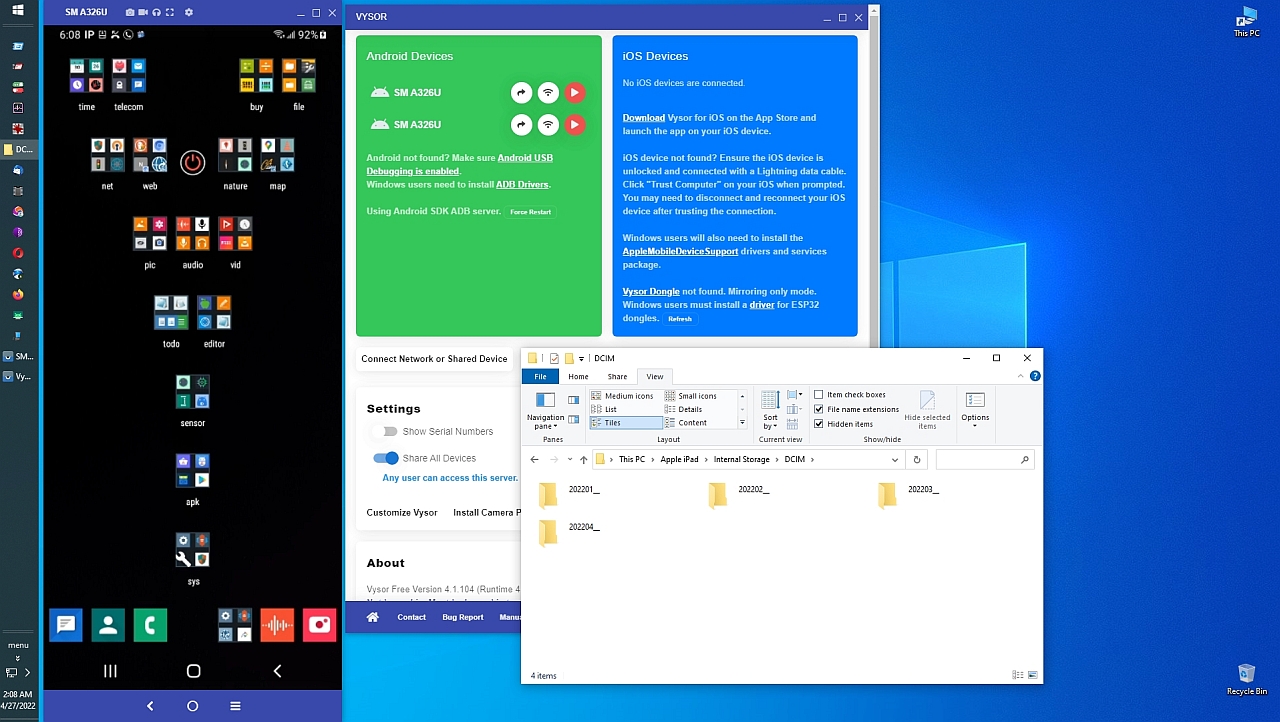
Please note that I've been able to _mirror_ my iPads onto the desktop
(using a different set of freeware named "Vysor") as shown below in my screenshots (unfortunately iOS wouldn't mirror over Wi-Fi).
<
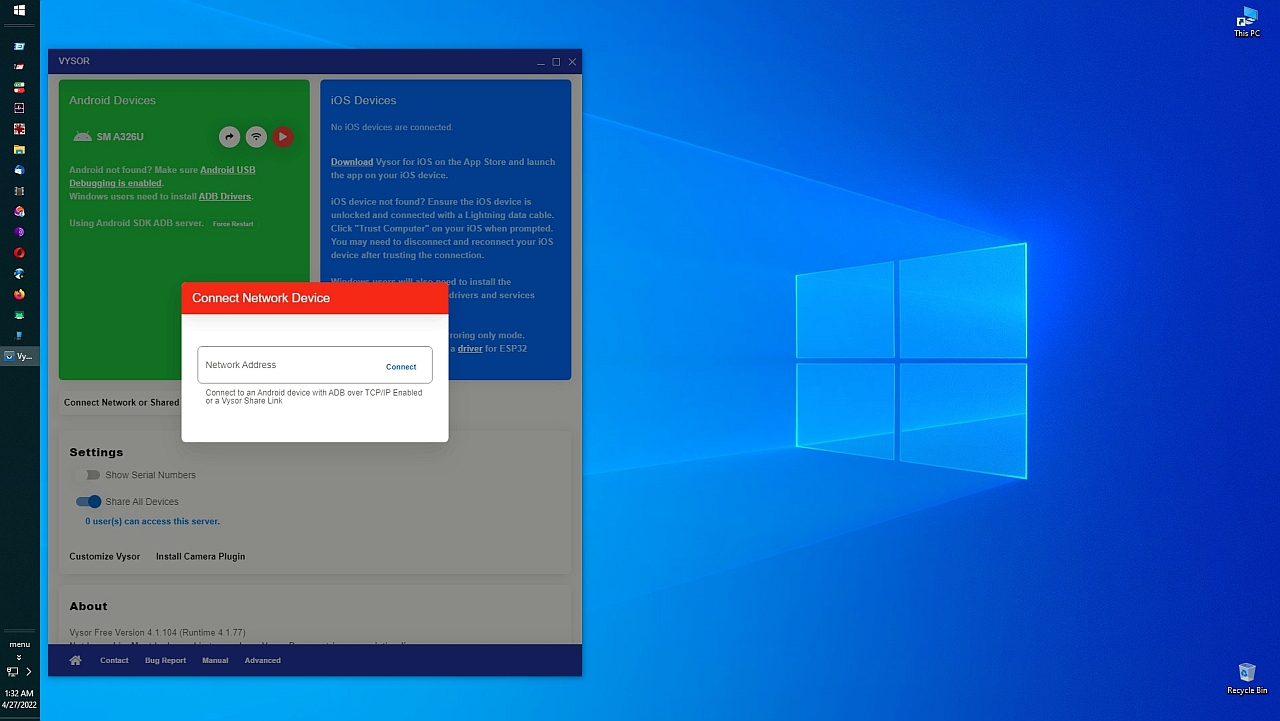
https://i.postimg.cc/QNwjsCDM/vysor01.jpg> Vysor Android/iOS PC mirroring
<
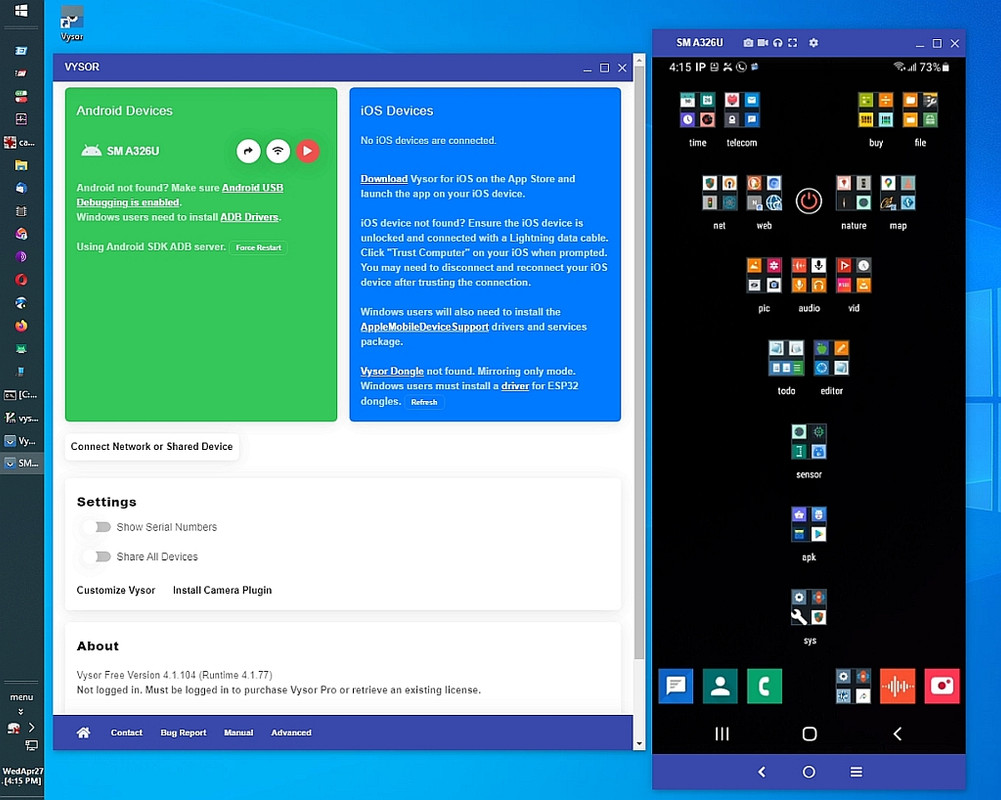
https://i.postimg.cc/V6TPYG3h/vysor02.jpg> Vysor console operation
<
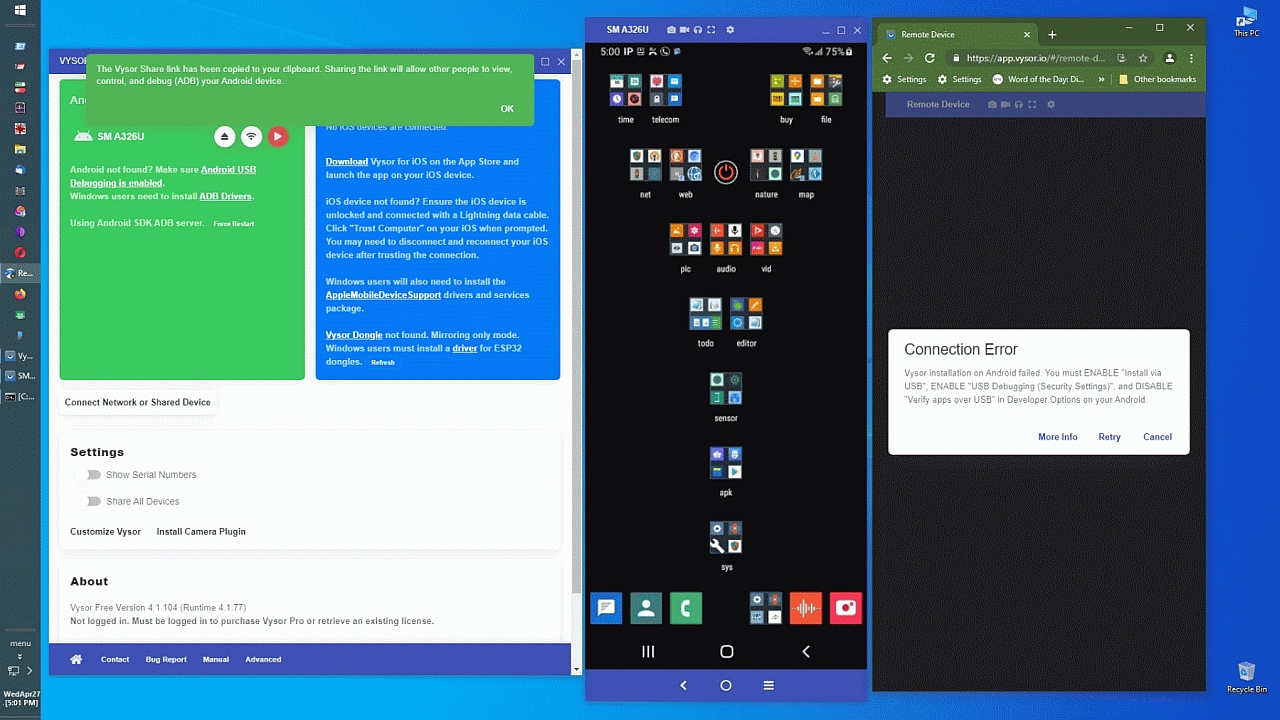
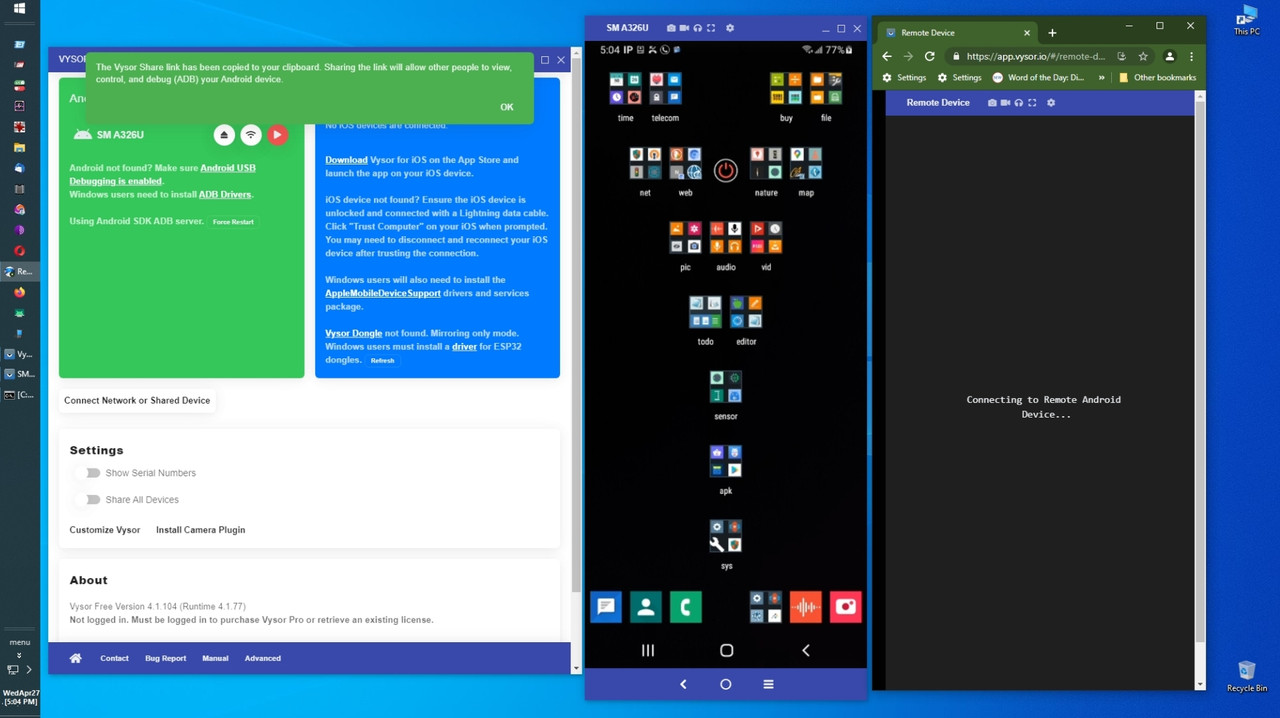
https://i.postimg.cc/v8gc5pHc/vysor03.jpg> Vysor remote sharing
<
https://i.postimg.cc/XY3qSqKC/vysor04.jpg> Vysor ADB USB setup switches
<
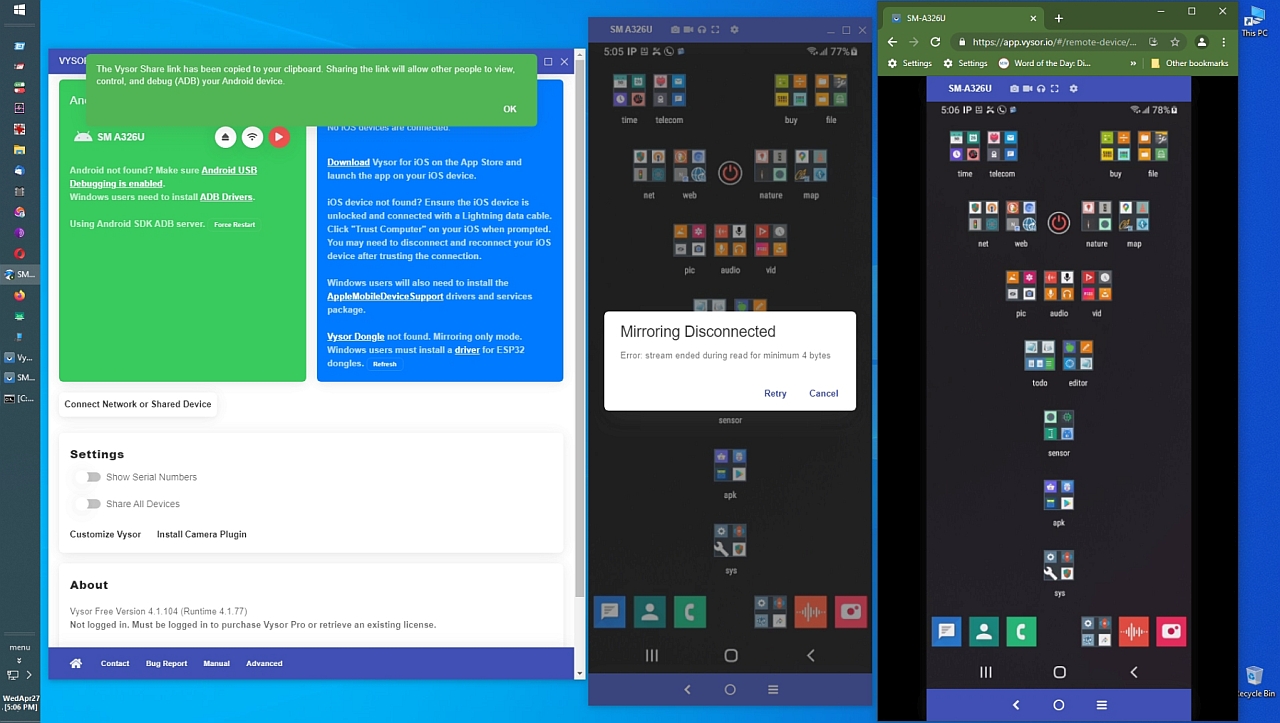
https://i.postimg.cc/d0V03fxQ/vysor05.jpg> Vysor Internet mirroring
<
https://i.postimg.cc/ydJYXZKw/vysor06.jpg> Remote mirror over the net
<
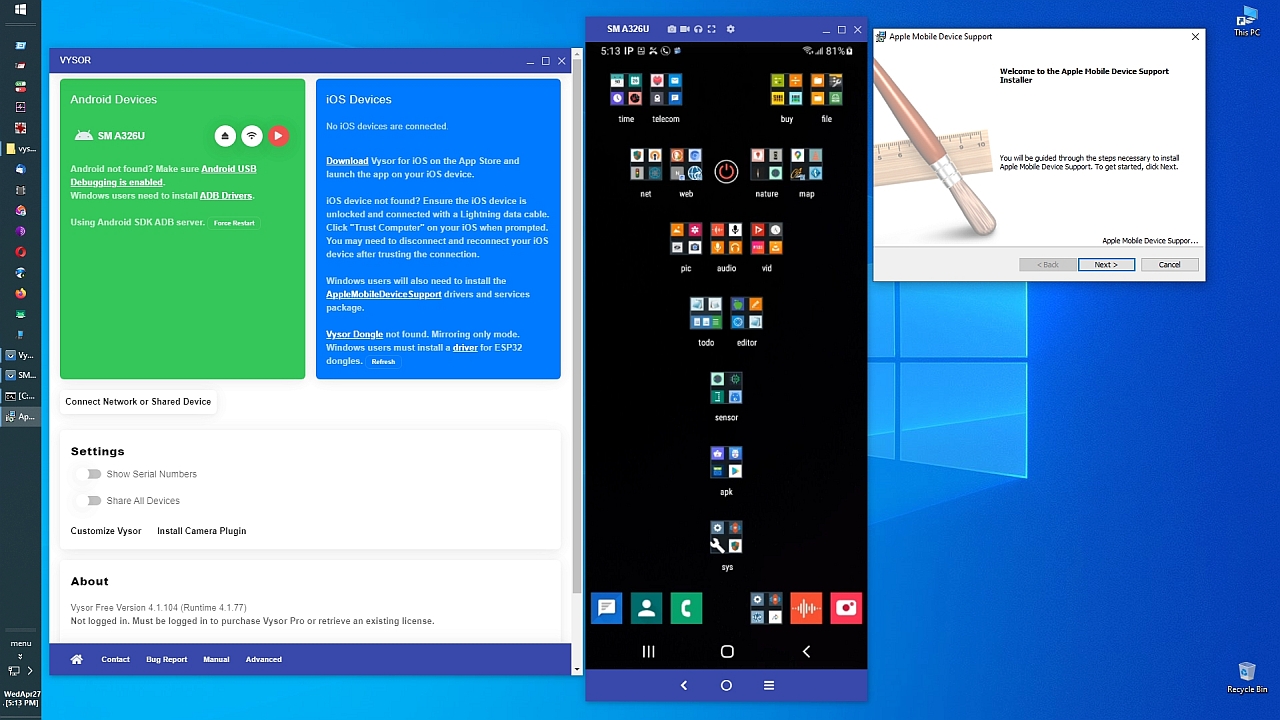
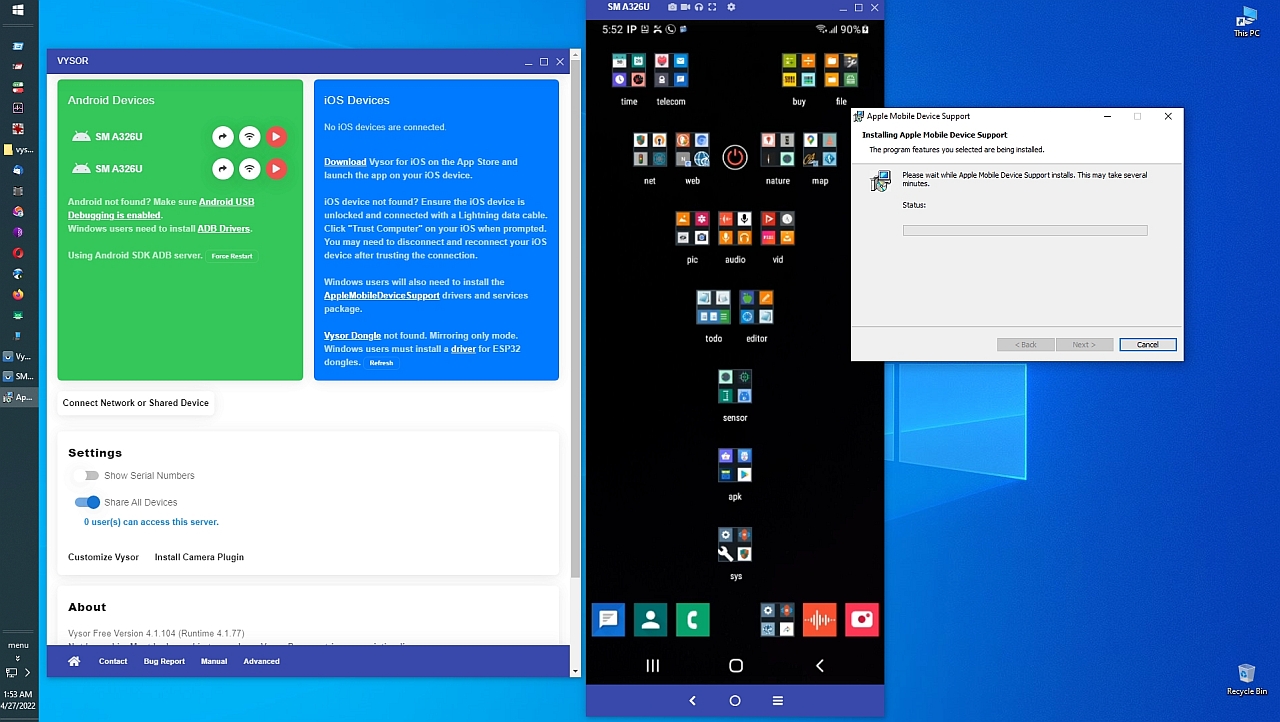
https://i.postimg.cc/Y2WCvYbF/vysor07.jpg> iOS requires Apple AMDS kluge
<
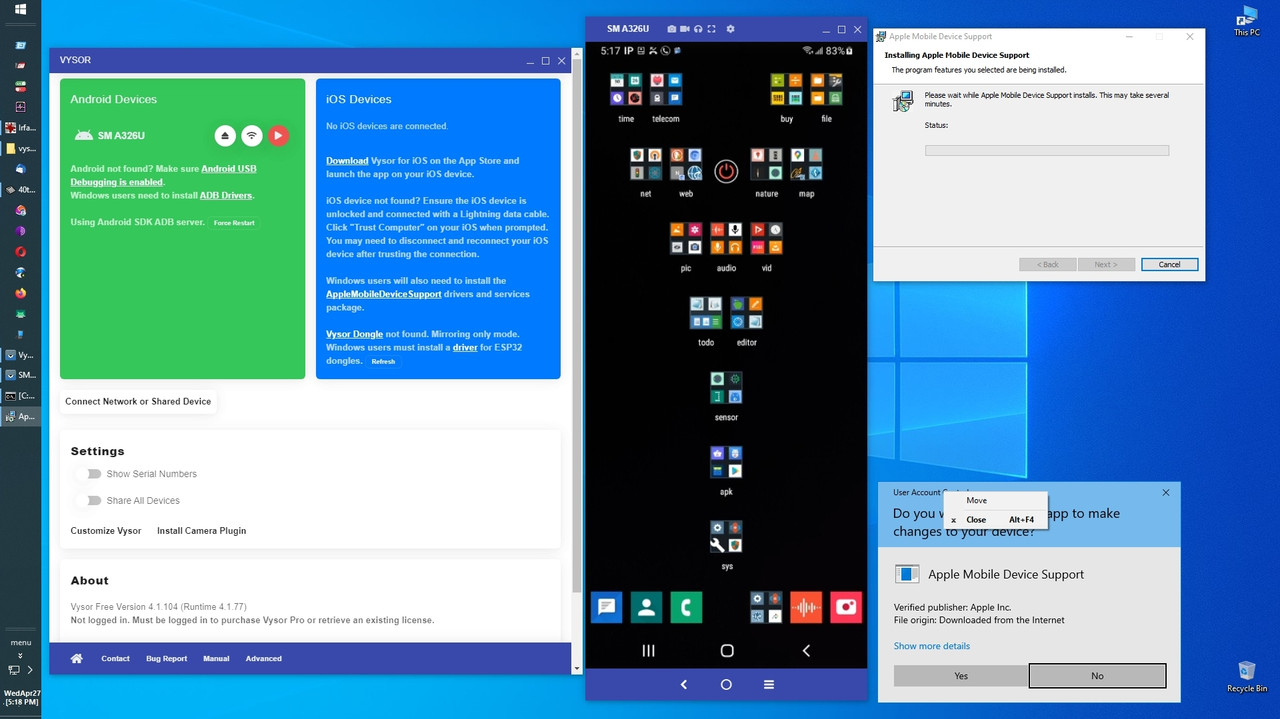
https://i.postimg.cc/yYCYcxbb/vysor08.jpg> Apple Mobile Device Support
<
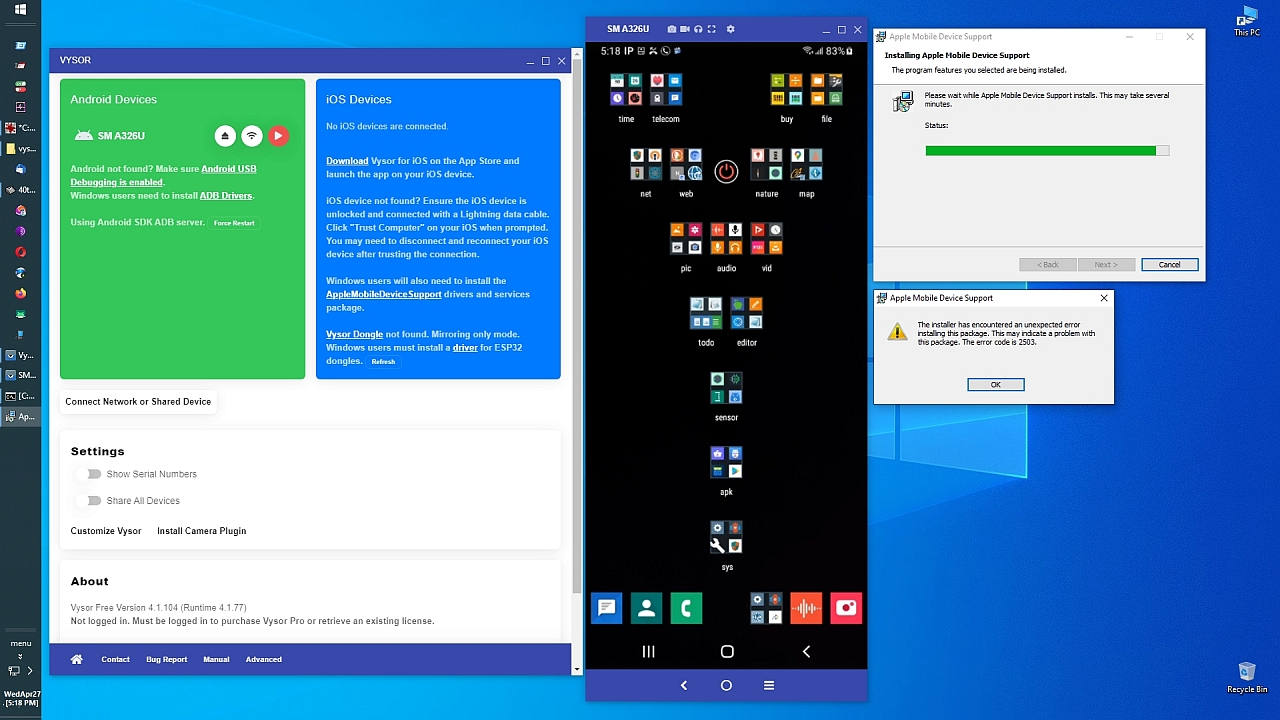
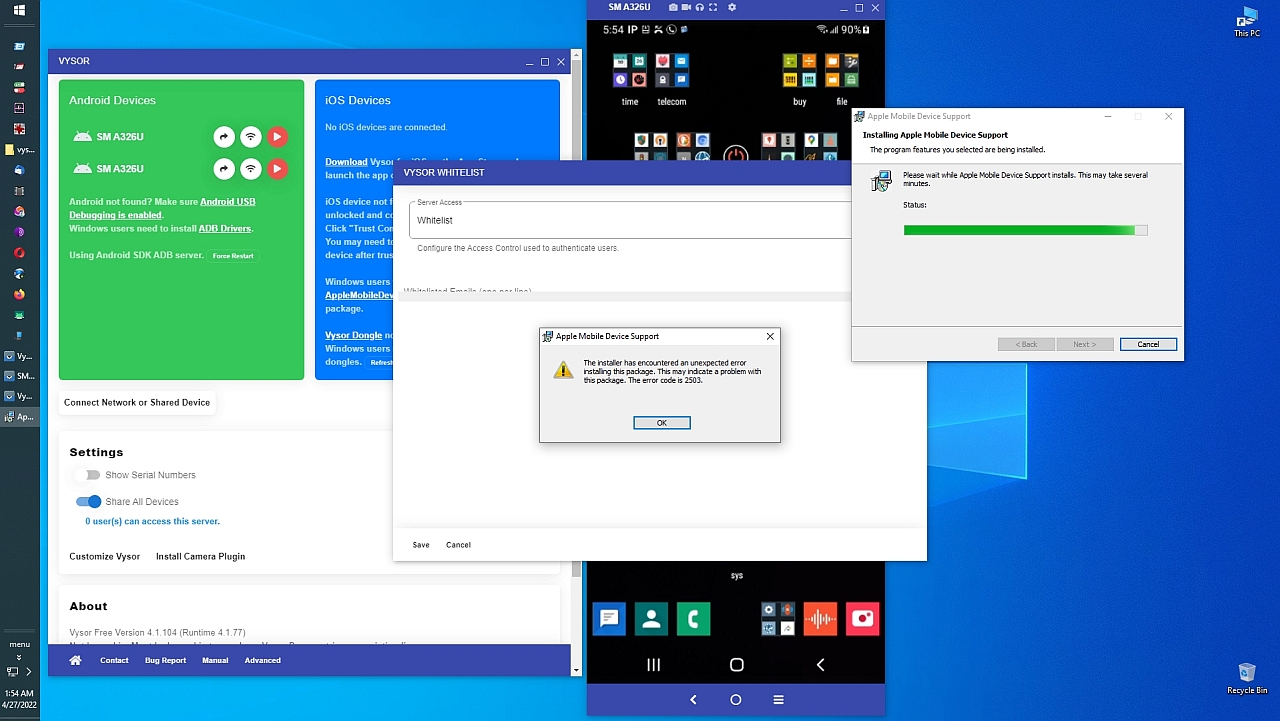
https://i.postimg.cc/2S2zsw8s/vysor09.jpg> Classic Apple Error code 2503
<
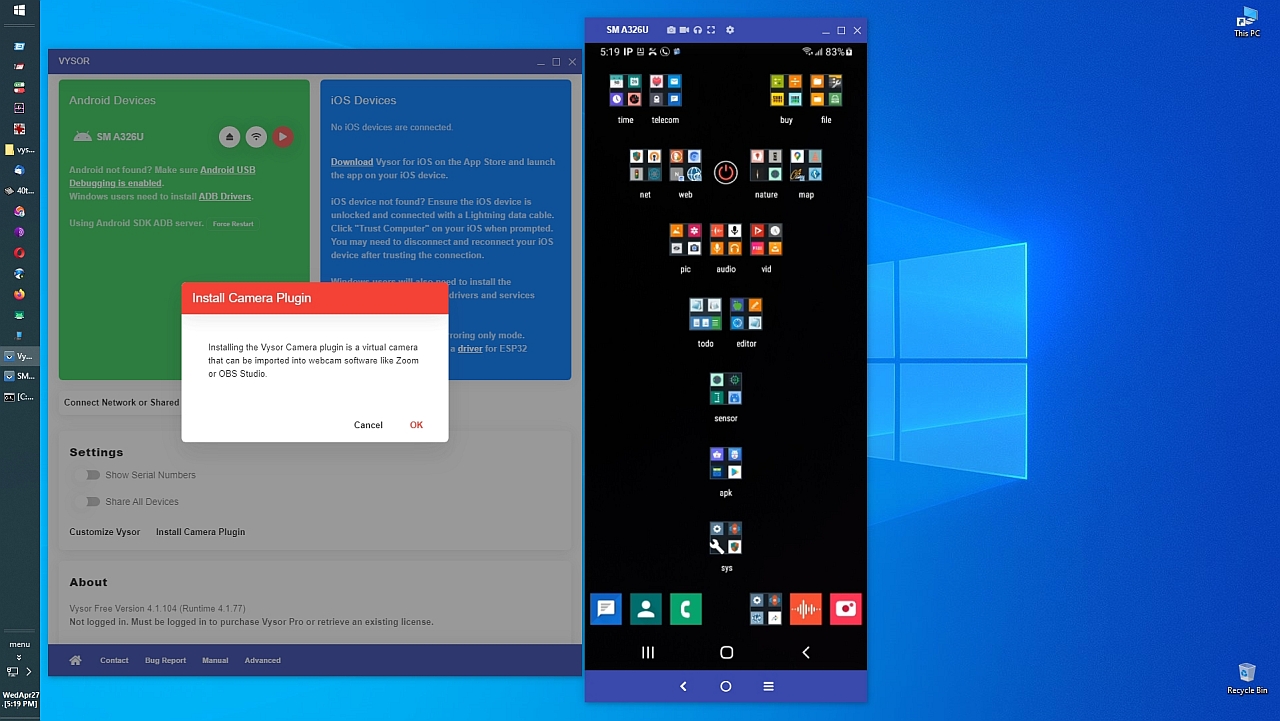
https://i.postimg.cc/XvPnJY5x/vysor10.jpg> Vysor Windows Virtual Camera
<
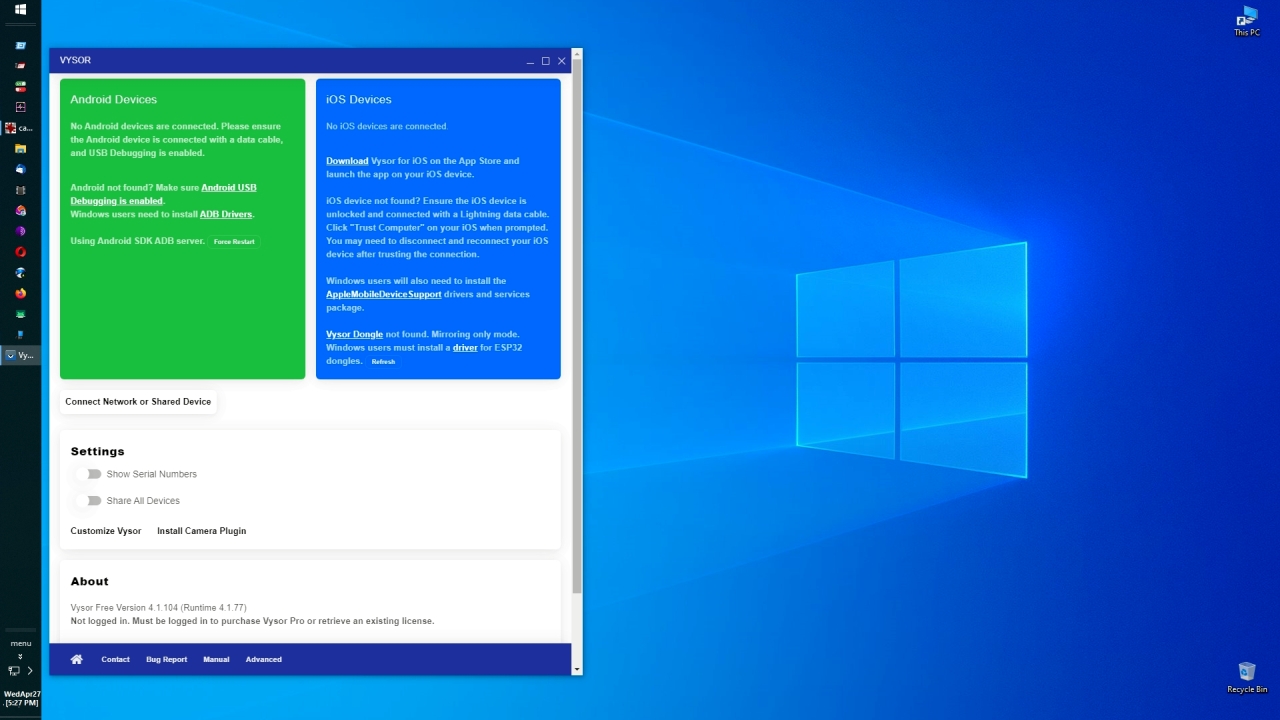
https://i.postimg.cc/wxL9qHjc/vysor11.jpg> Vysor searches for Android/iOS
<
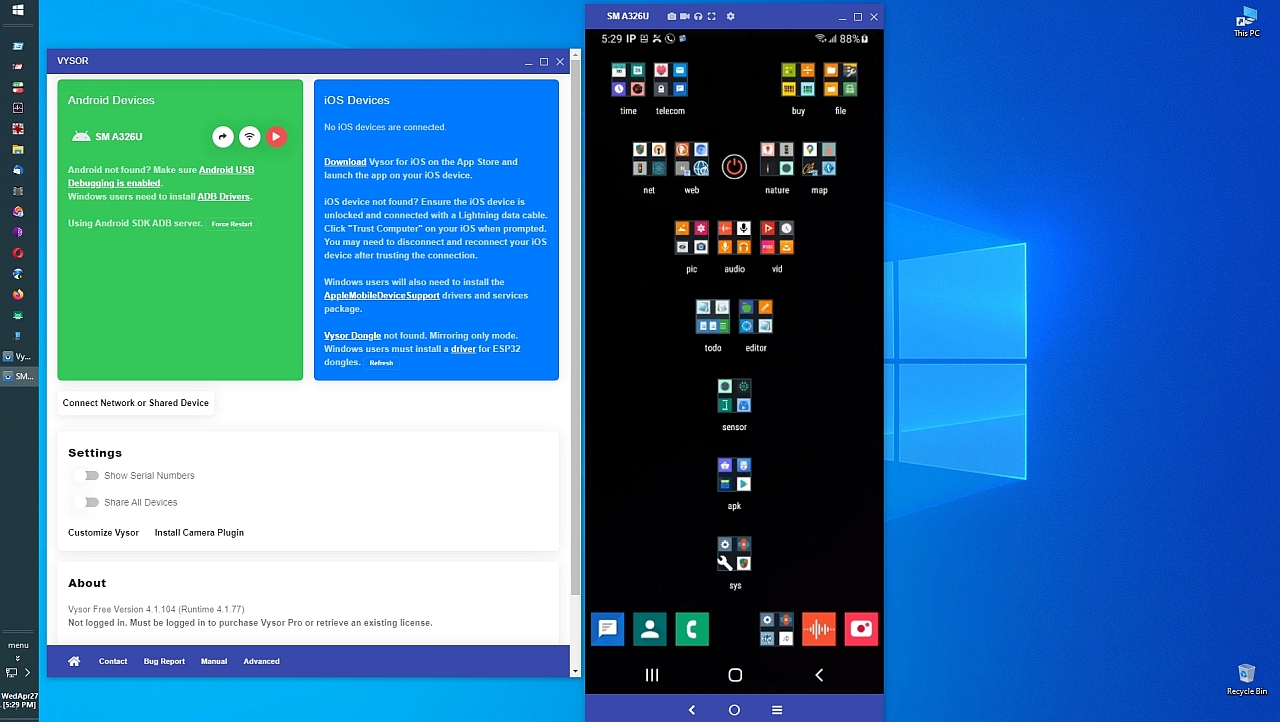
https://i.postimg.cc/sg6r6gTy/vysor12.jpg> Vysor easily finds Android
<
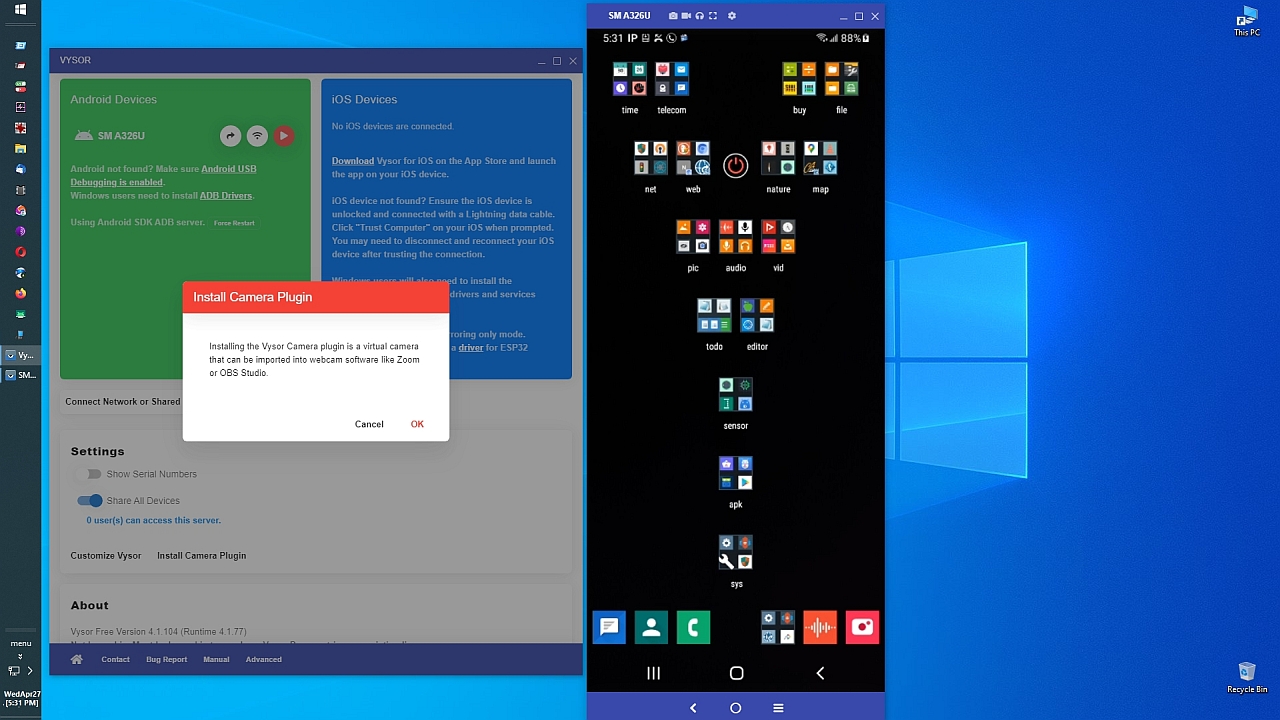
https://i.postimg.cc/bv4jPFXB/vysor13.jpg> Vysor Camera virtual webcam
<
https://i.postimg.cc/SRhF22xL/vysor14.jpg> Connect over the Internet
<
https://i.postimg.cc/c4TyCJyY/vysor15.jpg> Apple Mobile Device Support
<
https://i.postimg.cc/Jzdf3dhz/vysor16.jpg> Classic Apple Error Code 2503
<
https://i.postimg.cc/ZqB1wF9F/vysor17.jpg> Install Apple AMDS engine
<
https://i.postimg.cc/V6X28fWJ/vysor18.jpg> Apple Mobile Device Support
<
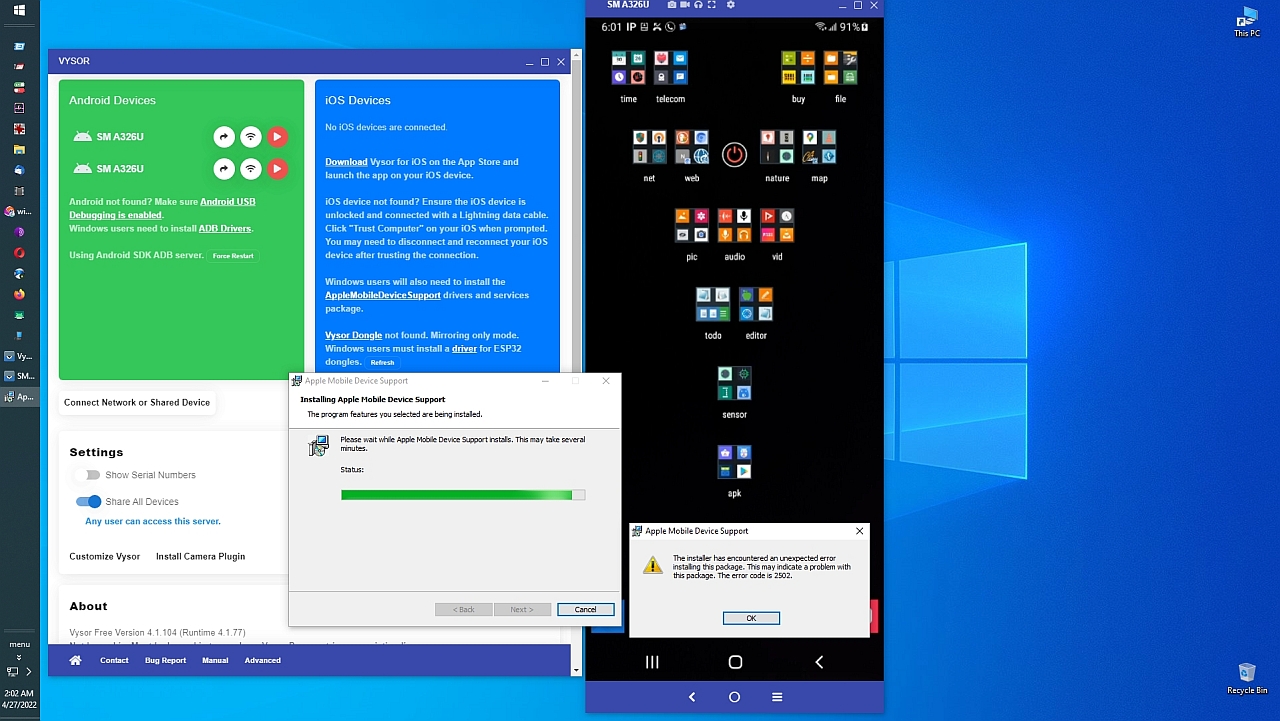
https://i.postimg.cc/yxP5DL5B/vysor19.jpg> Classic Apple error 2503
<
https://i.postimg.cc/J7cSYhhg/vysor20.jpg> Classic Apple error 2502
<
https://i.postimg.cc/QdVPMkqG/vysor21.jpg> Apple iPad on Win10 over USB
<
https://i.postimg.cc/Kz7pW9mL/vysor22.jpg> Apple Win10 iOS drivers suck
<
https://i.postimg.cc/tCvS8nGr/vysor23.jpg> iPad is connected to Win10
<
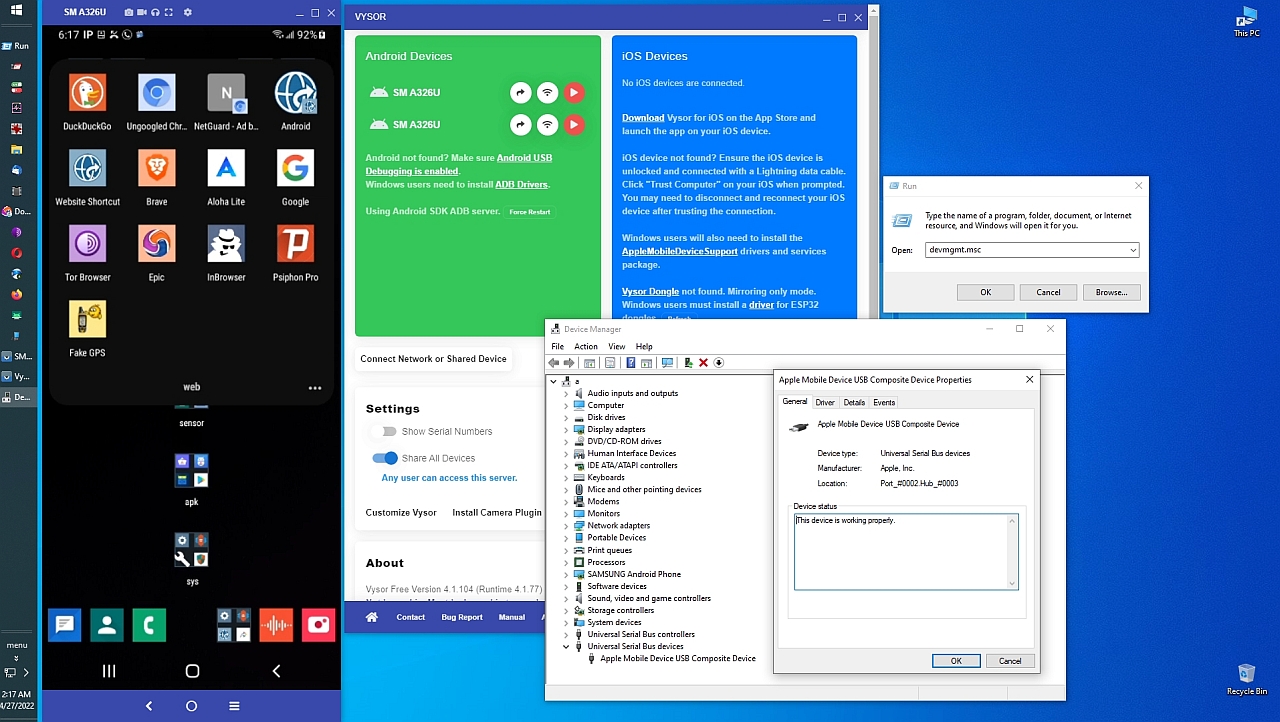
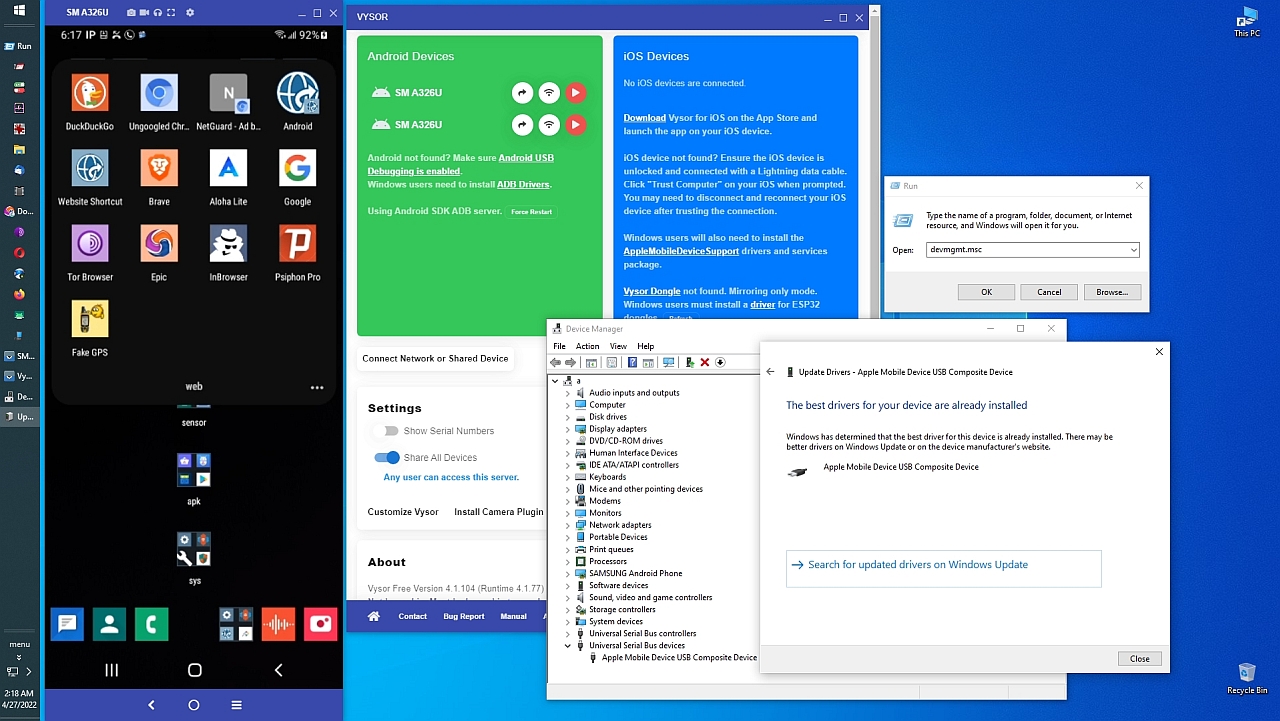
https://i.postimg.cc/3wmtyL46/vysor24.jpg> Apple Device working properly
<
https://i.postimg.cc/fTy57WSY/vysor25.jpg> Best iOS drivers installed
<
https://i.postimg.cc/hP6R2xqV/vysor26.jpg> iTunes crapware won't install
<
https://i.postimg.cc/MGbkZFfY/vysor27.jpg> The bloatware is everywhere
<
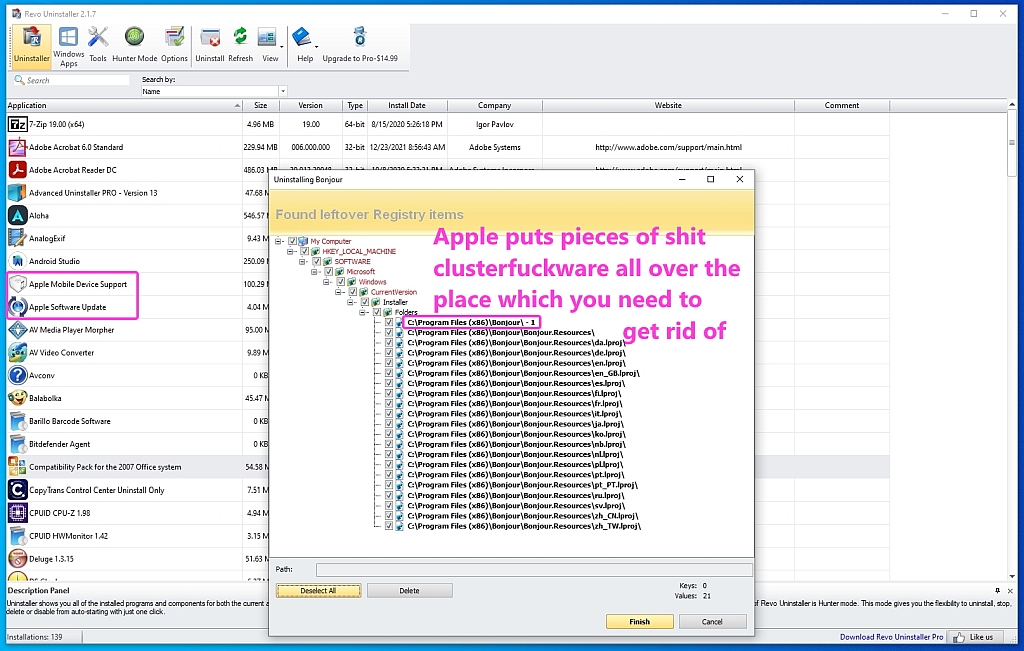
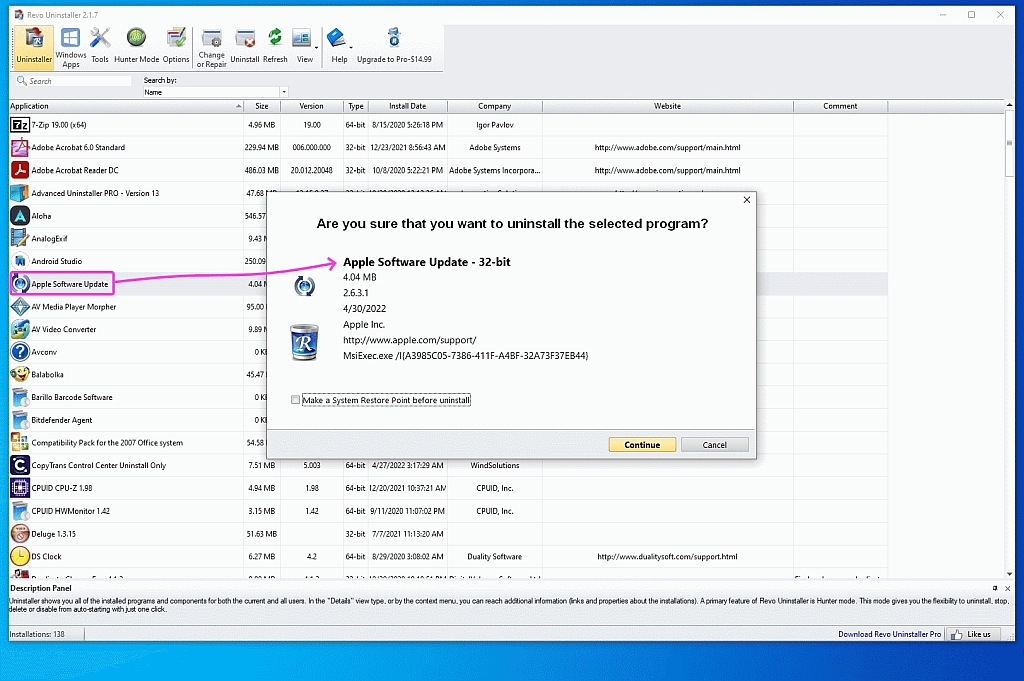
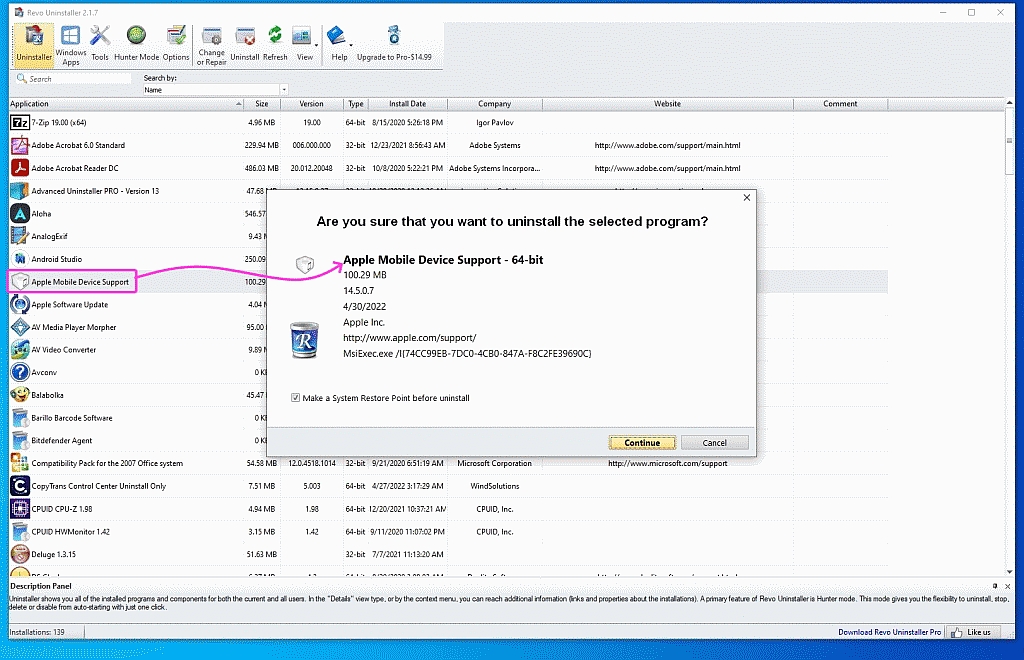
https://i.postimg.cc/KYbVWDp3/vysor28.jpg> Nuking Apple shitware 1 by 1
<
https://i.postimg.cc/XqrD5Hqm/vysor29.jpg> Removing Apple iTunes crap
<
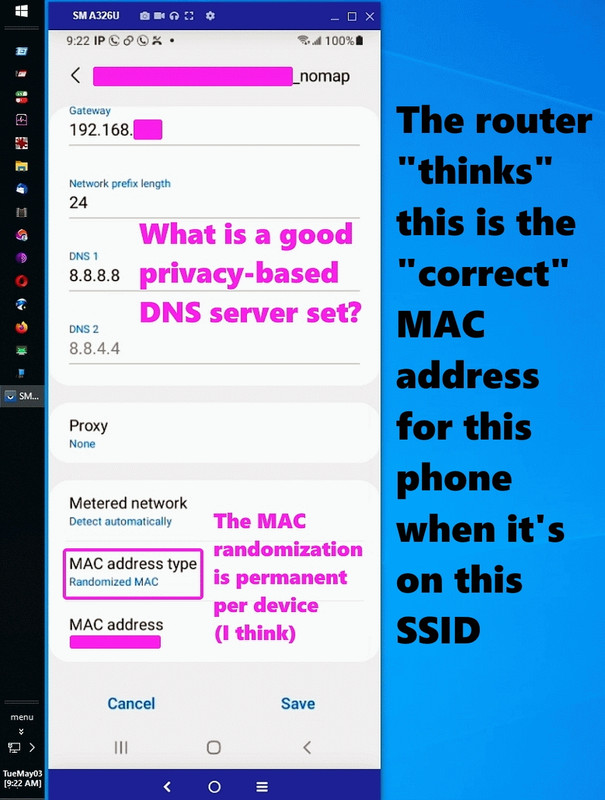
https://i.postimg.cc/nchSVcmS/vysor30.jpg> Static/Reserved IP address
<
https://i.postimg.cc/k4K8dZqv/vysor31.jpg> Random MAC address is static
<
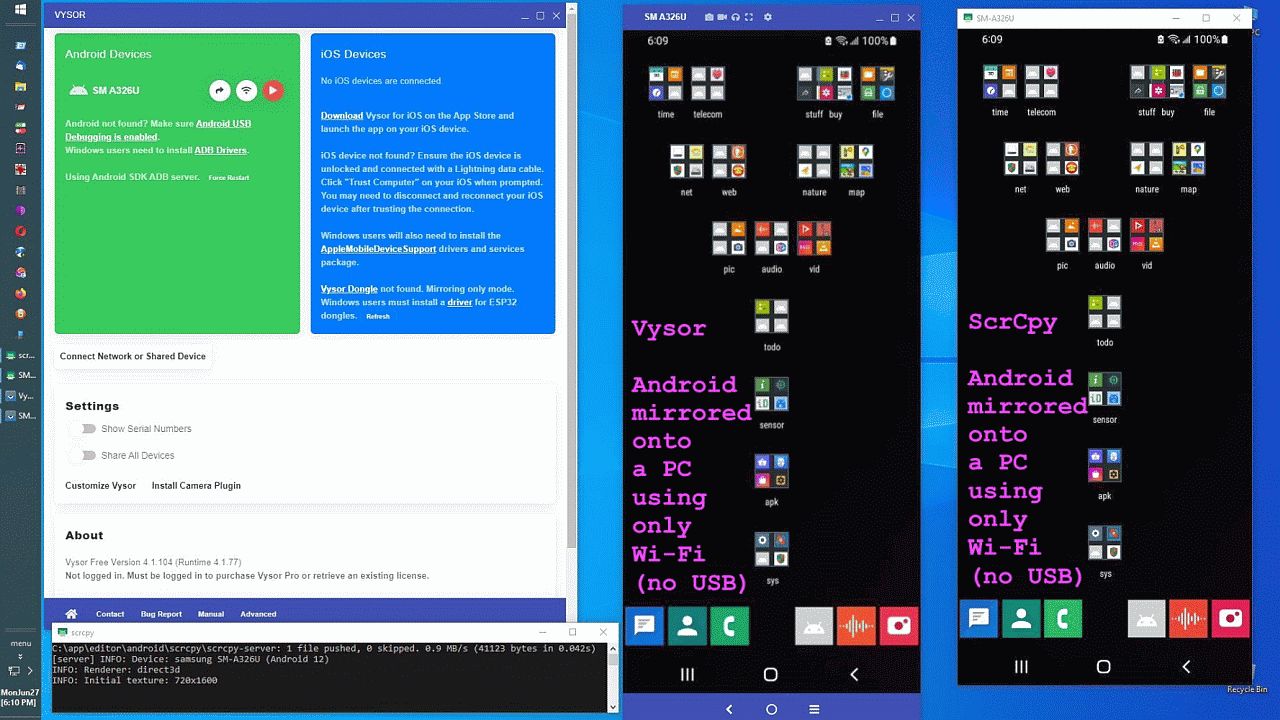
https://i.postimg.cc/xjz3V8Gs/vysor32.jpg> ScrCpy vs Vysor PC mirror
<
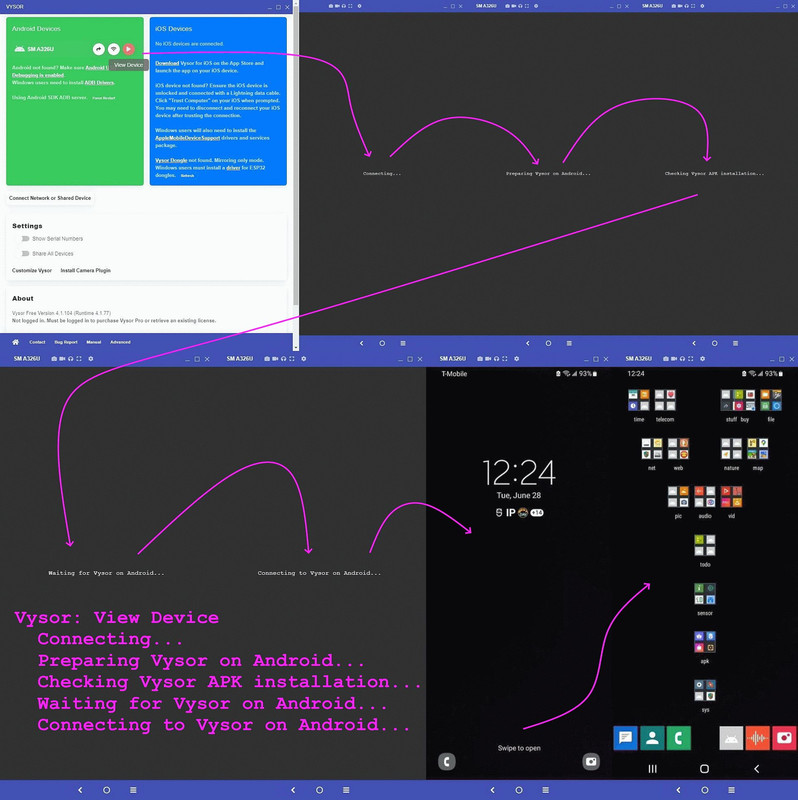
https://i.postimg.cc/Njg6Xx3V/vysor33.jpg> Preparing Vysor on device
<
https://i.postimg.cc/k5gv0yw8/vysor34.jpg> Apple iOS & Android mirroring
<
https://i.postimg.cc/TYvqdxCT/vysor35.jpg> iOS & Android PC mirroring
<
https://i.postimg.cc/xdSMtBkn/vysor36.jpg> scrcpy vs Vysor resolution
I suspect the problems getting iOS to work are just bad coding on the part
of Apple sophomoric coders (because everything else works on my PC, even
as my PC does not use the typical hard-coded paths most others will use).
Given using free tools, iOS can _mirror_ onto the desktop (at least over
USB it can), the next step is to cast (forward) the audio from iOS to the
PC using free tools.
While I'm well aware the iKooks who hate the lack of functionality on iOS
will desperately claim all sorts of functionality that doesn't exist, if
you know of a _free_ audio cast program for iOS that works with screen mirroring, please let me know so that I can test it out with my iPads.
Also, again, I'm well aware the iKooks hate that FOSS privacy aware functionality doesn't exist on iOS for YouTube clients, but if you know of
a YouTube client that will display YouTube without ads, let me know.
Bear in mind I've tried _all_ the suggested supposed free YouTube
replacements on the iOS App Store and they _all_ had ads, even as they
weren't the ads provided by Google - they were _still_ ads and that isn't
what we want.
In summary, I'd _love_ for iOS to be able to do what every other platform already does, so if you know of free general purpose tools that do this,
let me know.
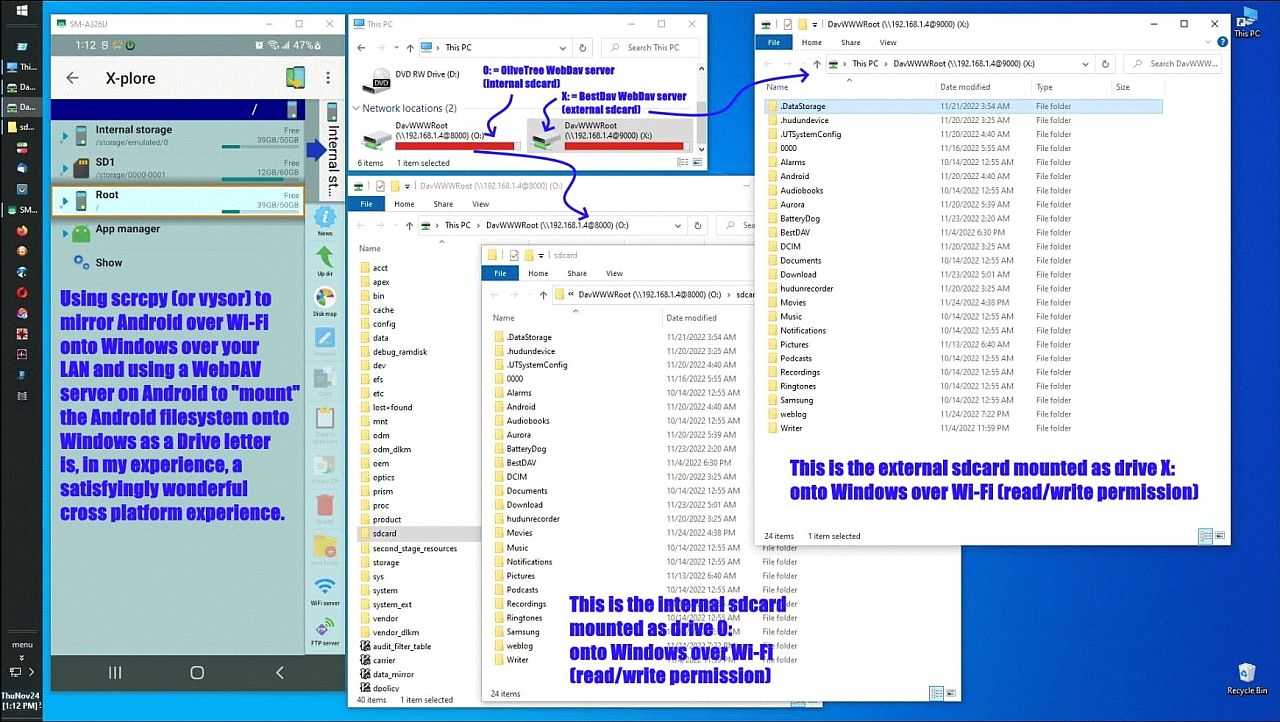
a. Mirror iOS onto the desktop & manipulate it (e.g, Vysor does that)
b. Cast (forward) the audio to the desktop (what free iOS tool does that?)
c. Mount the iOS file system as a drive letter onto the desktop (Windows).
If you are an iKook who only wants to desperately change the subject,
please hold your tongue as I'd like to get iOS to do what the others do.
--- SoupGate-Win32 v1.05
* Origin: fsxNet Usenet Gateway (21:1/5)