On 7/2/2023 3:58 AM, Bit Twister wrote:
On Sat, 1 Jul 2023 19:51:08 -0000 (UTC), [email protected] wrote:
Sometimes ubuntu zooms in on the desktop and I reboot
to go back.. must be some way to shut off or restore??
Always helps to provide basic information about your setup
which applies to the problem.
In this case it would help to provide what Desktop Environment
you are using. Example snippet
$ env | grep -i desktop=
XDG_SESSION_DESKTOP=xfce
_users_desktop=6
XDG_CURRENT_DESKTOP=XFCE
The information may help any subject matter expert to provide
you with more precise instructions.
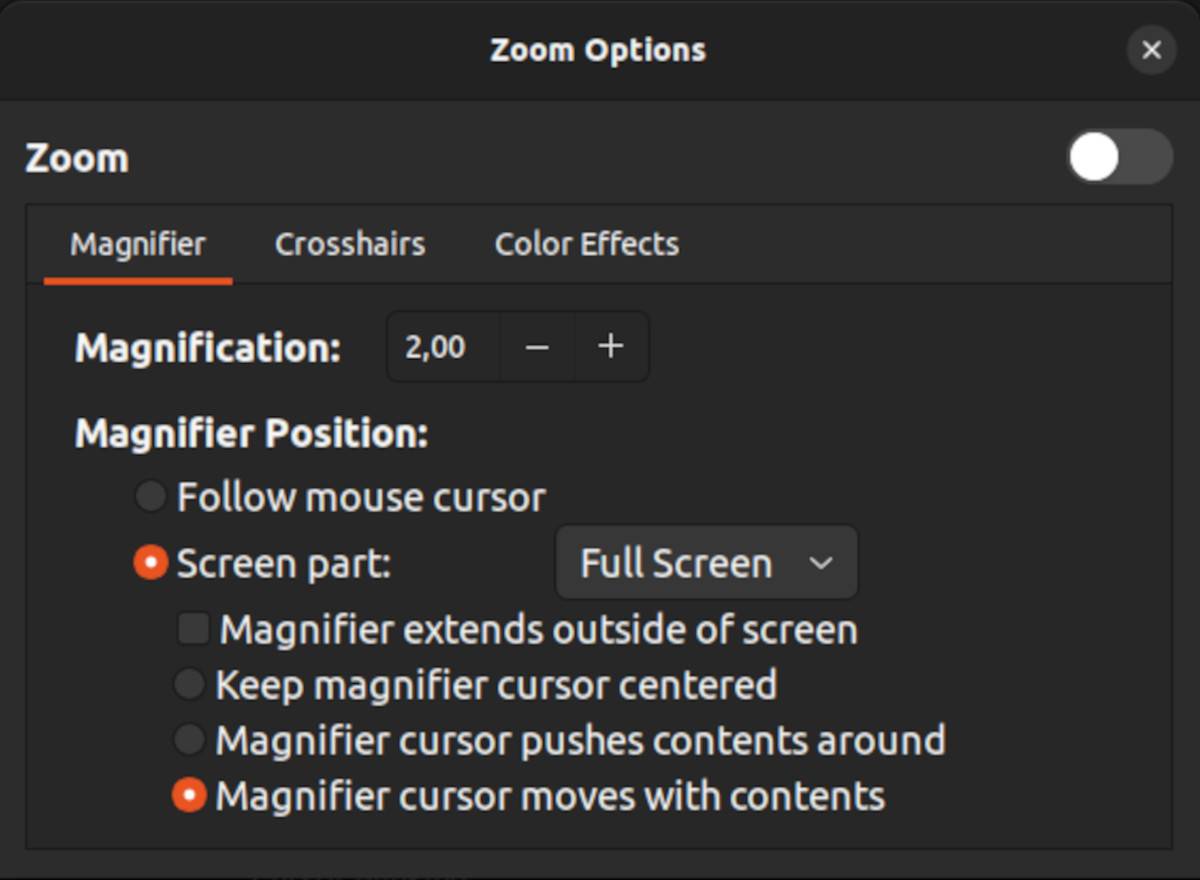
https://www.makeuseof.com/ubuntu-accessibility-features-for-visually-impaired/
https://static1.makeuseofimages.com/wordpress/wp-content/uploads/2023/01/zoom_options_on_ubuntu-1.jpg?q=50&fit=crop&w=1500&dpr=1.5
Screen Zoom.
Alt+WinKey+8 Enable
Alt+WinKey+8 Disable (toggles)
On my keyboard, Alt and WinKey must be pressed simultaneously,
then press 8 (the "8" above the "U").
You can't sorta roll over alt and then WinKey and have the toggling action work.
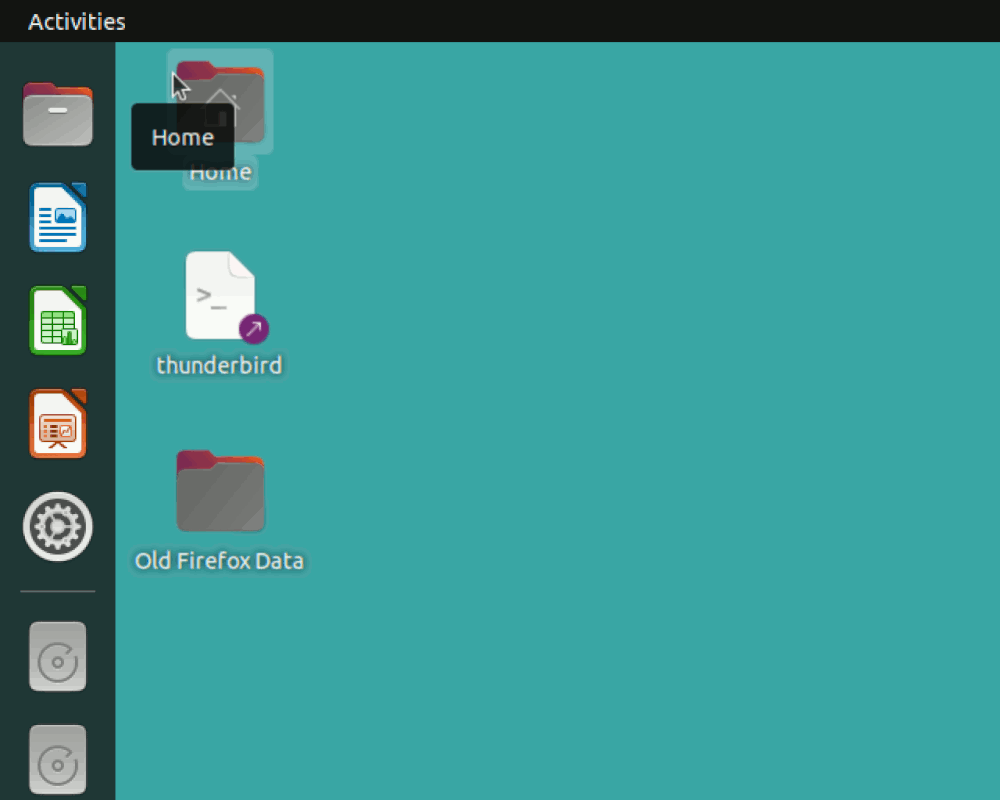
This is what the Zoom looks like. Likely a 2x in hardware, with pan controlled by the mouse cursor.
This is Ubuntu 22.04, DE is Gnome. (I have more than one DE installed, but Gnome is
the normal one.)
[Picture] "As you move the cursor to the right, the zoomed area moves..." Pan style.
https://i.postimg.cc/RCkSK8K8/zoom.gif
Paul
--- SoupGate-Win32 v1.05
* Origin: fsxNet Usenet Gateway (21:1/5)