XPost: alt.os.linux.mint
On 10/19/2022 7:14 PM, Dr. Noah Bodie wrote:
does the repo have an app that can edit these file types?
if there's nothing in the repo, can i download an app that edits mp4 or mkv?
i'm looking for something *simple*, since i only need to chop 20-second segments out of mp4/mkv files and then save them.
The container and codec issue, is handled by ffmpeg and/or libAV.
It's only when a program is so old, it's never heard of MP4, that
MP4 is not supported. Like, a really old copy of "AVIdemux"
would never have heard of an MP4. It's possible more modern
versions would have containers other than AVI, added as
a form of support.
https://en.wikipedia.org/wiki/MP4_file_format
" Like most modern container formats..."
But generally, anything that calls upon FFMPEG, is going to
support an MP4 container or an MKV container.
Only certain CODECs work with certain containers. That means,
you can't preserve a CODEC and just arbitrarily change the
container as such. The container is the metadata, describing
frame rate, color space, or other types of junk. The CODEC
is the coder/decoder that converts the video packets, into
frames on your screen.
*******
If I look through a list like this (scroll down past the advert):
https://filmora.wondershare.com/video-editor/free-linux-video-editor.html
"Avidemux is a free, open-source video editing software designed mainly
for simple cutting, splitting, merging, filtering, encoding, etc. It is
a cross-platform free video editing software and supports various
file formats with different codecs such as AVI, MPEG, MP4, ASF, etc"
I would be attracted to AVIdemux. Because it does not have a conventional interface and lacks the "Adobe Premiere" look and feel the others have.
Non Linear Editing (NLE) owes a lot to Premiere for a particular
time line feature set. Most video editing products try to copy
Adobe Premiere in a sense, just like GIMP aspires to be Adobe Photoshop complete with those silly floating palettes.
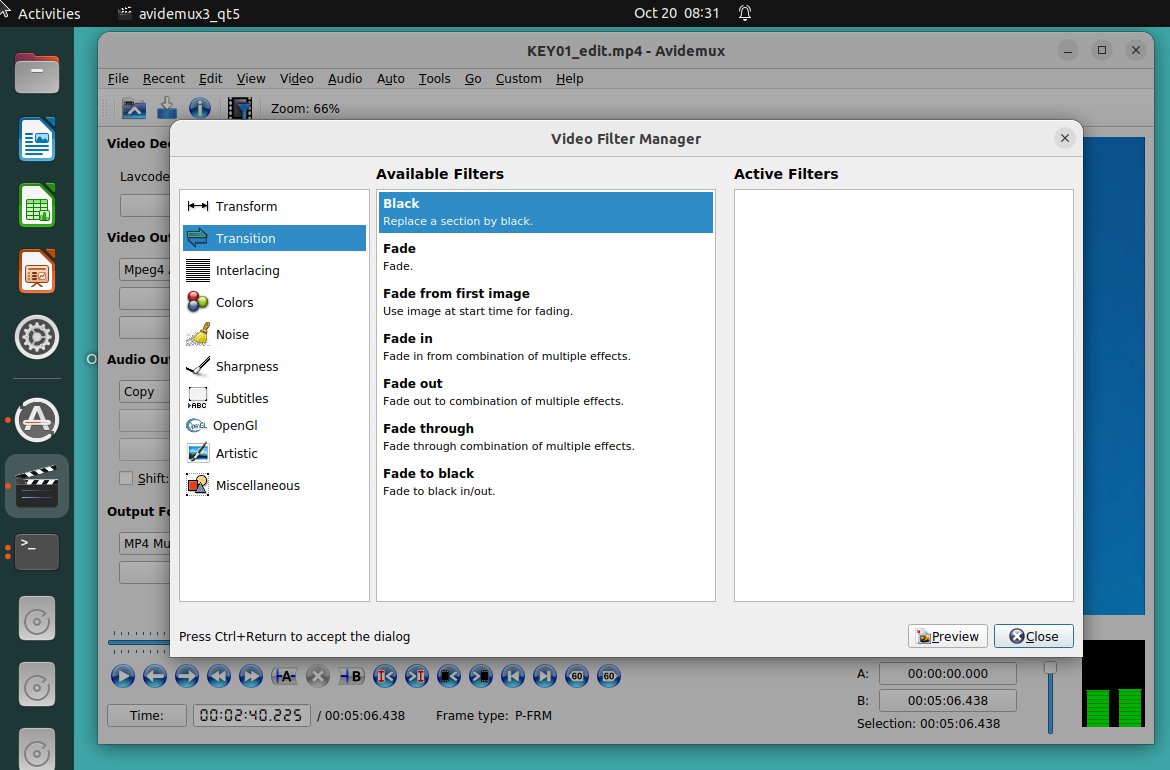
In AVIDemux, try opening the video, set the audio to "Copy", the video
to "Copy", then see if you can cut stuff out. Some operations don't
work with a plain copy operation, so you have to enable the
re-rendering by selecting the same format as you started with.
There are certain audio formats, that can be arbitrarily snipped
and perhaps a Copy setting would work with that.
Back when AVIDemux aupported only AVI, and it wasn't cross-platform,
it was pretty well bullet-proof. When it was extended, it went
through a period of instability (I had to dump it, on more than one
occasion). You'll be able to tell us after you're
done, whether it successfully passed through this phase or not :-)
When you edit video, the video frames are arranged in groups.
A group of pictures is a GOP. At 24 FPS, a GOP might be 12 frames.
At 30FPS, a GOP might be 15 frames (0.5 seconds). The maximum GOP allowed,
is on the order of 600 frames (don't do that). At the end of every GOP,
is a "fully rendered frame". Every pixel is spelled out. The other
13 or 14 frames, are "delta" frames, and fewer pixels changes are defined
in such frames.
This has consequences for editing, in that only a few
editors support lossless snipping on individual frames, whereas
other editors might move the cursor in 0.5 second steps (if
you don't want to re-render). If a video is re-encoded, then
this all gets straightened out, but the quality suffers a
bit from the recompression step. For the work you're doing,
you might not care about this, but at least be aware that the
way video is encoded (in groups of frames), matters. It makes
a difference to what is possible when you're in a hurry to get
results. Re-rendering a video can take a bit of time. Like an hour.
If you can make an edit, without re-rendering, the job is done
real fast.
Paul
--- SoupGate-Win32 v1.05
* Origin: fsxNet Usenet Gateway (21:1/5)